




Folderly positions itself as an all-in-one deliverability platform — not just warmup, but diagnostics, spam trigger detection, DNS monitoring, template analysis, and ongoing maintenance.
The platform is backed by Belkins, a B2B lead-generation agency with real deliverability expertise, and that depth shows in the feature set.
Users report genuine improvements. One reviewer saw deliverability climb from 45% to 97%. The dashboard is intuitive, support is responsive, and the spam trigger detection catches issues before they tank your campaigns. But the pricing creates serious friction: $96- $120 per mailbox per month, with a one-year minimum commitment. For teams managing 10+ mailboxes, costs escalate quickly.
And then there are the incidents.
Multiple users have reported that Folderly sends thousands of warmup emails overnight without warning — destroying domain reputation before anyone notices. When automation goes wrong at this scale, the damage compounds fast.
In this Folderly review, we’ll be covering:
- How the pricing and commitment requirements compare to alternatives
- Who benefits most from Folderly (and who should look elsewhere)
- Whether Folderly’s comprehensive approach delivers real results
- What risks exist with automated warmup at this scale
TLDR — Folderly at a glance
| Category | Verdict |
| Best for | B2B teams with a budget for comprehensive deliverability |
| Starting price | $96-$120/mailbox/month (1-year commitment) |
| Free trial | Available |
| Standout feature | Spam trigger detection with actionable fixes |
| Biggest weakness | Expensive with a mandatory annual commitment |
| Best alternative | EmailWarmup.com |
| Overall rating | 3.5 / 5 |
How did we evaluate this tool?
Evaluation followed how a deliverability consultant assesses comprehensive platforms for agency clients. Key factors included:
- Risk factors — particularly automation incidents
- Pricing economics at scale (5, 10, 50+ mailboxes)
- Comparison against alternatives at similar and lower price points
- Effectiveness of warmup and diagnostics for actual inbox placement
- User feedback across G2 (4.8/5), Capterra (44 reviews), and Trustpilot
Is Folderly worth the price?
Folderly’s pricing reflects its positioning as a premium, all-in-one platform. The per-mailbox model scales with usage — which means costs compound quickly for teams managing multiple accounts.
| Mailboxes | Per-Mailbox Cost | Monthly Total | Annual Commitment |
| 1 | $120 | $120 | Required |
| 5 | ~$96 | ~$480 | Required |
| 10 | ~$70-$90 | ~$700-$900 | Required |
| 25+ | ~$50-$70 | Custom | Required |
The one-year commitment deserves emphasis. Folderly locks you in even if the platform doesn’t work for your use case — or if you only need warmup for a few months while launching new domains. At $96/mailbox for 10 accounts, you’re paying $960/month, or a minimum of $11,520/year.
For comparison, alternatives like TrulyInbox offer unlimited mailboxes at $22/month. The feature set differs, but the price gap is significant.
Folderly does offer a free trial, which helps evaluate fit before committing. But once you’re in, you’re in for a year.
What do deliverability results show?
When Folderly works, it works well. Users consistently report meaningful improvements in inbox placement and engagement metrics.
The platform addresses multiple deliverability factors simultaneously:
- Ongoing domain health monitoring
- SPF, DKIM, and DMARC monitoring
- Spam trigger detection in email templates
- AI-powered warmup that builds sender reputation
- Inbox placement testing across Gmail and Outlook
One user reported deliverability jumping from 45% to 97% — a genuine transformation. Others mention improved open rates and fewer spam complaints.
But results aren’t universal. The inbox placement testing covers only four ESPs: Gmail, Outlook, Google Workspace, and Microsoft 365. Testing against Yahoo, Zoho, or other providers isn’t available — limiting teams’ insights for diverse recipient bases.
More concerning are the automation incidents. Multiple G2 and Capterra reviews describe Folderly sending thousands of warmup emails overnight without warning:
- “Over a weekend, due to a bug, Folderly sent 42,000 undelivered emails using our domain.”
- “It sent 1,750+ warm-up emails overnight to just two inboxes, and all of them bounced.”
When these incidents occur, damage to domain reputation can take weeks or months to repair. The automation that’s supposed to help becomes the problem.
What are the pros and cons of Folderly?
Every deliverability platform involves tradeoffs. Here’s what matters for Folderly based on verified user feedback and practical evaluation.
Who should and shouldn’t use Folderly?
Folderly’s premium positioning shapes who benefits most. The platform solves real problems — but only for teams with the budget and monitoring capacity to use it safely.
Recommended if
- You’re comfortable with annual commitments
- You can commit to monitoring warmup activity daily
- Your B2B outbound requires comprehensive diagnostics
- You need spam trigger detection for template optimization
- You have a dedicated budget for deliverability tooling ($1,000+/month)
Not recommended if
- You manage fewer than 5 mailboxes
- You can’t monitor for automation issues regularly
- Budget constraints require cost-efficient solutions
- You need testing beyond Gmail and Outlook
- You need month-to-month flexibility
Category scorecard
| Category | Score | Notes |
| Pricing | 2.5 | Premium pricing with annual lock-in |
| Ease of setup | 3.5 | Initial setup can be complex |
| Core functionality | 4.0 | Comprehensive diagnostics and warmup |
| Deliverability impact | 4.0 | Real improvements when working correctly |
| Diagnostics depth | 4.5 | Spam triggers and DNS monitoring excel |
| Reporting | 4.0 | Clear dashboard and actionable insights |
| Support | 4.5 | Responsive with regular check-ins |
| Scalability | 3.0 | Costs escalate quickly at scale |
| Provider compatibility | 3.0 | Limited to Gmail/Outlook testing |
| Overall value | 3.5 | High cost limits accessibility |
How does Folderly actually perform in practice?
Setup involves connecting mailboxes via SMTP, Google, or Microsoft integrations. The process works smoothly once you understand the technical requirements, though some users note a learning curve for those new to email infrastructure concepts.
Once configured, Folderly provides:
- Template analysis for potential issues
- Automated warmup running in the background
- Spam trigger identification with fix recommendations
- Inbox placement breakdowns (inbox, spam, promotions)
- Real-time deliverability scores and domain health metrics
The dashboard is genuinely intuitive. Users consistently praise the visual clarity — you can see exactly where your emails land and what needs fixing. The spam trigger feature deserves specific mention: it identifies content patterns that trigger filters and provides actionable recommendations.
Where Folderly struggles is control. Users report limited ability to adjust warmup timing, frequency, or volume. The platform operates on its own schedule — which works fine until it doesn’t. The automation incidents mentioned earlier stem from this lack of granular control.
Folderly also integrates with Pulse, a free monitoring feature that tracks deliverability in real-time and sends alerts when issues arise. Useful for catching problems early, though it doesn’t prevent the automation issues some users experienced.
What happens after you stop using Folderly?
Warmup effects persist to some extent — the sender reputation you’ve built doesn’t vanish overnight. But without ongoing engagement signals, reputation naturally decays over time.
The one-year commitment means you’re paying whether you continue using the platform or not. If Folderly works for your use case, this isn’t an issue. If it doesn’t — or if you only needed warmup for a few months — you’re locked into paying for a service you’re not using.
No data export exists for warmup history or reputation metrics. Your investment stays in the platform.
A better alternative to Folderly | EmailWarmup.com
If you’re looking for comprehensive deliverability support without premium pricing or an annual commitment, EmailWarmup.com offers a more accessible option.
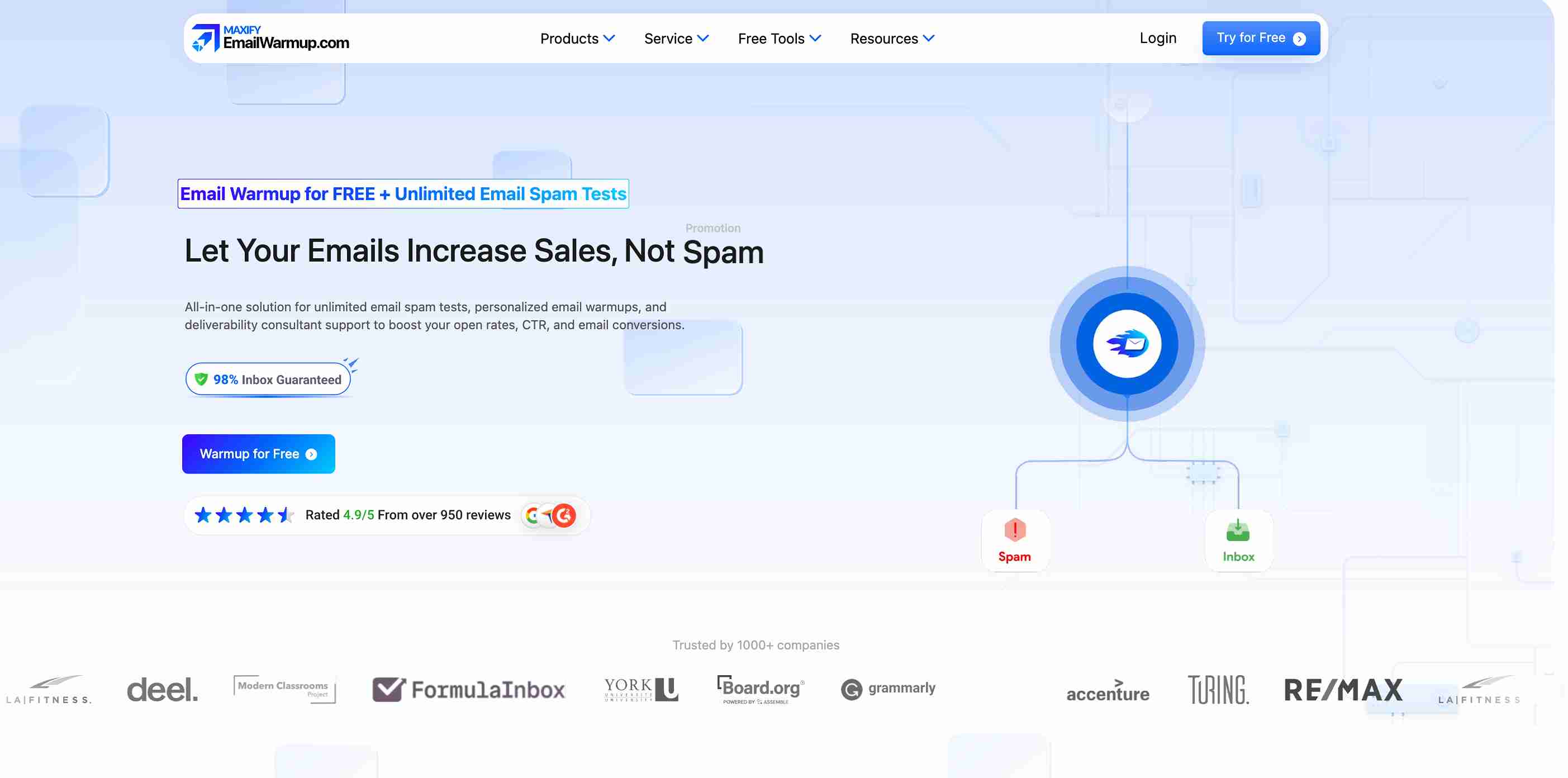
The all-in-one deliverability platform runs a 360° audit that surfaces every issue hurting inbox placement — then provides tools and unlimited expert consultation to fix them. Rather than locking you into automated warmup, EmailWarmup.com combines diagnostics, personalized warmup, and human expertise.
Key advantages over Folderly:
- No annual commitment required
- Free deliverability testing to start
- Unlimited deliverability consultation included
- Email spam checker for real-time content analysis
- Personalized warmup that mirrors your actual sending patterns
Schedule a free email deliverability consultation to learn more.
Final verdict
Folderly delivers genuine value for teams with a budget for comprehensive deliverability tooling. The diagnostics are thorough, spam trigger detection catches real issues, and the dashboard provides clear visibility into email performance. Users who can afford the pricing and monitor for automation issues report meaningful improvements.
But the pricing creates barriers that many teams can’t overcome. At $96-$120 per mailbox with a mandatory one-year commitment, Folderly prices out smaller operations and locks everyone else into significant financial exposure. The automation incidents — where warmup bugs destroyed domain reputation overnight — add risk that compounds the cost concern.
For well-funded B2B teams who can commit to daily monitoring, Folderly works. For everyone else, more accessible alternatives deliver comparable results without the premium pricing or lock-in requirements.
Frequently asked questions
Here are some commonly asked questions about Folderly:
Pricing starts at $96-$120 per mailbox per month with a mandatory one-year commitment. Volume discounts bring per-mailbox costs down to $50-$70 at higher tiers. At 10 mailboxes, expect to pay $700-$960/month, or $8,400-$11,520 annually.
Yes, Folderly offers a free trial to evaluate the platform before committing. Given the one-year commitment requirement, using the trial thoroughly before signing is advisable.
Most users report improvements within 3-4 weeks for new accounts. Existing accounts with reputation damage may take longer, depending on severity. Folderly’s warmup runs continuously in the background once configured.
Inbox placement testing covers Gmail, Outlook, Google Workspace, and Microsoft 365 only. Yahoo, Zoho, and other providers aren’t included — limiting insight for teams with diverse recipient bases.
For most users, yes. But multiple reviews document automation bugs that sent thousands of warmup emails overnight without warning, destroying domain reputation. Daily monitoring is advisable to catch issues early.



