



Emailable is an email verification platform (also known as an email validation service or list-cleaning tool) that processes up to 30,000 emails per minute.
The tool positions itself as a fast, affordable solution for marketers who need to remove invalid addresses, catch disposable emails, and flag risky contacts before campaigns go out.
When deliverability consultants evaluate verification tools, we look beyond marketing claims. The real question isn’t whether a tool can verify emails — it’s whether results translate into fewer bounces, better inbox placement, and protected sender reputation.
In this review, you’ll learn:
- Whether Emailable’s pricing delivers value at different volumes
- How the tool performs across consumer and corporate mailboxes
- Which sender types benefit most (and which should avoid it)
- What alternative provides better accuracy for B2B workflows
Emailable delivers fast, affordable email verification with a clean interface, making it reasonable for B2C marketers cleaning consumer lists. Independent testing suggests accuracy varies by mailbox type, and “Unknown” results on corporate domains may force B2B teams to discard leads or accept bounce risk.
E-commerce brands and newsletter operators cleaning Gmail, Yahoo, and Outlook consumer lists before campaigns.
You run B2B outbound at scale, need reliable catch-all resolution, or require bulk data retention beyond 30 days.
TLDR — Emailable at a glance
The table below captures the key facts about Emailable for readers who need a quick summary before reading the full analysis.
| Category | Verdict |
| Best for | B2C marketers are cleaning consumer lists |
| Starting price | $38 for 5,000 verifications |
| Free trial | 250 free credits |
| Standout feature | Fast bulk processing (30k+ emails/minute) |
| Biggest weakness | Inconsistent results on corporate domains |
| Best alternative | Email validation API |
| Overall rating | 3.8 / 5 |
How did we evaluate Emailable?
Our evaluation analyzed public reviews across G2 (4.8/5, 277 reviews), Capterra (4.7/5, 333 reviews), and Trustpilot (3.3/5, 261 reviews).
The divergence between G2’s high rating and Trustpilot’s moderate score suggests experiences vary by use case — a pattern we explored throughout this review.
Is Emailable worth the price?
The credit-based pricing model offers flexibility, but costs depend on your volume and list composition.
| Volume | Cost | Per-email |
| 5,000 | $38 | $0.0076 |
| 10,000 | $60 | $0.0060 |
| 100,000 | $420 | $0.0042 |
According to Emailable’s pricing page, credits never expire, and the tool doesn’t charge for “Unknown” results or duplicates. The 250 free credits on signup let you test before committing.
The “free Unknowns” policy creates a tradeoff for B2B senders.
When verification cannot definitively confirm an address (common with corporate servers), you save the credit but lose actionable data. Guessing wrong damages your domain reputation.
What do real deliverability results show?
Independent testing from Sparkle.io ran 1,508 emails through Emailable and found 89.7% marked “Deliverable,” 5.3% “Undeliverable,” and 4.6% “Risky.” Two bounces occurred from addresses marked “Deliverable” — suggesting accuracy varies by list composition.
Emailable performs reliably on consumer mailboxes like Gmail, Yahoo, and personal Outlook. Corporate domains present challenges because catch-all servers and security filters often prevent definitive verification.
Emailable’s help center notes that Yahoo addresses were downgraded to “Risky” as of September 2023 due to the purging of inactive accounts.
Google and Yahoo now penalize senders with spam complaint rates above 0.3%, according to Google’s sender guidelines. Verification helps reduce bounces, but complaint rates depend on engagement factors beyond validation.
Pros and cons
The practical strengths and limitations shape who should consider Emailable — and who should look elsewhere.
Who should and should not use Emailable?
The tool’s architecture determines which senders benefit — and which should look elsewhere.
Emailable works well for e-commerce brands sending to consumer lists, newsletter operators cleaning Gmail and Yahoo addresses, and marketing teams with irregular schedules.
Multiple G2 reviewers report success with “outdated and old lists,” and one user achieved “99.81% delivered emails” after cleaning.
B2B sales teams face different challenges. Corporate mail servers often return “Unknown” or “Risky” instead of clear answers.
Several Capterra reviewers noted, “half of the email addresses come back in error.” Teams managing email infrastructure across domains need more reliable handling of corporate addresses.
Category scorecard
| Category | Score | Notes |
| Pricing | 4.0 | Competitive for B2C volume |
| Ease of setup | 4.5 | Drag-and-drop simplicity |
| Core functionality | 3.5 | Solid on consumer mailboxes |
| Deliverability impact | 3.5 | Varies by list composition |
| Diagnostics depth | 3.0 | Limited beyond pass/fail |
| Reporting | 3.5 | Clear breakdowns, 30-day bulk retention |
| Support | 3.5 | Chat and email are available |
| Scalability | 4.0 | Handles high volume |
| Provider compatibility | 3.0 | Challenges with corporate servers |
| Overall value | 3.8 | Good for B2C, limited for B2B |
How does Emailable actually perform?
Understanding operational reality matters more than feature lists. Creating an account takes minutes. The interface guides you through uploading CSV, XLSX, or TXT files.
The dashboard categorizes addresses into Deliverable, Undeliverable, Risky, Unknown, and Duplicate buckets. Export options let you download only safe addresses or include risky ones based on your tolerance.
The speed that makes Emailable fast for consumer lists creates challenges with corporate infrastructure. Greylisting (an anti-spam technique) can delay server responses, resulting in “Unknown” responses for valid addresses. That’s where the “free Unknowns” policy becomes a double-edged sword.
What happens after you stop using Emailable?
Email addresses decay as people change jobs or abandon accounts. Any verification result is a snapshot, not permanent.
According to Emailable’s help center, bulk-uploaded files are deleted after 30 days (API users have different retention options).
Unused credits remain indefinitely, but the lack of historical data makes it difficult to track list hygiene trends.
A better alternative to Emailable | EmailWarmup.com
For teams that need verification integrated into their workflows, the email validation API offers an alternative approach.
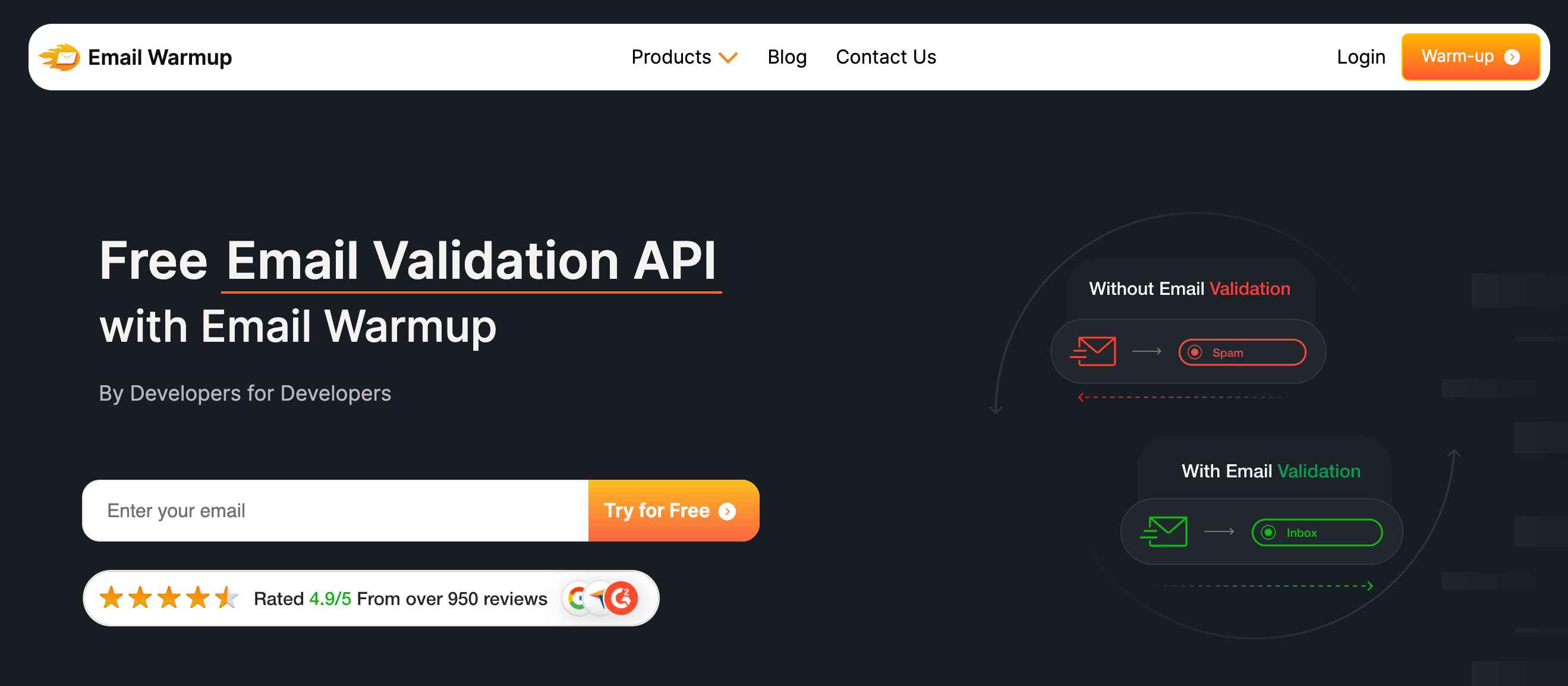
The API checks each address in real time — verifying format, domain, mailbox presence, and risk signals before contacts enter your CRM. Validation happens at capture, blocking disposable addresses, spam traps, and typos before they contaminate your database.
Key differentiators include:
- SDKs in 8 languages
- 100 free credits for testing
- SOC 2 Type II and GDPR compliance
- Unlimited deliverability consultations
Final verdict
Emailable delivers for the right use case.
The clean interface, fast processing, and non-expiring credits make it reasonable for e-commerce and newsletter teams to clean consumer lists.
The limitations emerge with corporate lists. Independent testing shows some bounces still occur from “Deliverable” addresses, and corporate domains frequently return inconclusive results. Bulk file retention for 30 days constrains teams that need historical records.
Consumer-focused senders prioritizing speed will find acceptable results. B2B teams needing verification in capture workflows should consider the email validation API instead.
Frequently asked questions
Here are some commonly asked questions about Emailable:
Accuracy varies by mailbox type. Consumer addresses (Gmail, Yahoo, Outlook) are verified reliably. Corporate domains often return “Unknown” or “Risky” results. Independent testing from Sparkle.io showed 2 bounces from 1,354 addresses marked “Deliverable.”
Partially. The tool handles standard mailboxes well, but catch-all servers and corporate firewalls often prevent definitive verification. B2B senders should expect higher rates of inconclusive results.
You aren’t charged credits for Unknown results. The address might be valid or might bounce — Emailable cannot determine which. You decide whether to send or discard based on your risk tolerance.
Pricing starts at $38 for 5,000 verifications. Volume discounts apply at higher tiers: 100,000 emails cost $420 ($0.0042 each). Credits never expire.
Yes. Emailable maintains compliance with GDPR, CCPA, and SOC 2 Type II through a dedicated Trust Center.
Emailable integrates with Mailchimp, HubSpot, Salesforce, Klaviyo, ActiveCampaign, and others. API access is available for custom integrations.



