



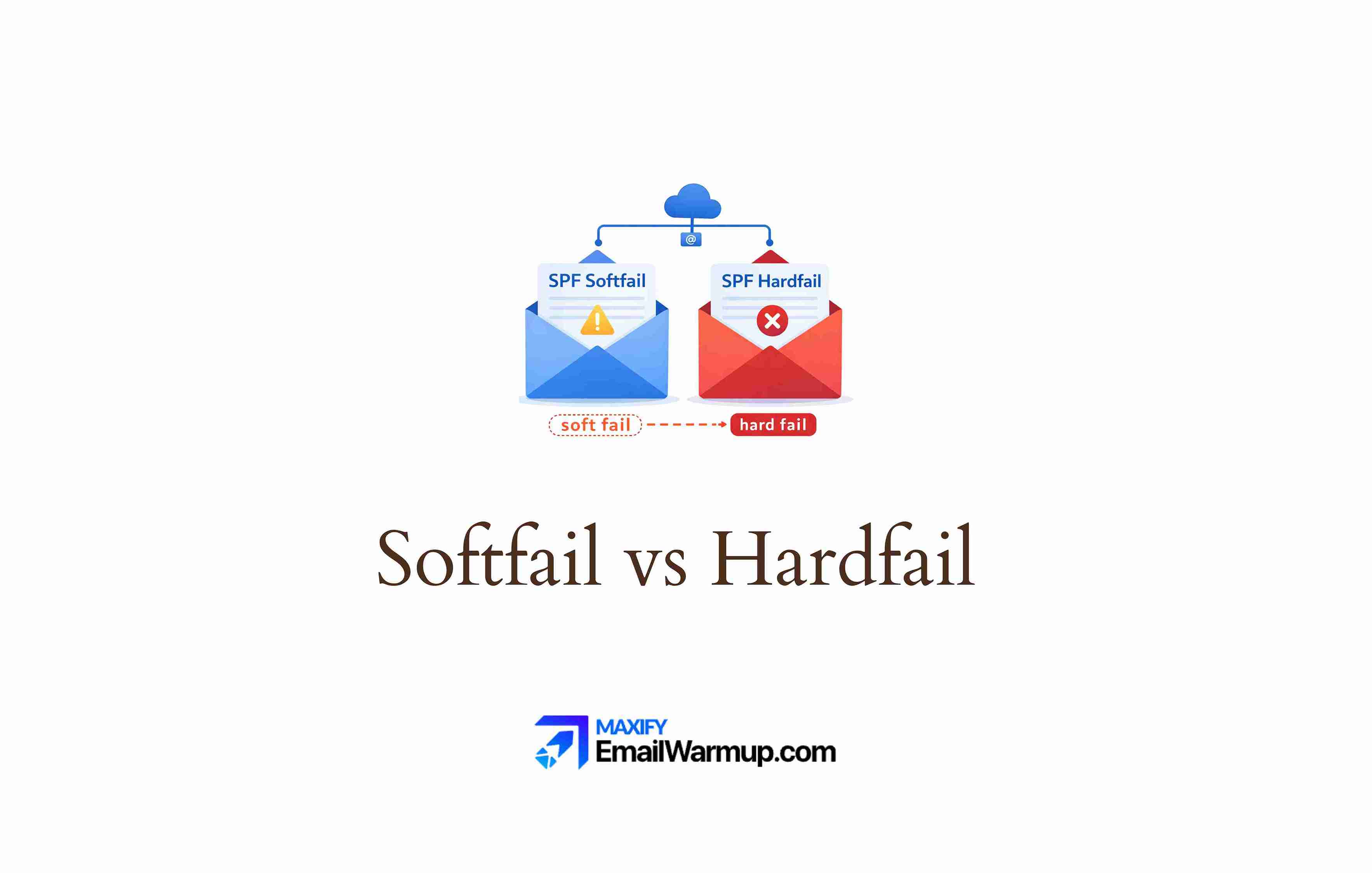
Every SPF record ends with an “all” mechanism that tells receiving servers how to handle unauthorized senders. Softfail (~all) marks them suspicious. Hardfail (-all) rejects them outright.
The choice seems obvious — reject unauthorized mail, right?
But hardfail creates problems that softfail avoids, and DMARC has changed the security calculus entirely.
This decision affects:
- Whether forwarded emails bounce or survive
- How early rejection can bypass DKIM authentication
- Whether DMARC gets a chance to make the final call
For most domains that send email, softfail is the smarter choice — parked domains are the exception.
Let’s compare both SPF softfail vs hardfail in this read, and see what is better for your email authentication and deliverability.
What does ~all actually mean in an SPF record?
The tilde (~) before “all” signals a weak statement of non-authorization. It tells receiving servers that this IP probably isn’t authorized, but don’t reject the message — flag it for closer scrutiny instead.
In practice, softfail usually results in:
- Email delivered to spam/junk folder
- Message tagged as suspicious
- Lower trust score applied
The email still arrives. Recipients can find it (even if buried in spam). DKIM and DMARC still get evaluated — which matters more than most people realize.
How does hardfail (-all) differ?
The hyphen (-) before “all” is an absolute statement — this IP is not authorized. Receiving servers are instructed to reject or delete the message immediately.
| Mechanism | Symbol | Message to receiver |
| Softfail | ~ | “Probably unauthorized — scrutinize” |
| Hardfail | – | “Definitely unauthorized — reject” |
| Neutral | ? | “No opinion — accept anyway” |
| Pass all | + | “Everyone authorized” (dangerous) |
Hardfail sounds more secure — and for parked domains, it is. But for domains that actually send email, it introduces serious deliverability risks that often outweigh the security benefits.
Why does email forwarding break hardfail?
SPF validates the connecting server’s IP address — not the original sender. When email gets forwarded, the math stops working.
IP mismatch
Consider what happens when someone forwards your email:
- Original sender — you@yourdomain.com (IP: 1.2.3.4)
- Forwarding server — university mail system (IP: 5.6.7.8)
- SPF check at destination — Is 5.6.7.8 in yourdomain.com’s SPF?
The answer is no. The forwarding server’s IP isn’t in your SPF record. It can’t be — you don’t control it.
Softfail vs hardfail outcomes
Here is how SPF softfail vs hardfail differ in outcomes:
| Scenario | Softfail result | Hardfail result |
| Direct send | Delivered normally | Delivered normally |
| Email forwarded | Spam folder (recoverable) | Rejected/lost |
| Mailing list | Spam folder | Bounced |
| Corporate relay | Spam folder | Rejected |
With softfail, the forwarded email lands in spam (annoying but recoverable). With hardfail, it’s rejected — the recipient never sees it, and you might not know it bounced.
SPF failures
Common forwarding scenarios that break SPF:
- Mailing lists that redistribute messages
- Corporate mail routing through security gateways
- Backup MX servers are processing mail during outages
- Auto-forwarding rules in shared mailboxes
- University alumni forwarding to Gmail
All of these cause SPF failures. Hardfail turns “temporarily suspicious” into “permanently lost.” The email disappears without a trace — no spam folder rescue, no “check your junk mail” workaround.
How does DMARC change the softfail decision?
DMARC has fundamentally altered how softfail vs hardfail matters (or doesn’t). Understanding the interaction prevents unnecessary deliverability damage.
Equal treatment
For DMARC alignment purposes, softfail and hardfail produce the same result — SPF fails. DMARC doesn’t care whether you used ~ or -. It only cares whether SPF passed or failed.
| SPF result | DKIM result | DMARC outcome |
| Softfail | Pass | DMARC pass (DKIM carries it) |
| Hardfail | Pass | May never reach DMARC evaluation |
| Softfail | Fail | DMARC fail (policy applied) |
| Hardfail | Fail | Rejected before DMARC checked |
The critical difference is when rejection happens.
Early rejection
Some receiving servers check SPF before DMARC. With hardfail, they may reject the message at the SMTP level — before ever evaluating DKIM or DMARC.
The sequence matters enormously:
- Hardfail triggers → email rejected → DKIM never checked
- Softfail triggers → email accepted for scrutiny → DKIM checked → DMARC evaluated
If your email has valid DKIM, DMARC would pass. But hardfail can prevent that evaluation from ever happening. The “550 SPF Hard Fail” bounce arrives, and a perfectly legitimate email dies because of an authentication technicality.
When should you use hardfail?
Hardfail has its place — just not where most people think.
Parked domains
Domains that never send email have nothing to protect.
No legitimate email is likely to be accidentally rejected. Hardfail makes sense here because any email claiming to be from a parked domain is, by definition, fraudulent.
The SPF record for a parked domain is simple:
v=spf1 -all
No authorized senders. Reject everything. Combined with a DMARC reject policy, parked domains become nearly impossible to spoof.
Non-sending domains
Similar logic applies to domains used only for websites, not email. If marketing-landing-page.com never sends mail, hardfail prevents spoofing attempts without deliverability risk.
High-security exceptions
Banks, government agencies, and similar institutions sometimes use hardfail for tightly controlled infrastructure. The calculus only works when:
- DKIM coverage is complete
- No forwarding scenarios exist
- IT can monitor bounces in real-time
- Third-party senders are minimal or nonexistent
- Every legitimate sending source is documented
Most organizations don’t meet these criteria. The ones that do usually have dedicated email security teams managing authentication full-time.
For everyone else, softfail combined with DMARC enforcement achieves the same protection without the operational fragility.
What do security rating services say about softfail?
Some cybersecurity rating services (like SecurityScorecard) flag softfail as a finding. The logic is that softfail doesn’t command immediate rejection, so spoofed emails might reach users.
Rating services recognize DMARC with p=reject or p=quarantine as a compensating control. If your DMARC policy enforces strict handling of authentication failures, softfail’s apparent “permissiveness” becomes irrelevant — DMARC makes the final call anyway.
The combination of SPF softfail + DMARC reject provides equivalent security to hardfail without the forwarding problems. Your sender reputation stays intact, legitimate forwarded emails survive, and spoofing attempts still get blocked.
How do you check your current SPF policy?
Use an SPF lookup tool to see your current record. Look at the ending:
| Ending | Name | Recommendation |
| ~all | Softfail | Recommended for active domains |
| -all | Hardfail | Recommended for parked domains |
| ?all | Neutral | Not recommended |
| +all | Pass all | Never use (authorizes everyone) |
Test the changes you make!
Softfail is the right choice for most active domains. Hardfail has legitimate uses — parked domains, non-sending domains, tightly controlled infrastructure — but creates unnecessary risk for normal email operations.
Before switching from hardfail to softfail (or vice versa):
- Use a short TTL (300 seconds) for quick rollback
- Monitor DMARC reports for authentication failures
- Run an email deliverability test after changes
- Watch for bounce rate changes over 48-72 hours
If you’re currently on hardfail and seeing legitimate emails bounce, switching to softfail is usually the right move — especially once DMARC is properly configured via a DMARC checker.
Use the SPF generator to create properly formatted records, and contact an email deliverability consultant if authentication decisions are causing persistent delivery problems.
Frequently asked questions
Here are some commonly asked questions about hardfail and softfail:
Not when combined with DMARC. DMARC treats softfail and hardfail identically — both count as SPF failure. The difference is when rejection happens, not whether it happens. Softfail lets DMARC make the final decision; hardfail might preempt it.
No. Email reputation depends on engagement, complaints, and authentication pass rates — not which SPF mechanism you use. Softfail that leads to DMARC pass is identical to hardfail that leads to DMARC pass from a reputation perspective.
Yes. Softfail during DMARC deployment is best practice. Monitor reports to identify legitimate senders you might have missed. Once you’re confident all sources are covered, you can decide whether hardfail adds value (for most active domains, it doesn’t).
The 550 error occurs when a receiving server rejects mail based on your hardfail policy. If legitimate emails are bouncing with this error, switch to softfail and ensure DKIM is properly configured. The combination protects against spoofing while allowing forwarded mail to survive.



