




A good email deliverability rate is above 89% — excellent is above 95%. The global average hovers around 83-84%, which means roughly 1 in 6 marketing emails never reach the inbox — filtered to spam or blocked entirely.
In this guide, we’ll build more upon understanding the true mechanics behind this number, including:
- “Deliverability rate” means different things depending on who’s measuring
- Your ESP might show 98% “delivered,” while 20% of mail lands in spam
- Provider-specific rates vary wildly (Microsoft is much harder than Gmail)
The numbers matter less than understanding what they actually represent, and that’s what we’ll explore.
What does “deliverability rate” actually measure?
Two metrics get conflated constantly, and the confusion leads to false confidence.
| Term | What it measures | Typical benchmark |
| Delivery rate | Emails accepted by server (not bounced) | 98%+ |
| Inbox placement rate | Emails reaching inbox (not spam) | 83-84% average |
When someone says “deliverability rate,” they usually mean inbox placement — the percentage of emails that actually land in the primary inbox rather than spam or promotions folders, delivery rate only tells you that servers accepted the message — acceptance doesn’t guarantee inbox placement.

Your ESP dashboard probably shows delivery rate, not email deliverability. A 98% delivery rate sounds great until you realize it says nothing about where those emails ended up.
You might be celebrating strong “delivery” while a quarter of your list never sees your campaigns. The metric you actually care about (inbox placement) requires separate testing to measure.
What deliverability rates should you aim for?
Industry benchmarks give you a baseline for comparison, though your specific situation matters more than averages.
| Rating | Inbox placement rate |
| Excellent | 95%+ |
| Good | 89-95% |
| Average | 83-88% |
| Poor | Below 80% |
According to Validity’s 2024-2025 benchmark reports, roughly 16-17% of legitimate marketing emails never reach the inbox. Rates have declined since Gmail, Yahoo, and Microsoft began enforcing stricter authentication and engagement bulk sender requirements in early 2024.
The “excellent” threshold of 95%+ puts you in the top tier of senders. Achieving it requires solid authentication (SPF, DKIM, DMARC), clean lists, and consistent engagement from recipients. Most senders hover in the 83-88% range — not terrible, but leaving money on the table with every campaign.
How do deliverability rates vary by mailbox provider?
Microsoft is the hardest, Gmail is getting stricter, while Yahoo and AOL sit somewhere in the middle.
| Provider | Typical inbox rate | Notes |
| Gmail | 87-95% | Engagement-focused; declining after Feb 2024 rules |
| Microsoft (Outlook/Hotmail) | 70-77% | Strictest filters; SmartScreen + multiple filtering layers |
| Yahoo/AOL | 85-90% | Stricter since 2024 sender requirements |
| Office 365 | Lower than consumer Microsoft | Different filtering than Outlook.com |
Why Microsoft is harder to achieve
Many senders see 20-30% lower inbox rates at Outlook and Hotmail compared to Gmail — even with identical authentication and list quality.
Microsoft applies multiple spam filtering layers (SmartScreen content filtering, Spam Confidence Level scoring, Bulk Complaint Level thresholds) and historically sets stricter baselines than other providers.
If your overall deliverability looks good but Microsoft-specific metrics lag behind, you’re not alone. Monitor Microsoft SNDS separately and expect to work harder for Outlook inbox placement.
Gmail’s trajectory
Gmail remains friendlier than Microsoft, but rates have declined since early 2024.
The enforcement of bulk sender requirements (authentication mandates, one-click unsubscribe, spam complaint thresholds below 0.3%) means senders who previously coasted now face filtering.
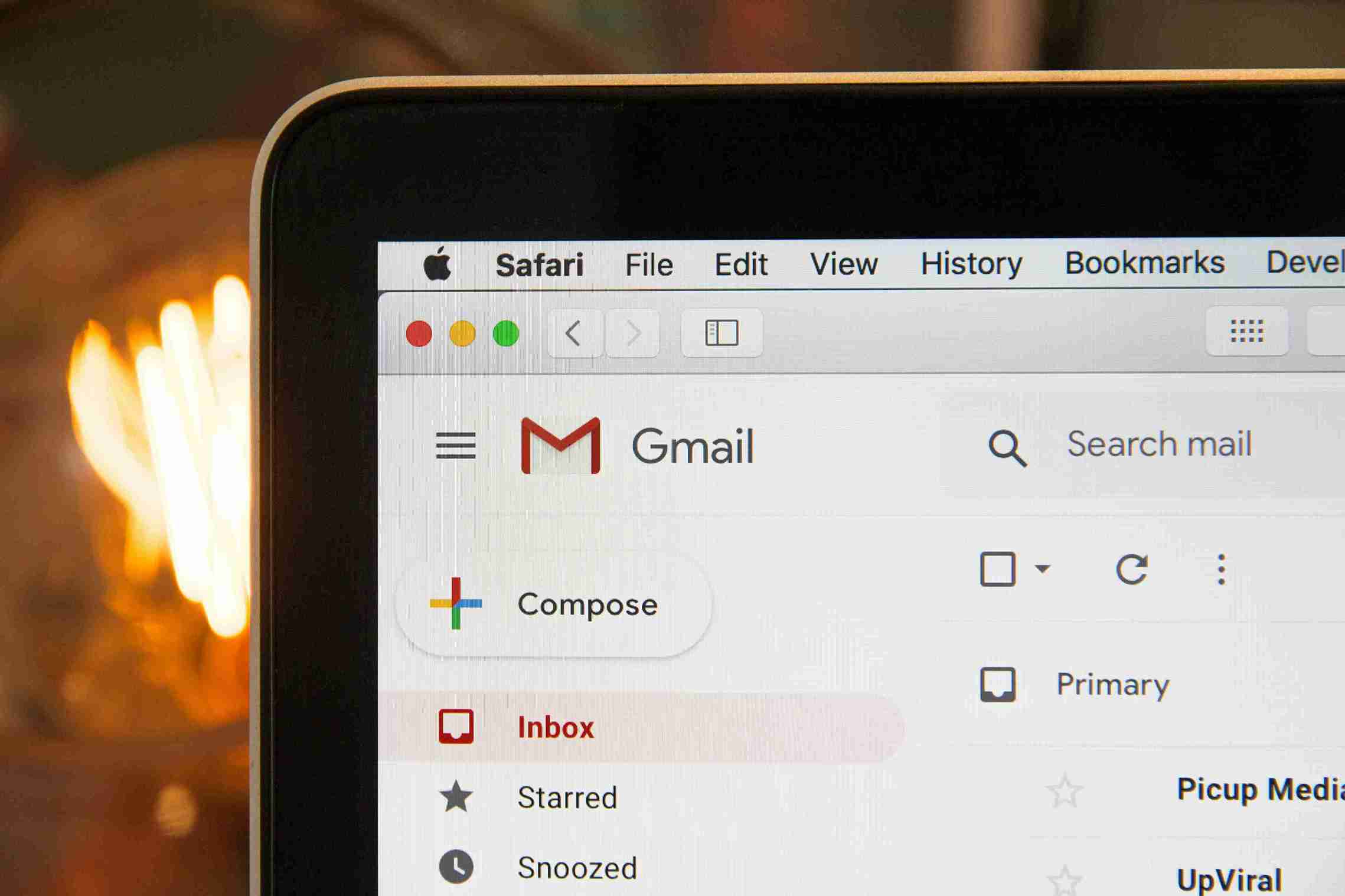
Before February 2024, Gmail was forgiving — you could skip DMARC, have mediocre engagement, and still reach inboxes. That era is over. Gmail now rejects non-compliant mail outright rather than just filtering to spam.
Google Postmaster Tools provides visibility into how Gmail perceives your sending and flags compliance issues before they become rejections.
Do email deliverability rates vary by industry?
Yes, but less than you might expect. The bigger variables are:
- Authentication setup
- List hygiene practices
- Sending infrastructure maturity
- Opt-in quality (newsletters vs cold outreach)
Cold outreach senders see significantly lower rates than opt-in newsletter senders.
The gap isn’t really about industry — it’s about whether recipients asked for the email. Someone who subscribed to your newsletter expects your mail. Someone who received a cold email didn’t.
Industry benchmarks exist (financial services tend higher, retail sits around average), but your opt-in method and list quality matter far more than what sector you operate in.
What other metrics matter alongside the deliverability rate?
Inbox placement alone doesn’t tell the full story. A few related metrics round out the picture.
| Metric | What it tells you | Healthy range |
| Email bounce rate | List quality | Below 2% |
| Complaint rate | Recipient satisfaction | Below 0.1% |
| Spam placement | Where filtered mail lands | Below 10% |
| Open rate | Engagement + inbox placement | Varies by industry |
High deliverability with low engagement signals something is off — maybe subject lines, maybe relevance, maybe timing. Low deliverability with low complaints might indicate reputation problems rather than content issues.
For deeper coverage on acceptable complaint and bounce thresholds, or engagement metrics like open and click rates, separate guides cover those in detail.
Why might your deliverability rate be below average?
Several factors drag down inbox placement. The culprits usually fall into predictable categories.
Authentication issues
- ESP not signing with your domain
- Missing or misconfigured SPF, DKIM, or DMARC records
- Alignment failures between the sending domain and the authentication
Reputation problems
- Low engagement history with recipients
- High complaint rates (above 0.1%)
- Presence on blocklists
- Spam trap hits
List quality
- Hard bounces above 2%
- Purchased or scraped addresses
- Large percentage of inactive subscribers
Sending patterns
- Inconsistent volume (long gaps followed by spikes)
- Sudden increases without gradual scaling
- No email warmup for new IPs or domains
Most below-average rates trace back to one of these areas. Authentication fixes tend to be fastest — a DNS record update can resolve SPF or DKIM issues within hours.
Email reputation and list quality take longer to repair because they require behavioral change over time. If you’ve been hitting spam traps or accumulating complaints for months, cleaning up takes weeks of consistent, lower-volume sending to rebuild trust.
How do you check your actual deliverability rate?
Your ESP’s “delivered” percentage isn’t your inbox placement rate. Measuring where mail actually lands requires different tools.
Seed list testing
Inbox placement tests send your email to a panel of addresses across major providers and report where each lands — inbox, spam, promotions, or missing entirely. The deliverability test approach gives you cross-provider visibility that your ESP can’t provide.
Run these tests before major campaigns, not after. Finding out your Black Friday email landed in spam for 40% of Microsoft recipients after sending helps no one. Pre-send testing catches problems when you can still fix them.
Provider-specific tools
For Gmail and Microsoft specifically:
- Google Postmaster Tools shows spam rates, authentication pass rates, and reputation for Gmail
- Microsoft SNDS shows filter results and complaint rates for Outlook/Hotmail
Engagement segmentation
Track open rates by recipient domain. If Gmail opens are strong but Outlook opens are weak, you likely have a Microsoft-specific deliverability problem. If Yahoo engagement tanks while others hold steady, investigate what changed for that provider specifically.
The engagement data won’t tell you why deliverability differs, but it tells you where to investigate. Provider-level segmentation turns vague “deliverability issues” into specific, actionable problems.
Frequently asked questions
Here are some frequently asked questions about email deliverability rates:
Yes — 95%+ qualifies as excellent. You’re outperforming the global average by a significant margin and landing in the top tier of senders.
Delivery rate measures emails accepted by servers (not bounced). Deliverability rate measures emails reaching inbox (not spam). A 98% delivery rate can still mean 15-20% of mail lands in spam folders.
Microsoft applies stricter filtering than Gmail. Many senders see 20-30% lower inbox rates at Outlook and Hotmail even with solid authentication and list hygiene. The gap is normal — though still worth addressing if Microsoft represents a significant portion of your audience.
Yes. Start with authentication (verify that SPF, DKIM, and DMARC are configured correctly). Then address list hygiene (remove bounces, inactive subscribers, problematic addresses). Finally, consider a warmup if you’re sending from new infrastructure. For persistent issues, a deliverability expert can diagnose what’s blocking your inbox placement.
c



