




Kickbox built its reputation on simplicity. The interface is genuinely one of the cleanest in the verification space — drag-and-drop uploads, clear result classifications, and reports that don’t require a data science degree to interpret. For teams cleaning lists occasionally, the experience feels effortless.
The verification itself performs well for standard use cases. Users report bounce rates dropping from 25% to under 1% after cleaning lists through Kickbox.
Native integrations with HubSpot, Klaviyo, Mailchimp, and 25+ other platforms make it easy to verify directly from your existing workflow. And the real-time API catches invalid addresses at signup before they contaminate your database.
But the pricing model creates friction at scale. Kickbox runs a credit system: $5 for 500 verifications ($0.01/email), scaling up to $800 for 100K and $4,000 for 1M verifications.
Credits expire after 12 months — a detail that catches some users off guard. And for high-volume senders, competitors like ZeroBounce and DeBounce offer better economics without sacrificing accuracy.
In this review, you’ll learn:
- Where catch-all and accept-all detection fall short
- How the credit model compares to subscription alternatives
- Who should use Kickbox versus more cost-effective options
- Whether Kickbox’s accuracy justifies the premium pricing
TLDR — Kickbox at a glance
| Category | Verdict |
| Best for | Teams using HubSpot/Klaviyo who clean lists occasionally |
| Starting price | $5 for 500 verifications (credits expire in 12 months) |
| Free trial | 100 free verifications |
| Standout feature | Cleanest UI in the verification space |
| Biggest weakness | Expensive at scale, credits expire |
| Best alternative | EmailWarmup.com email validation API |
| Overall rating | 3.8 / 5 |
How did we evaluate this tool?
Evaluation followed how deliverability consultants assess verification tools — focused on accuracy, cost-efficiency at volume, and integration depth rather than marketing claims.
- G2 rating: 4.5/5 (573 reviews)
- Capterra rating: 4.4/5 (70 reviews)
- Integration quality with major ESPs
- Catch-all and accept-all domain handling
- Accuracy benchmarks from independent testing
- Pricing economics at 10K, 100K, and 1M verification volumes
The G2 review data shows “ease of use” as the most-cited strength (151 mentions), followed by email verification value (56 mentions) and clear classification (51 mentions). The most common complaint: expensive at scale (26 mentions).
Is Kickbox worth the price?
Kickbox uses a credit-based model in which you purchase verification blocks upfront. No subscriptions, no seat licenses — just credits that deplete as you verify. The simplicity is appealing, but the math gets uncomfortable at high volumes.
| Volume | Kickbox Price | Cost per Email | Notes |
| 500 | $5 | $0.010 | Entry tier |
| 10,000 | $80 | $0.008 | Standard batch |
| 50,000 | $400 | $0.008 | Monthly plan alternative: $159/mo |
| 100,000 | $800 | $0.008 | Volume pricing starts |
| 1,000,000 | $4,000 | $0.004 | ~78% more than ZeroBounce at this tier |
Key pricing considerations:
- No rollover or credit extension options
- Enterprise custom pricing for high-volume accounts
- Credits expire after 12 months (use them or lose them)
- Monthly plan ($159/mo for 50K) available but rarely discussed
For occasional list cleaning under 50K emails, the credit model works fine. But teams verifying 100K+ monthly face cumulative costs that competitors beat handily. At the 1M level, Kickbox runs roughly $1,750 more than ZeroBounce’s comparable volume tier.
What do real deliverability results show?
Kickbox verification focuses on the fundamentals: syntax validation, domain checks, MX record verification, and SMTP handshakes to confirm mailbox existence. Users consistently report significant bounce rate reductions after cleaning lists.
Results from user feedback:
- Bounce rates dropping from ~25% to under 1% after verification
- 98.7% deliverability achieved by The Zebra using real-time API
- One Sparkle test estimated ~96-97% effective accuracy on 603 emails
- A separate Hunter benchmark scored lower (67.53%) but penalized “unknown” results as failures
The accuracy variance comes from catch-all and accept-all domains — addresses that accept all mail without confirming validity. Kickbox returns “unknown” on these rather than making a definitive call. Some users prefer caution, while others want more aggressive filtering.
Where verification performs well:
- Sendex™ proprietary quality score for each email
- Detection of syntax errors, invalid domains, and inactive mailboxes
- Clear classification into deliverable, undeliverable, risky, and unknown buckets
Where it falls short:
- Catch-all domain handling returns “unknown” rather than risk-scoring
- Some users report inconsistent results when re-verifying the same addresses
- No spam trap or disposable email detection depth compared to specialized tools
What are the pros and cons?
Verification tools involve tradeoffs between accuracy, pricing, and feature depth. Here’s where Kickbox lands based on 573+ G2 reviews and hands-on evaluation.
Who should and shouldn’t use Kickbox?
The value equation depends heavily on verification volume and integration requirements. Kickbox excels in specific scenarios while falling short in others.
Recommended if
- You clean lists occasionally (under 50K emails at a time)
- Your workflow centers on HubSpot, Klaviyo, or Mailchimp
- You prefer pay-as-you-go without subscription commitments
- You prioritize a simple, intuitive interface over advanced features
Not recommended if
- Budget constraints make premium pricing problematic
- You need aggressive catch-all and spam trap detection
- You want deliverability monitoring alongside verification
- You verify 100K+ emails monthly (per-email costs compound)
One note about integrations: while Kickbox connects natively with 25+ platforms, including HubSpot, Mailchimp, Klaviyo, SendGrid, Braze, and Iterable, some users report the HubSpot integration doesn’t allow exporting verified lists back to HubSpot directly — a workflow friction worth considering.
Category scorecard
| Category | Score | Notes |
| Pricing | 3.0 | Premium at volume, credits expire |
| Ease of setup | 5.0 | Fastest setup in the category |
| Core functionality | 4.0 | Solid verification, weak catch-all handling |
| Deliverability impact | 3.5 | Good bounce reduction, no monitoring |
| Diagnostics depth | 3.5 | Sendex scores, basic classification |
| Reporting | 4.0 | Clear, visual, easy to understand |
| Support | 4.0 | Responsive, US and EU-based |
| Scalability | 3.0 | Costs compound at volume |
| Provider compatibility | 4.5 | 25+ native integrations |
| Overall value | 3.8 | Great UX, premium price |
How does Kickbox actually perform in practice?
Setup takes minutes. Create an account, get 100 free verifications to test, then either upload lists via drag-and-drop or connect your ESP directly. The onboarding is genuinely frictionless — no configuration headaches or technical setup required.
The dashboard provides clear visibility into verification status:
- Deliverable — safe to send
- Undeliverable — confirmed invalid
- Unknown — can’t make a definitive call
- Risky — accept-all, disposable, or role-based addresses
For email list hygiene, the process is straightforward:
- Upload your list
- Wait for processing (typically minutes, even for large files)
- Review the categorized results
- Export the clean list back to your ESP
The real-time API integrates at signup points — account creation forms, lead capture, newsletter subscriptions — catching invalid addresses before they enter your database. Implementation is well-documented, and developers report clean API responses with helpful error codes.
Where the experience breaks down: some users report occasional inconsistency when re-verifying the same email address, getting different results on subsequent checks. The “unknown” bucket for catch-all domains also creates ambiguity — you’re left deciding whether to mail those addresses without clear guidance.
What happens after you stop using Kickbox?
Verification results persist in your downloaded reports, but the clean list remains accurate only as long as addresses remain valid.
Email addresses decay over time — people change jobs, domains expire, mailboxes fill up. Without ongoing verification, your list quality degrades.
The credit expiration also creates a use-it-or-lose-it dynamic. If you purchase credits anticipating a large campaign that gets delayed, unused credits vanish after 12 months. Some competitors offer credit rollover or annual plans that better accommodate irregular verification needs.
For teams running continuous email deliverability programs, the lack of integrated monitoring means they must pair Kickbox with separate tools for sender reputation tracking and inbox placement testing.
A better alternative to Kickbox | EmailWarmup.com’s email validation API
For teams wanting verification as part of a broader deliverability strategy, EmailWarmup.com’s email validation API offers more comprehensive coverage.
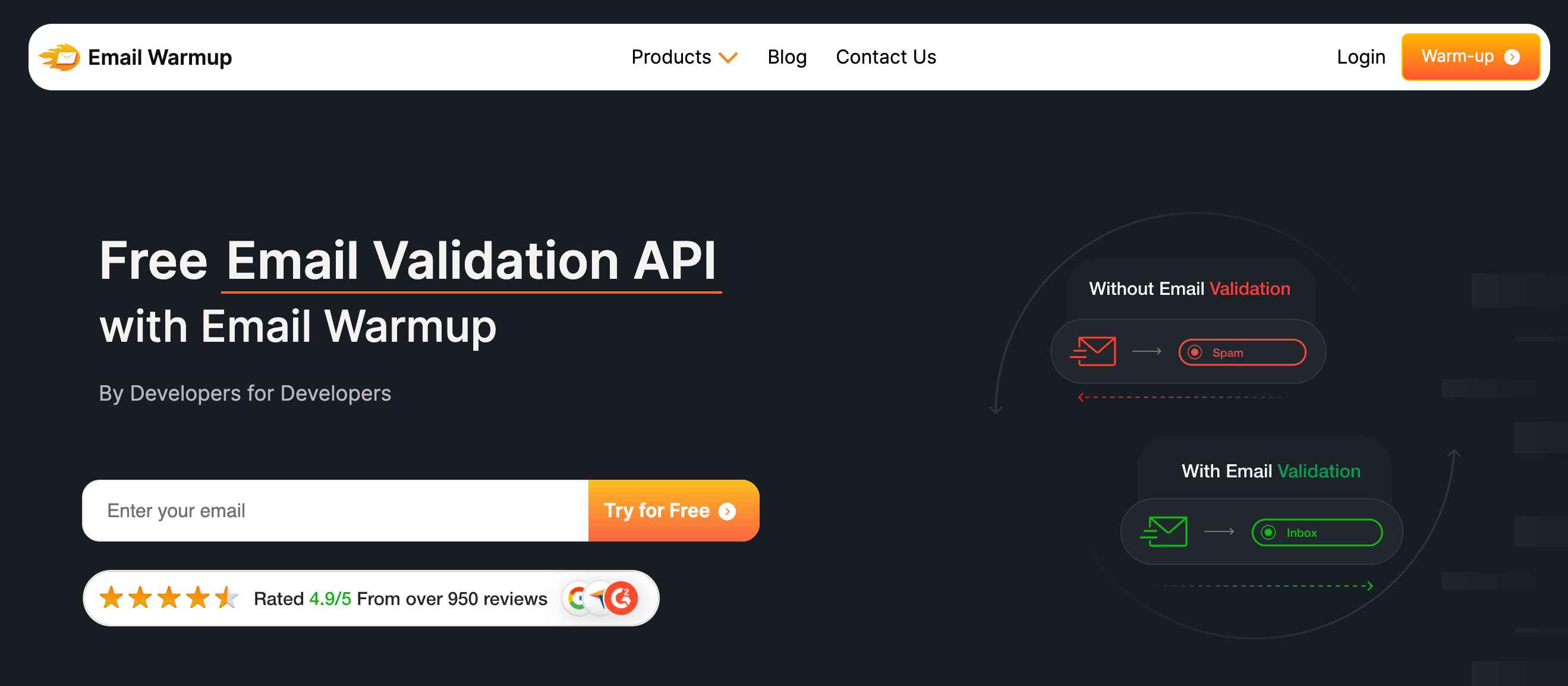
The API checks each address in real time — verifying format, domain, mailbox existence, and potential risks, including disposable addresses and spam traps. Unlike standalone verification tools, the API integrates into a comprehensive deliverability platform that includes warmup, monitoring, and unlimited expert consultation.
Key advantages over Kickbox:
- No credit expiration worries
- Unlimited deliverability consultation included
- REST/JSON API with SDKs in multiple languages
- Part of a complete deliverability system (not just verification)
- Blocks disposable addresses and spam traps before they enter CRM
Final verdict
Kickbox earns its reputation for exceptional UI and ease of use. The 4.5/5 G2 rating reflects genuine satisfaction from users who value simplicity over complexity. For occasional list-cleaning needs with direct ESP integration, the experience is polished and effective.
But the economics weaken at scale. Premium per-email pricing, 12-month credit expiration, and weak catch-all handling create friction for high-volume senders. Competitors offer comparable accuracy at lower cost points, without the pressure of expiration.
Use Kickbox if you’re occasionally cleaning lists, already use HubSpot or Klaviyo heavily, and prioritize a clean UI over aggressive pricing. Look elsewhere if you’re verifying at scale or need verification as part of a complete deliverability solution.
Frequently asked questions
Here are some commonly asked questions about Kickbox:
Kickbox uses credit-based pricing starting at $5 for 500 verifications ($0.01/email). Volume discounts apply at higher tiers: $800 for 100K and $4,000 for 1M verifications. A monthly plan is available for $159/month, with 50,000 verifications. Credits expire after 12 months.
Yes, Kickbox offers 100 free verifications to test the platform. No credit card required to start. The free tier lets you evaluate accuracy and interface before committing to paid credits.
Kickbox offers native integrations with 25+ platforms, including HubSpot, Mailchimp, Klaviyo, SendGrid, Braze, Iterable, Campaign Monitor, Brevo, Constant Contact, and AWeber. Zapier automations extend connectivity to ActiveCampaign, Drip, Typeform, and others.
Independent tests show accuracy ranging from 96-97% (Sparkle benchmark) to 67.53% (Hunter benchmark, which penalizes “unknown” results). Kickbox returns “unknown” for catch-all domains rather than making definitive calls, which affects scoring accuracy depending on the methodology.
Both are reputable verification services. Kickbox offers superior UI and ESP integrations; ZeroBounce offers lower pricing at high volume (roughly 78% less at 1M verifications) and includes deliverability monitoring. Choose Kickbox for UX, ZeroBounce for scale.



