




Warmy.io charges $49/month per inbox with generic templates that email providers increasingly flag as suspicious. If you’re warming up 10 domains (a common scenario for agencies), that’s $490/month for results that don’t match your actual sending patterns.
Here’s what this guide covers:
- Seven alternatives with personalized warmup approaches
- A quick-skim comparison table for fast decisions
- Real user experiences and limitations
- Pricing breakdowns for each tool
Read on to find a warmup solution that fits your budget and actually works.
Quick skim: Warmy alternatives compared
Here’s an overview of the best Warmy alternatives in the market:
| Tool | Starting price | Best for | Standout feature |
| EmailWarmup.com | Free (1 inbox) | Outbound + inbound senders | Personalized AI warmup + unlimited free tests |
| MailReach | $25/inbox/month | Precision-focused B2B teams | Real-time placement tracking (30+ providers) |
| TrulyInbox | $22/month (unlimited) | Agencies scaling domains | Flat-rate unlimited inbox warmup |
| Warmforge | $12/mailbox/month | Budget-conscious agencies | Built-in spam recovery + DNS monitoring |
| Warmbox | $15–19/inbox/month | Teams wanting customization | GPT-4 content + 35,000 inbox network |
| InboxAlly | $149/month | Enterprise reputation repair | Engagement signals (scrolling, clicking, starring) |
| Lemwarm | $29/inbox/month | Lemlist users | Industry-tailored warmup network |
1. EmailWarmup.com
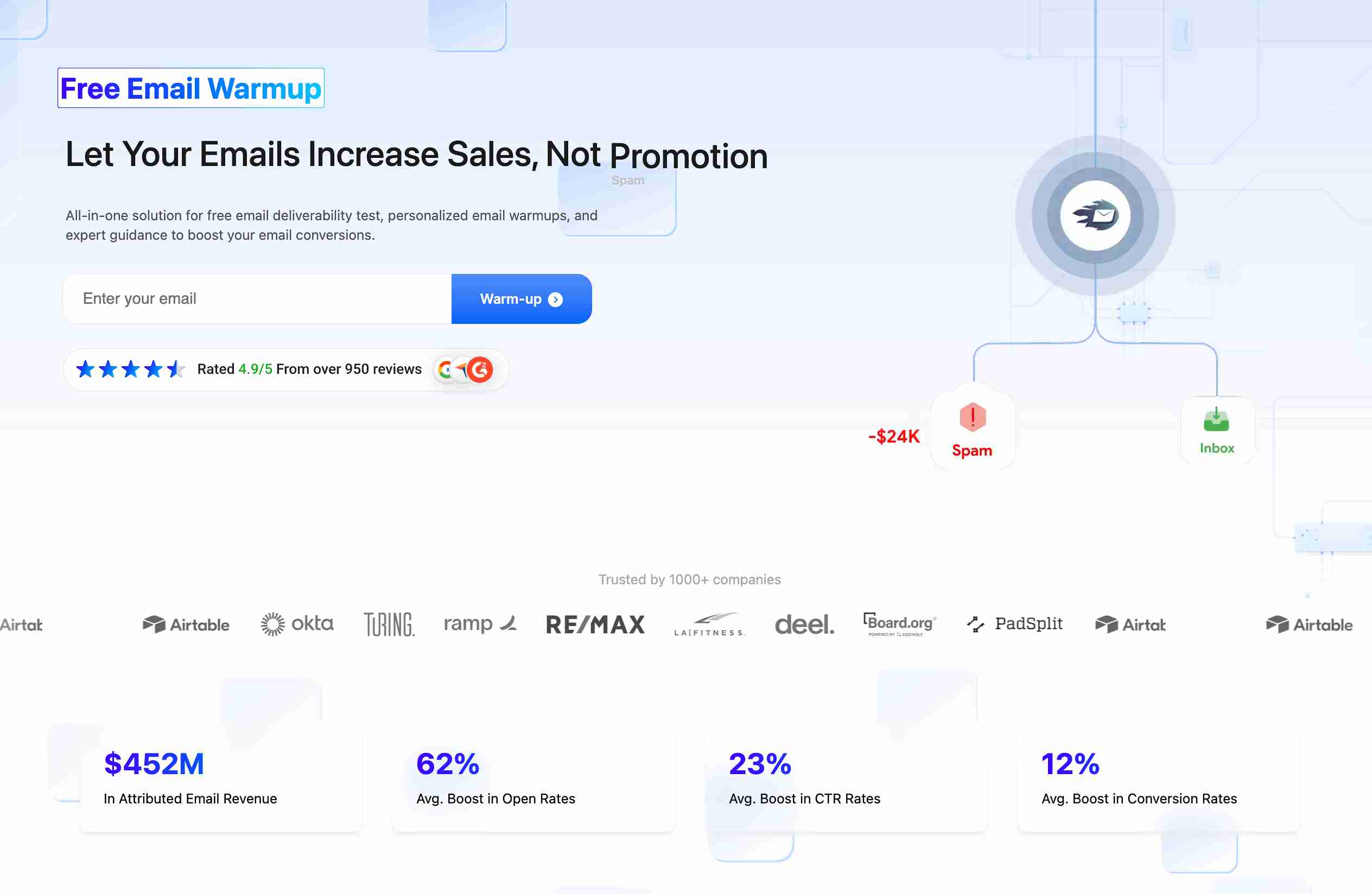
Most warmup tools send generic, robotic emails that Gmail and Outlook detect within days.
EmailWarmup.com takes a fundamentally different approach — the platform analyzes your actual campaigns and sequences in real-time, then replicates them during warmup.
As a result, they create warmup emails that match your writing style, appear natural, and maintain hyper-personalization.
What makes this tool genuinely different is the technology stack behind it. The system uses Claude Opus 4.1 style guides combined with GPT-5, supervised by human copywriters using advanced NLP.
Unlike competitors that run unsupervised AI (a recipe for spam-like patterns), EmailWarmup.com’s hybrid approach keeps warmup emails indistinguishable from your real outreach.
Key features
EmailWarmup.com serves both outbound cold emailers and inbound marketing senders — a dual focus most competitors ignore entirely.
- Import your actual templates so warmup mirrors real campaigns
- Seedlist feature for Klaviyo/Mailchimp users warming marketing domains
- Chrome extension showing deliverability rate while composing in Gmail/Outlook
- Free unlimited deliverability tests across 50+ providers (competitors charge $25–85/month for this)
- Google Postmaster integration for actual (not estimated) deliverability data
- Pre-configured mailboxes with SPF, DKIM, and DMARC already set up
- 24/7 human consultations are included free on every plan
Pricing
EmailWarmup.com keeps pricing simple with no hidden costs or feature limitations.
| Plan | Cost | What you get |
| Free (forever) | $0/month | 1 mailbox warmup (up to 70% inbox rate), unlimited deliverability tests, spam checker extension, free consultations |
| Pro | $29/mailbox/month | Unlimited mailboxes (up to 98% inbox rate), advanced spam checker, lead recovery system |
Pro accounts come with a full refund guarantee if you don’t reach 98% inbox rates — a confidence level competitors don’t match.
Pros and cons
Here’s what stands out about EmailWarmup.com based on user feedback and platform capabilities.
| Pros | Cons |
| Personalized AI warmup (not generic templates) | Pro plan required for 98% inbox rates |
| Unlimited free deliverability tests forever | Newer platform compared to some alternatives |
| Pre-configured mailboxes eliminate DNS setup | |
| Human consultations at no extra cost | |
| Works for both cold email and marketing email |
User reviews about EmailWarmup.com
Users consistently mention the contrast with generic warmup tools.
A colleague running outbound for a SaaS company switched from Warmy after noticing Gmail was flagging their warmup emails as promotional — EmailWarmup.com’s personalized approach fixed that within two weeks.
The unlimited free deliverability tests are another frequent highlight (especially for agencies tired of surprise bills), and the 24/7 consultation access gets praise for responsiveness that doesn’t feel scripted.
2. MailReach

MailReach positions itself as the precision tool for B2B teams who need granular control over deliverability.
The platform operates through a private network of thousands of real, high-reputation Google Workspace and Microsoft 365 mailboxes — a quality focus that shows in placement results.
Where MailReach excels is in diagnostics. The platform doesn’t just warm up your inbox; it actively monitors why emails fail and auto-pauses warmup if the domain reputation drops.
For SDR managers and agency owners juggling multiple accounts, this level of visibility prevents small issues from becoming blacklist disasters.
Key features
MailReach combines warmup automation with real-time testing that most competitors offer only as separate products.
- Inbox rotation for high-volume campaigns
- Smart ramp-up reaching 100 warmup emails/day safely
- Built-in alerts for SPF, DKIM, DMARC, and blacklist issues
- Human-like engagement (opens, replies, marks as important, spam rescue)
- Real-time inbox placement tracking across 30+ providers
- Auto-pause when the domain reputation drops
Pricing
MailReach sits at the higher end of the market, reflecting its diagnostic depth.
| Plan | Cost | Volume |
| Starter | $25/inbox/month | Single inbox warmup |
| Higher tiers | Custom | Unlimited inboxes, centralized management |
Pros and cons
The precision comes with trade-offs worth considering.
| Pros | Cons |
| High-quality private inbox network | Expensive for solo users |
| Real-time spam rescue from Gmail | No built-in DNS setup tool |
| Auto-pause protects reputation | Dashboard slows at 30+ inboxes |
| Detailed placement analytics | Warmup only — no sending capabilities |
User reviews about MailReach
Users report noticeable improvement in inbox placement within 7–14 days. The support team (including founders) gets consistent praise for responsiveness.
However, smaller teams frequently mention the price as a barrier — at $25/inbox, warming 10 domains costs $250/month before you send a single campaign.
One Reddit user noted the dashboard becomes sluggish when managing more than 30 accounts, which matters for agencies at scale.
3. TrulyInbox
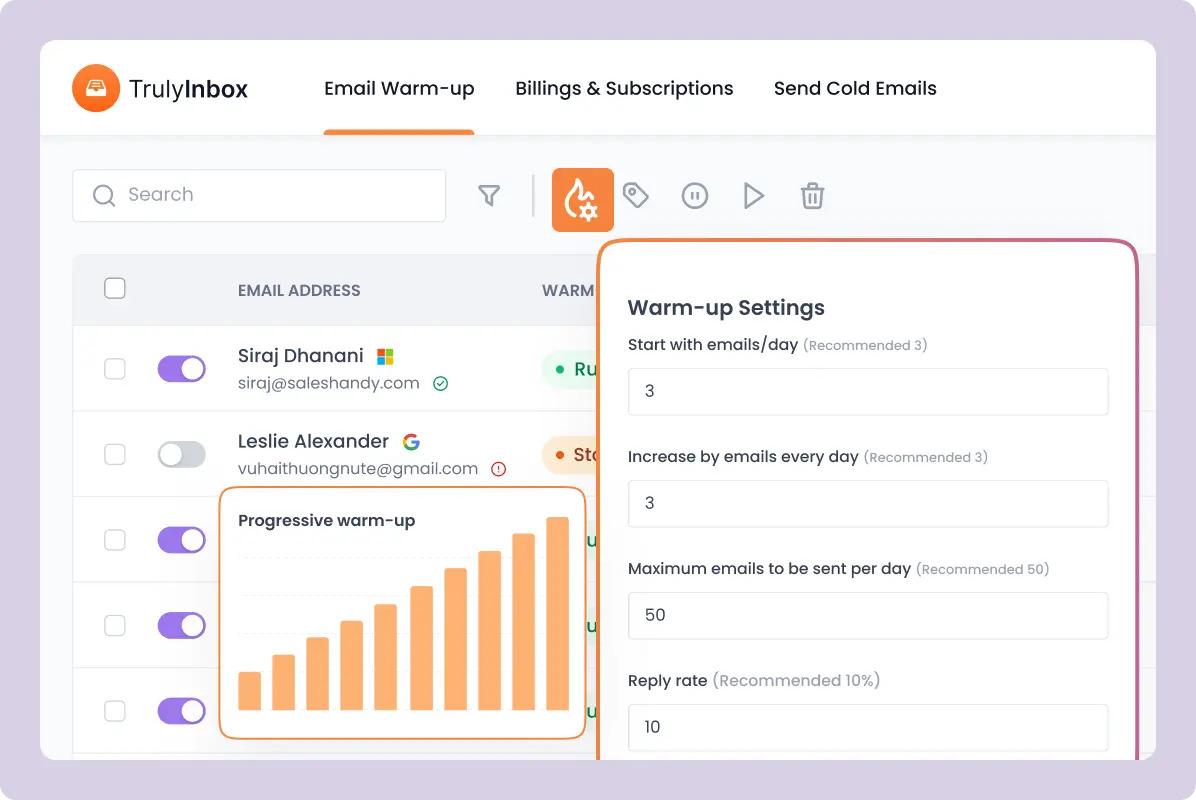
TrulyInbox disrupts standard warmup pricing by offering unlimited inbox warmup on paid plans — a model that makes agencies reconsider per-inbox tools entirely.
While Warmy charges $49/inbox and MailReach charges $25/inbox, TrulyInbox charges a flat $22/month regardless of how many domains you warm.
The platform backs this value proposition with a 97% deliverability rate across its user base, powered by a network of over 12,000 active B2B email accounts.
For agencies managing 10–50 client domains, the math becomes obvious: $22/month versus $490–1,250/month with per-inbox competitors.
Key features
TrulyInbox focuses on customization and control rather than fancy extras.
- Forever-free plan for testing
- API access for custom integrations
- Unlimited inbox warmup on any paid plan
- Full control over daily volume, reply rates, and ramp-up speed
- Blacklist monitoring and spam testing
- 97% reported a deliverability rate
Pricing
The flat-rate model fundamentally changes warmup economics for multi-domain operations.
| Plan | Cost | What you get |
| Free | $0/month | Limited warmup features |
| Paid | $22/month (annual) | Unlimited inbox warmup, blacklist monitoring, API access |
Pros and cons
TrulyInbox prioritizes value over advanced analytics.
| Pros | Cons |
| Unlimited inboxes at a flat rate | Less advanced analytics than premium tools |
| 97% deliverability rate | Newer player in the market |
| Full customization control | Limited integrations compared to all-in-one platforms |
| Forever-free plan |
User reviews about Truly Inbox
Agencies consistently highlight the pricing disruption — one outbound lead mentioned saving $400/month after switching from Warmy.
The interface gets praise for simplicity (no overwhelming feature tabs), and users appreciate the straightforward customization options.
The main critique is that analytics aren’t as detailed as MailReach or InboxAlly, which matters for teams obsessing over placement percentages across specific providers.
4. Warmforge
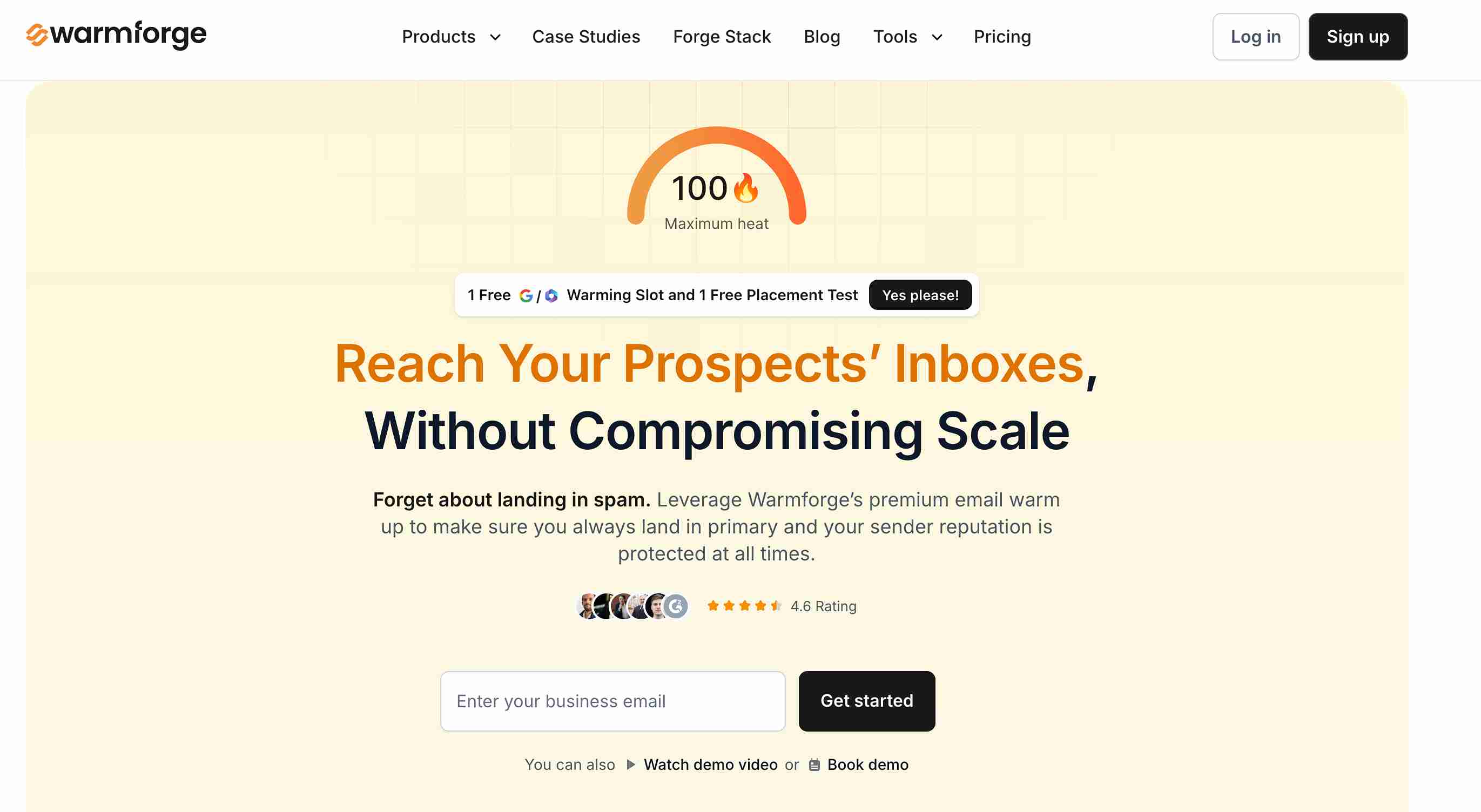
Warmforge combines affordability with features typically reserved for premium tools.
At $12/mailbox/month (or $10 annually), it undercuts most competitors while including built-in spam recovery, DNS monitoring, and inbox placement testing that others charge separately for.
The platform uses AI-driven conversations designed to appear authentic to mail providers — not the generic template approach that increasingly triggers spam filters.
For agencies needing scalability without sacrificing technical monitoring, Warmforge hits a sweet spot that tools at both price extremes miss.
Key features
Warmforge bundles diagnostics with warmup in a way budget competitors don’t.
- Multi-inbox management for agencies
- DNS, MX, and blacklist monitoring on all plans
- AI-driven warmup conversations (not templates)
- Real Google Workspace and Microsoft 365 inbox network
- Built-in spam recovery to rescue flagged emails
- One free inbox placement test per month
Pricing
Warmforge’s pricing makes it the clear budget leader among feature-complete tools.
| Plan | Cost | Features |
| Standard | $12/mailbox/month | Full warmup, monitoring, 1 placement test/month |
| Annual | $10/mailbox/month | Same features, discounted |
Pros and cons
The value proposition comes with some analytical limitations.
| Pros | Cons |
| Affordable for scaling agencies | Analytics are less detailed than MailReach |
| Spam recovery included | Smaller inbox network than the largest competitors |
| DNS/blacklist monitoring standard | Newer platform with less track record |
| Inbox placement tests included |
User reviews about Warmforge
Warmforge earns 4.9/5 on G2 and 4.8/5 on Product Hunt — high marks for a budget tool.
Users praise the intuitive interface and noticeable deliverability improvements, particularly agencies switching from Warmy to cut costs without losing essential monitoring.
The main limitation users mention: analytics provide reputation visibility but lack the granular “why” behind deliverability dips that premium tools offer.
5. Warmbox

Warmbox targets teams wanting deep customization over their warmup strategy.
The platform uses GPT-4 to generate personalized, human-like warmup emails and leverages a network of over 35,000 private inboxes — larger than most competitors.
What sets Warmbox apart is control. While some tools offer “set and forget” simplicity, Warmbox lets you choose from plug-and-play strategies or fully adjust warmup speed, volume, and engagement actions.
ESP-specific warming for over 10 providers is another feature Warmy reportedly lacks.
Key features
Warmbox appeals to users who want granular control over warmup behavior.
- Live DNS records checker
- GPT-4 powered personalized warmup emails
- Network of 35,000+ private high-reputation inboxes
- Fully customizable warmup speed, volume, and engagement
- Domain health tracking and blacklist monitoring
- ESP-specific warming for 10+ providers
Pricing
Warmbox charges per inbox with tiered plans for teams.
| Plan | Cost | Inboxes |
| Solo | $15–19/month | 1 inbox |
| Startup | $69–79/month | 3 inboxes |
| Growth | $139–159/month | 6 inboxes, API access, inbox rotation |
Pros and cons
The customization strength comes with trade-offs.
| Pros | Cons |
| Deep customization options | Support can be unresponsive |
| GPT-4 content generation | No free trial available |
| Large inbox network (35,000+) | Product innovation has slowed |
| ESP-specific warming | Gmail placement issues are reported occasionally |
User reviews about Warmbox
Users appreciate Warmbox’s customization depth — particularly agencies with specific warmup requirements that generic tools can’t handle.
However, support responsiveness appears in multiple negative reviews (especially around billing issues).
Some Gmail users report emails landing in spam even after warming, suggesting the tool works better for certain providers than others. The lack of a free trial frustrates users wanting to test before committing.
6. InboxAlly

InboxAlly operates differently from traditional warmup tools.
Instead of just sending and receiving emails, it simulates deep engagement signals — scrolling through email content, clicking links, marking messages as important, and starring emails. These high-value behavioral signals tell providers your emails deserve inbox placement.
The approach works best for senders with a damaged reputation needing rapid repair. Customers often move out of spam and see open rates more than double within 4–14 days.
However, this premium positioning comes with premium pricing — $149/month minimum puts InboxAlly firmly in enterprise territory.
Key features
InboxAlly focuses on engagement simulation rather than basic warmup mechanics.
- Custom engagement profiles
- Inbox placement tracking across Gmail, Yahoo, and Outlook
- Emails moved from spam and promotions to the primary inbox
- Warmup Planner based on domain history and postmaster reputation
- Advanced engagement signals (scrolling, clicking, starring)
- Works with any sending platform
Pricing
InboxAlly’s pricing reflects its enterprise positioning.
| Plan | Cost | Daily warmup emails |
| Starter | $149/month | 100 |
| Plus | Custom | 10,000 email campaigns |
| Premium | Custom | 20,000 email campaigns |
Pros and cons
The engagement approach delivers results but limits accessibility.
| Pros | Cons |
| Advanced engagement simulation | Very expensive ($149/month minimum) |
| Rapid reputation repair (4–14 days) | No chat support on Starter |
| Works with any sending platform | Basic reporting compared to price |
| Effective for damaged domains | Limited integrations with other tools |
User reviews about Truly Inbox
Reviews on Capterra highlight significant open rate improvements and decreased spam complaints. Users consistently praise customer service for walking through setup and interface details.
The main criticism is that the price-to-value ratio feels off for smaller teams — paying $149/month for one inbox when alternatives offer similar core functionality at $19–29/inbox.
Reporting gets called “basic” for the premium charged, and live support requires higher plans.
7. Lemwarm
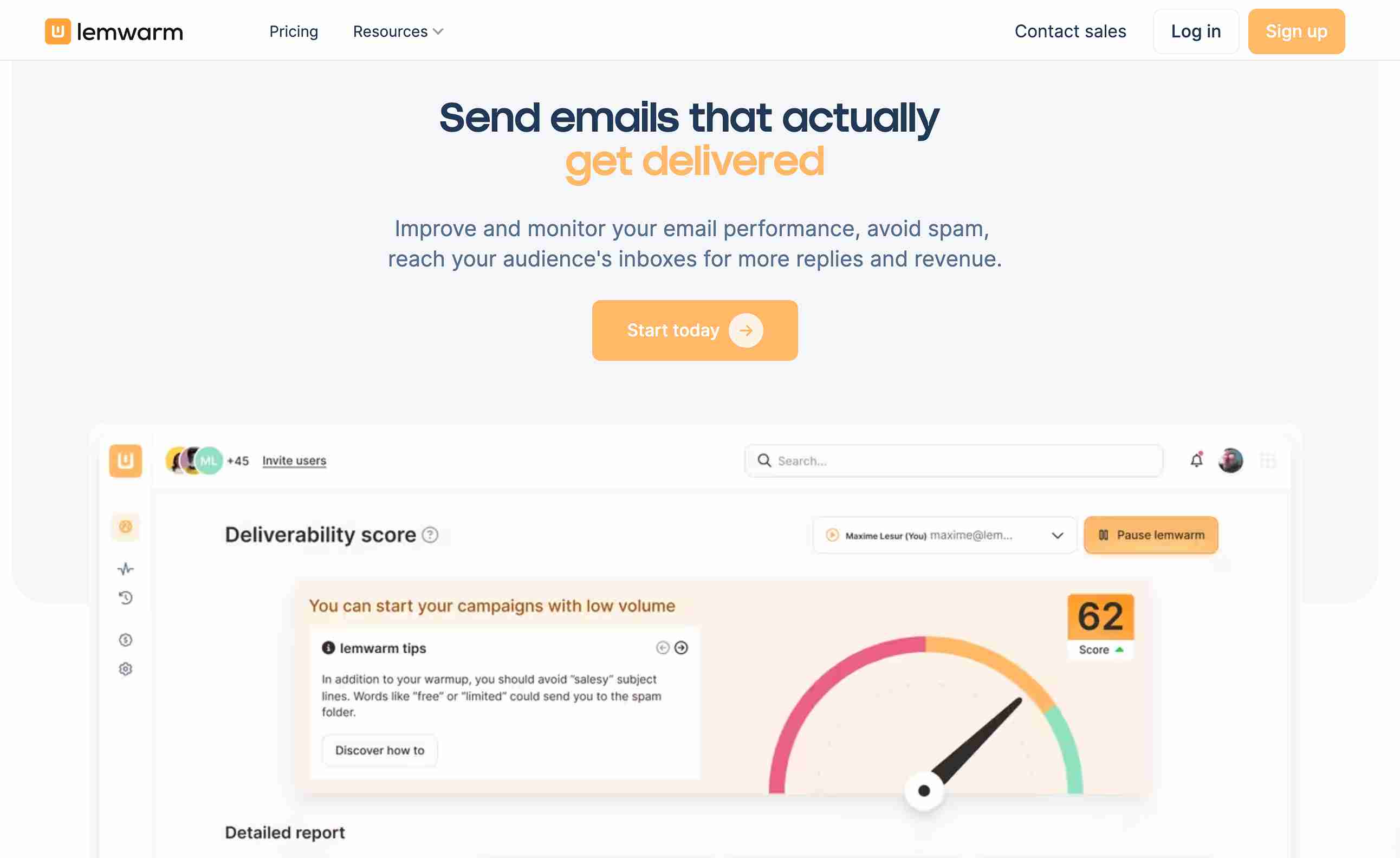
Lemwarm comes from the Lemlist team — creators of one of the most popular cold email tools.
The platform warms up your inbox by exchanging emails within a network of 20,000+ real, healthy domains, with industry-tailored targeting that generic tools don’t offer.
The integration with Lemlist is Lemwarm’s biggest draw (and limitation). Lemlist Pro subscribers get the Essential plan free, making it effectively a bundled feature.
For non-Lemlist users, however, the per-inbox pricing and 40 email/day cap may feel restrictive compared to standalone alternatives.
Key features
Lemwarm prioritizes integration with the Lemlist ecosystem.
- SpamAssassin score assessment
- Sender reputation monitoring with alerts
- DNS check (SPF, DKIM, DMARC, MX, custom tracking domain)
- Warm-up network tailored to your industry (B2B, B2C, specific niches)
- Smart Cluster for personalized warmup emails
- Free with Lemlist Pro subscription
Pricing
Lemwarm charges per inbox with two plan options.
| Plan | Cost | Features |
| Essential | $29/inbox/month | Core warmup, DNS check, reputation monitoring |
| Smart | $49/inbox/month | Smart Cluster, 5 custom templates, industry targeting |
Pros and cons
The Lemlist integration cuts both ways.
| Pros | Cons |
| Industry-tailored warmup network | Max 40 warmup emails/day |
| Free with Lemlist Pro | Per-inbox pricing adds up quickly |
| DNS + SpamAssassin checks | Multi-inbox management is clunky |
| Weekend warmup stays consistent | Limited customization on Essential |
User reviews about Lemwarm
Users running Lemwarm for 45+ days report solid results — spam placement dropping steadily and inbox rates improving within 10–14 days.
Setup takes about 15 minutes with guided DNS configuration (no technical expertise required).
The criticisms cluster around pricing ($29–49/inbox feels steep at scale), the 40 email/day cap, and awkward multi-account management.
One Reddit user noted warmup emails included spammy language — which defeats the entire purpose.
Your emails deserve better than Warmy’s generic approach
The tools above solve Warmy’s core problem: generic templates that email providers increasingly recognize and flag.
But if you want a personalized warmup that actually mirrors your sending patterns — plus unlimited deliverability tests, human consultations, and pre-configured mailboxes — EmailWarmup.com covers it all.
- 24/7 human consultations on every plan
- Up to 98% inbox rate on Pro (with refund guarantee)
- Unlimited free deliverability tests across 50+ providers
- Chrome extension showing placement while you compose
- Works for cold email and marketing email (Klaviyo, Mailchimp users included)
- Personalized warmup (Claude Opus 4.1 + GPT-5) supervised by human copywriters
Start with the free tier — one mailbox, unlimited tests, and no credit card required.
How to choose the best Warmy alternative
The right tool depends on your volume, budget, and technical needs.
Agencies warming 10+ domains should prioritize flat-rate pricing (TrulyInbox) or affordable per-inbox options (Warmforge).
Teams needing precision analytics lean toward MailReach. Damaged reputations requiring rapid repair justify InboxAlly’s premium. Lemlist users get obvious value from Lemwarm’s bundled integration.
When evaluating, consider:
- Inbox network quality and size
- Pricing model (per-inbox vs. flat-rate)
- Warmup personalization vs. generic templates
- Diagnostic depth (placement testing, DNS monitoring)
- Support responsiveness and availability
- Integration with your existing stack
Frequently asked questions
Here are some commonly asked questions on this topic:
EmailWarmup.com offers a personalized AI warmup that mirrors your actual sending patterns — addressing Warmy’s main weakness (generic templates). TrulyInbox provides unlimited inbox warmup at a flat $22/month for agencies wanting to cut costs. MailReach delivers precision diagnostics for teams obsessing over placement metrics. Each solves different problems Warmy creates.
EmailWarmup.com offers unlimited free deliverability testing across 50+ mailbox providers — Gmail, Outlook, Yahoo, Apple Mail, ProtonMail, QQ Mail (900M users in China), Mail.ru (100M+ users), and 40+ regional providers. Most competitors charge $25–85/month for basic testing; EmailWarmup.com includes it free forever.
The best warmup tool depends on your specific situation. For personalized warmup with free consultations, EmailWarmup.com leads. For precision analytics, MailReach excels. For budget-conscious agencies, TrulyInbox or Warmforge delivers value. For damaged reputations needing rapid repair, InboxAlly’s engagement signals work fastest. No single tool wins universally.
Warmup Inbox serves solo senders wanting a simple, affordable warmup. If you need similar simplicity with better features, Warmforge offers DNS monitoring and spam recovery at $12/mailbox. TrulyInbox provides unlimited inboxes at $22/month flat. EmailWarmup.com adds personalized warmup and free unlimited testing — features budget tools typically skip.



