



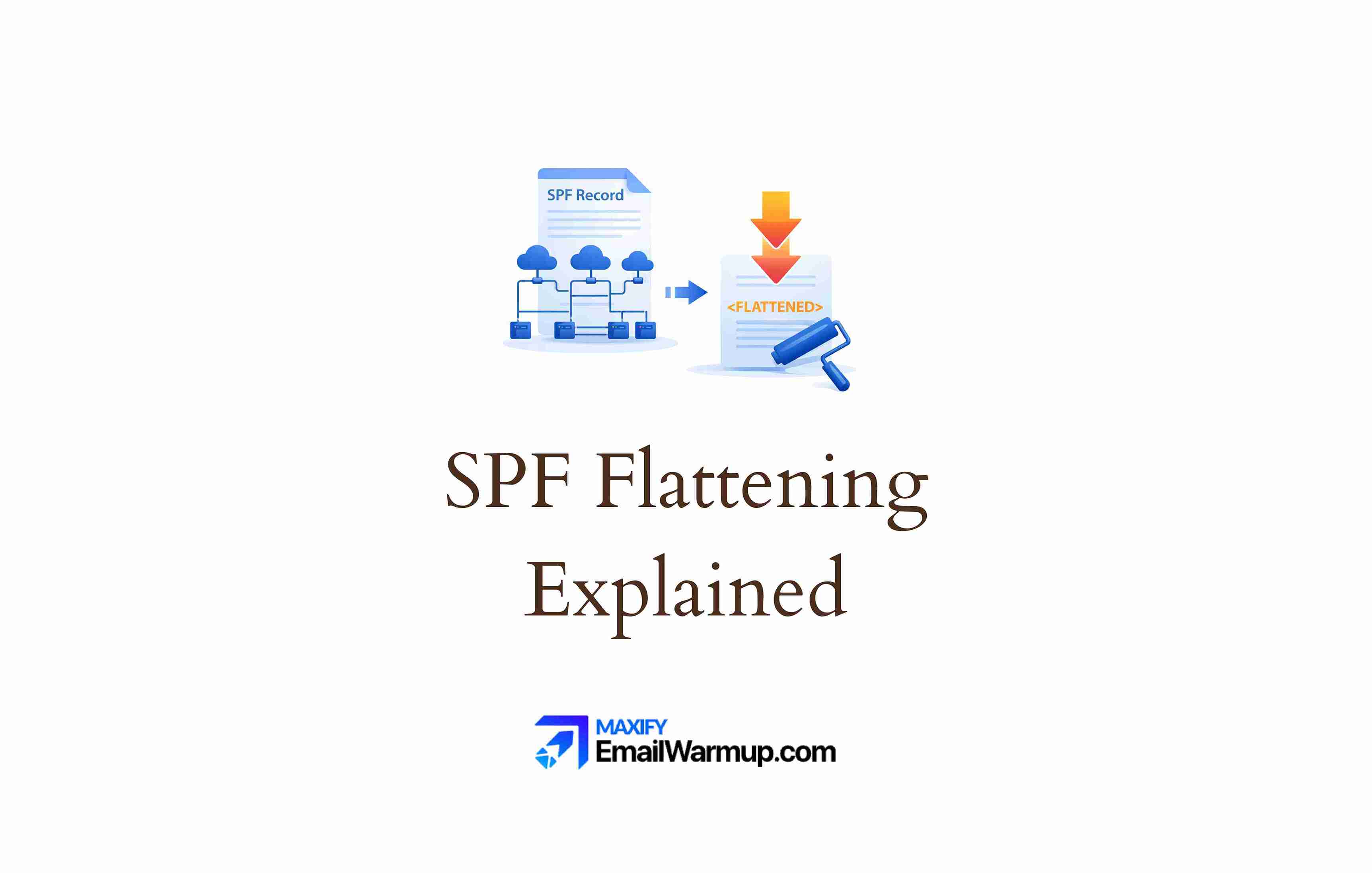
SPF flattening converts domain-based mechanisms (like include:) into direct IP addresses. The technique bypasses the 10-DNS lookup limit that causes authentication failures when you use too many email services.
SPF flattening helps you in many ways:
- It reduces DNS lookups by replacing includes with ip4/ip6 entries
- It prevents PermError, which triggers when the limit is exceeded
- It keeps SPF functional as you add more sending services
The approach works — but carries significant maintenance risks that make manual flattening dangerous for most organizations. Understanding when flattening helps (and when it backfires) prevents authentication disasters that tank your email deliverability.
Why does SPF have a 10-lookup limit?
The SPF specification (RFC 7208) caps DNS lookups at 10 to prevent abuse.
Without this constraint, a malicious or poorly configured record could trigger hundreds of recursive queries, overwhelming the DNS infrastructure.
Technical constraint
Every include:, a, mx, and redirect= mechanism triggers a DNS lookup during SPF evaluation. Direct IP mechanisms (ip4:, ip6:) don’t count because they require no resolution.
| Mechanism | Counts toward limit? |
| include: | Yes |
| a | Yes |
| mx | Yes |
| ptr | Yes (deprecated, avoid) |
| exists | Yes |
| redirect= | Yes |
| ip4: | No |
| ip6: | No |
| all | No |
The math problem
Modern organizations stack email services quickly. A typical setup might include:
- Zendesk (1-2 lookups)
- Marketing platform (2 lookups)
- Google Workspace (2 lookups)
- Salesforce (2 lookups)
- HubSpot (2 lookups)
That’s already 9-10 lookups — and you haven’t added your transactional email provider yet.
Each vendor’s include: statement also contains nested includes, which count against your limit. The SPF record basics matter here, but the lookup math catches most people off guard.
The problem with the 11th lookup
When a receiving server hits the 11th lookup, it stops evaluating and returns PermError (permanent error). The SPF check fails completely.
Depending on the recipient’s DMARC policy, your email may be rejected, quarantined, or filtered as spam — even if you’re a legitimate sender with properly authorized services.
How does SPF flattening work?
Flattening tools (or manual effort) resolve all domain-based mechanisms to the underlying IP addresses. The result is a record that requires no additional DNS lookups because everything is already specified.
The flattening sequence follows predictable steps:
- Query each include: domain recursively
- Extract all authorized IP addresses from nested records
- Consolidate overlapping ranges into CIDR notation
- Remove deprecated mechanisms like ptr
- Compile everything into a single flat record
So it looks something like this:
| Before flattening (4+ lookups) | After flattening (0 lookups) |
| include:_spf.google.com include:sendgrid.net include:mail.zendesk.com -all | ip4:209.85.128.0/17 ip4:167.89.0.0/17 ip4:192.161.144.0/20 -all |
The flattened version lists every IP range directly. Receiving servers can validate without having to query additional DNS records.
The problem is that flattening significantly expands your record. DNS TXT records have a 255-character limit per string.
A flattened record with dozens of IP ranges can exceed this, requiring record splitting across multiple strings — which reintroduces complexity and potential syntax errors.
What are the risks of manual SPF flattening?
Manual flattening is widely discouraged among email authentication experts. The technique solves one problem while creating several others.
Stale IP addresses
Email service providers (Google, Microsoft, SendGrid) change their IP ranges frequently — sometimes monthly, sometimes without any notice.
A manually flattened record is static. When a vendor adds new sending IPs and your record doesn’t include them, legitimate emails fail authentication.
The failures are silent. You won’t know until sender reputation goes down or customers report missing messages. By then, the damage has accumulated over days or weeks.
Maintenance burden
Manual flattening demands ongoing effort that quickly becomes unsustainable:
- Regular DNS updates (monthly at a minimum)
- Testing after every change (to catch syntax errors)
- Documentation of which IPs belong to which service
- Monitoring every vendor’s IP changes (impossible at scale)
For organizations using 5+ email services, the maintenance overhead consumes significant IT resources with no end in sight.
Human error
Long strings of IP addresses invite mistakes:
- Typos in IP ranges
- Missing CIDR notation
- Accidental deletion of needed IPs
- Syntax errors that invalidate the entire record
One wrong character can break authentication for all outbound email. The record looks valid in your DNS panel, but receiving servers reject everything.
Security concerns
Flattening often authorizes the use of broad IP ranges to stay within character limits. You might authorize /16 blocks when only specific /24s actually send on your behalf. Those unused portions become potential spoofing vectors if attackers gain access to any IP within your authorized ranges.
Should you use automated flattening instead?
Automated flattening services monitor vendor inclusion in real-time. When Google or Salesforce updates its IP ranges, the service detects the change and automatically updates your flattened record.
Automation benefits
- Provides an audit trail of modifications
- Records stay current without manual intervention
- Changes deploy within minutes of vendor updates
- Syntax is machine-generated (no typos)
The “set and forget” workflow eliminates the maintenance burden that makes manual flattening so risky.
Remaining limitations
Even automated flattening doesn’t solve every problem:
- Cost adds up for enterprise deployments
- Dependency on third-party service availability
- Character limits still apply (record splitting may be needed)
- You’re authorizing IPs, not services (visibility loss during troubleshooting)
Automation is better than manual, but alternatives exist that avoid flattening entirely.
What alternatives exist to SPF flattening?
Flattening isn’t the only solution. Several approaches bypass the lookup limit without converting your record to a static IP list.
Subdomain segmentation
Move different email streams to dedicated subdomains:
- marketing.example.com for campaign emails
- support.example.com for ticketing systems
- billing.example.com for transactional messages
Each subdomain gets its own independent 10-lookup limit. Your main domain stays clean with minimal includes. The trade-off is managing reputation across multiple sending domains—each builds (or damages) its own track record independently.
SPF macros
Advanced configurations use the exists mechanism with macros to bypass the lookup limit entirely.
The macro dynamically queries a specialized DNS record at send time and checks the sender’s IP address against a database. One lookup handles unlimited senders.
Macros are powerful but complex to implement correctly. The email infrastructure needed to support macro-based SPF requires expertise that most organizations lack internally.
Record pruning
Before flattening, audit what you actually need:
- Remove vendors you no longer use
- Check if a and mx mechanisms are necessary
- Use DMARC reports to identify unused authorized senders
Sometimes the problem isn’t the limit — it’s record bloat from orphaned services that nobody remembers adding.
DKIM reliance
DMARC requires either SPF or DKIM to pass in alignment. If SPF is problematic, ensure DKIM is properly configured. Strong DKIM authentication provides a backup when SPF hits edge cases.
The backup isn’t ideal (you want both mechanisms working), but it prevents a complete authentication failure while you sort out the SPF complexity.
How do you check your current SPF lookup count?
Before making changes, understand your current state. Verification takes seconds with the right tools.
Lookup tools
Use an SPF lookup tool to see your current lookup count. The tool recursively resolves your record and reports the total number of lookups.
What to check:
- Total lookup count (must be ≤10)
- Which mechanisms trigger lookups
- Deprecated mechanisms like ptr that waste lookups
- Nested includes (some vendors include other vendors)
Testing changes
Before publishing any flattened or modified record:
- Validate syntax with SPF testing tools
- Use short TTL initially (300 seconds) for quick rollback
- Monitor DMARC reports for unexpected failures
- Have a rollback plan ready
The email deliverability test can verify the authentication status after changes. If something breaks, a short TTL means the old record expires quickly from caches.
SPF flattening solves a real problem — but carries real risks
Manual flattening is almost never worth the maintenance burden.
Automation eliminates the risk of stale records, while subdomain segmentation and macros avoid flattening entirely.
The right choice depends on your email infrastructure complexity, technical resources, and tolerance for ongoing maintenance.
Use the SPF generator to create valid records, and consider an email deliverability consultant if multi-vendor SPF is causing persistent authentication failures.
Frequently asked questions
Here are some commonly asked questions about SPF flattening:
PermError occurs when SPF evaluation exceeds 10 DNS lookups, encounters a syntax error, or hits a void lookup (a domain that doesn’t exist). The result is an authentication failure — receiving servers can’t determine whether your sending IP is authorized.
Not directly. Each include: counts as one lookup, and nested includes within those count too. If your includes total more than 10 lookups (including nesting), you need flattening, macros, or subdomain segmentation to stay compliant.
Major providers update IP ranges regularly — sometimes monthly, sometimes without notice. Google, Microsoft, and marketing platforms all manage dynamic infrastructure that evolves constantly. Any static record eventually goes stale.
Flattening isn’t required, but functioning SPF is. If your SPF exceeds the lookup limit and returns PermError, SPF-based DMARC alignment fails. Flattening (or alternatives) keeps SPF valid so it can contribute to authentication alongside DKIM.



