




Clearout positions itself as more than a verification tool — combining email validation, email finding, prospecting, and form protection under one roof. The platform claims 99.73% accuracy through 20+ validation checks, backed by SOC 2 Type II and ISO 27001 certifications.
The question is whether Clearout’s breadth comes at the expense of depth. This review examines the platform through a sender reputation lens.
In this guide, you’ll learn:
- How verification accuracy holds up in real testing
- Where the email finder and prospecting modules deliver
- What the credit-based pricing actually costs at scale
- Who benefits from Clearout, and who needs alternatives
Quick skim — Clearout overview
Here’s the snapshot before breaking down each area.
| Category | Verdict |
| Best for | Teams wanting verification + finding in one tool |
| Starting price | Free (100 credits); paid plans from ~$16–20/month |
| Free tier | 100 free credits |
| Standout feature | Form Guard real-time validation |
| Biggest weakness | Credit consumption across features |
| Best alternative | EmailWarmup.com |
| Overall rating | 4.0 / 5 |
How we evaluated Clearout
The assessment reflects how consultants evaluate verification platforms — examining accuracy, pricing economics, and integration depth.
We examined:
- Verification accuracy and processing speed
- Form Guard and prospecting capabilities
- Credit consumption across features
- Integration options and API access
- Email finder confidence scoring
Is Clearout worth the price?
Clearout uses credit-based pricing across all features — verification, finding, and prospecting draw from the same pool.
Pricing options
Apart from the free version, three paid options are available:
| Model | Cost | Credits |
| Free | $0 | 100 credits |
| Subscription | From ~$16–20/month | Varies by tier |
| Pay-as-you-go | From ~$21 | 3,000 credits |
| Enterprise | Custom | Volume discounts |
Credits don’t expire — a genuine advantage for teams with irregular usage. Subscription credits roll over month to month.
Credit economics
The shared credit pool means email finding and prospecting compete with verification for the same budget. Some reviewers mention credit consumption as a point of friction when running multiple workflows simultaneously.
Value assessment
For pure verification, Clearout’s per-email cost is competitive. The value proposition strengthens when you actually use multiple modules — Finder, Form Guard, and prospecting — within the same credit budget. Teams using only verification might find dedicated tools more economical at higher volumes.
What do real verification results show?
Clearout claims 99.73% accuracy through 20+ validation checks. Independent testing provides useful context.
Verification process
The 20+ checks include:
- Disposable email filtering
- Syntax and format validation
- Role-based address identification
- Domain and MX record verification
- SMTP mailbox existence checks
- Catch-all domain detection
- Spam trap detection
Real-world accuracy
Third-party testing (Sparkle.io) on 2,500 emails returned:
- 88% valid (2,209 addresses)
- 7% invalid (164 addresses)
- 5% catch-all (116 addresses)
- 1,569 guaranteed deliverables
Processing time — approximately 26 minutes for 2,500 emails. User reviews consistently praise accuracy — G2 and Capterra reviewers frequently highlight verification reliability.
Catch-all handling
Like most verifiers, catch-all domains return inconclusive results. Clearout flags these as higher-risk rather than definitively valid or invalid — appropriate handling given the technical limitations of SMTP-based verification.
What are Clearout’s strengths and weaknesses?
User sentiment across G2 (4.6/5, 525 reviews), Capterra (4.7/5, 84 reviews), and AppSumo (4.73/5, 63 reviews) highlights consistent patterns.
High verification accuracy with AI-based confidence scoring.
Form Guard blocks invalid entries at point of capture.
Strong integrations: Apollo.io, HubSpot, Zapier, Google Sheets.
SOC 2 Type II, ISO 27001, GDPR compliant.
Credit consumption can feel tight at higher volumes.
Prospecting results vary by filter selection.
Email-focused verification (phone capabilities limited to Form Guard and LinkedIn extension).
Bulk CSV workflow common; automation requires API or integration setup.
Who should and should not use Clearout?
The right fit depends on whether you’ll use multiple modules or just verification.
Recommended if
- Credit volumes align with monthly usage patterns
- Compliance is important for you (SOC 2, ISO 27001, GDPR)
- You want verification, email finding, and form protection in one workspace
- Apollo.io integration is valuable for your workflow
Not recommended if
- You need deep prospecting with consistent filter coverage
- High-volume verification requires fully automated CRM cleaning
- You prefer pure verification without bundled features
Category scorecard
| Category | Score | Notes |
| Pricing | 3.5/5 | Competitive, but credits feel tight at scale |
| Ease of setup | 4.5/5 | Clean interface, quick onboarding |
| Core functionality | 4/5 | Strong verification; finder solid |
| Deliverability impact | 4/5 | High accuracy, good spam trap detection |
| Diagnostics depth | 4/5 | Detailed result categories |
| Reporting | 3.5/5 | Good integrations, including Apollo.io |
| Support | 4.5/5 | Consistently praised across reviews |
| Scalability | 3.5/5 | Credit limits constrain high-volume use |
| Provider compatibility | 4/5 | Good integrations including Apollo.io |
| Overall value | 4/5 | Strong when using multiple modules |
How does Clearout perform in the real world?
Day-to-day operations reveal the practical reality behind feature descriptions.
Email verification
The core verification workflow handles bulk uploads (CSV/XLSX) and exports results in the original format. Quick validation allows instant checks for smaller batches. The “Guaranteed Deliverables” status — derived from AI confidence scoring — gives teams actionable segmentation for outreach decisions.
Email finder
The finder works well for targeted lookups (name + company/domain) with confidence scores helping prioritize results. Bulk finder capabilities exist, but verification remains the stronger product.
Form Guard
Form Guard validates emails, phone numbers, and names at the point of capture — blocking disposables and invalid entries before they reach your CRM. The feature integrates with HubSpot Forms, WordPress, and custom implementations.
Prospecting
The prospecting module varies by filter combination. Narrower filters return limited results while broader filters yield usable volumes. Treat prospecting as supplementary rather than primary list-building functionality.
What happens after you commit?
Clearout offers multiple workflow options — bulk CSV uploads for manual processing, plus APIs, webhooks, and native integrations (HubSpot, Zapier) for automation.
The level of automation depends on the setup effort; teams that want continuous cleaning need to configure workflows via integrations.
Credits don’t expire, which removes pressure to use purchases immediately. Support responsiveness is consistently praised across review platforms.
A better alternative to Clearout | EmailWarmup.com
For teams where verification accuracy directly affects domain reputation, EmailWarmup.com’s email validation API offers verification integrated into a broader deliverability ecosystem.
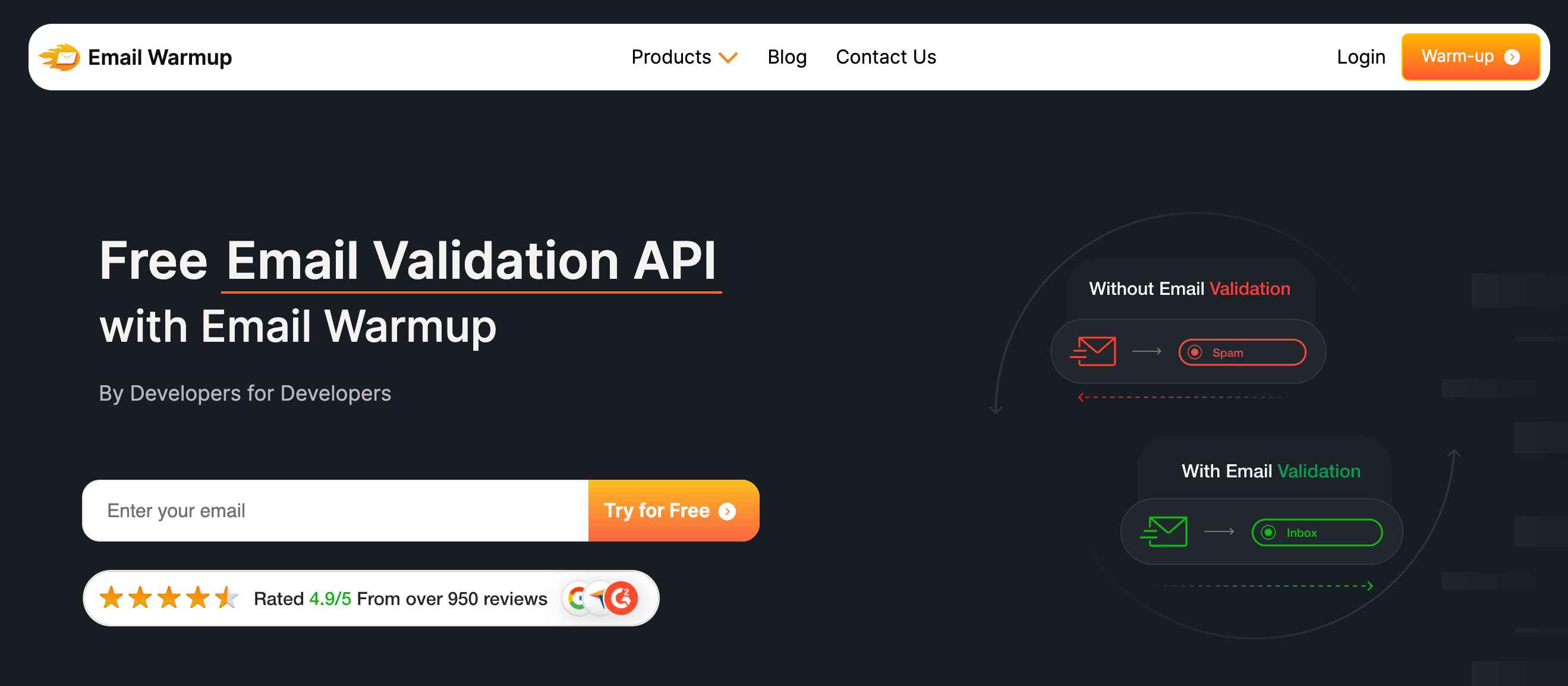
The API checks format, domain, mailbox existence, and risk factors — blocking disposable addresses, spam traps, and typos in real-time.
Key capabilities:
- 100 free credits for testing
- SDKs in 8 programming languages
- Real-time verification via REST/JSON API
- Deliverability consultants for complex cases
- Pairs with email warmup and deliverability testing
Final verdict
Clearout delivers strong verification accuracy with genuinely useful extras — email finding, Form Guard, and prospecting consolidate multiple workflows.
The platform earns its positive reviews (4.6/5 on G2) through clean UX, responsive support, and solid compliance credentials.
Credit consumption creates friction at scale, and the prospecting module doesn’t match the verification depth.
Teams that use multiple Clearout features in a single workspace get good value. Teams needing only verification — or deep prospecting — may find specialized tools more economical.
Frequently asked questions
Here are some commonly asked questions about Clearout:
Clearout claims 99.73% accuracy through 20+ validation checks. Third-party testing shows that approximately 88% of emails are returned as valid, with clear categorization of catch-all, invalid, and unknown addresses.
Clearout’s core product focuses on email verification. Phone-related capabilities exist through Form Guard (which validates phone numbers on forms) and the LinkedIn extension (which can enrich contact data). For dedicated phone enrichment, separate tools may be needed.
Form Guard validates emails, phone numbers, and names at the point of capture — blocking invalid entries before they reach your database. The feature integrates with HubSpot Forms, WordPress, and custom forms.
Yes. Clearout offers native Apollo.io integration — useful for teams that use Apollo for prospecting and want verification built into their workflow.



