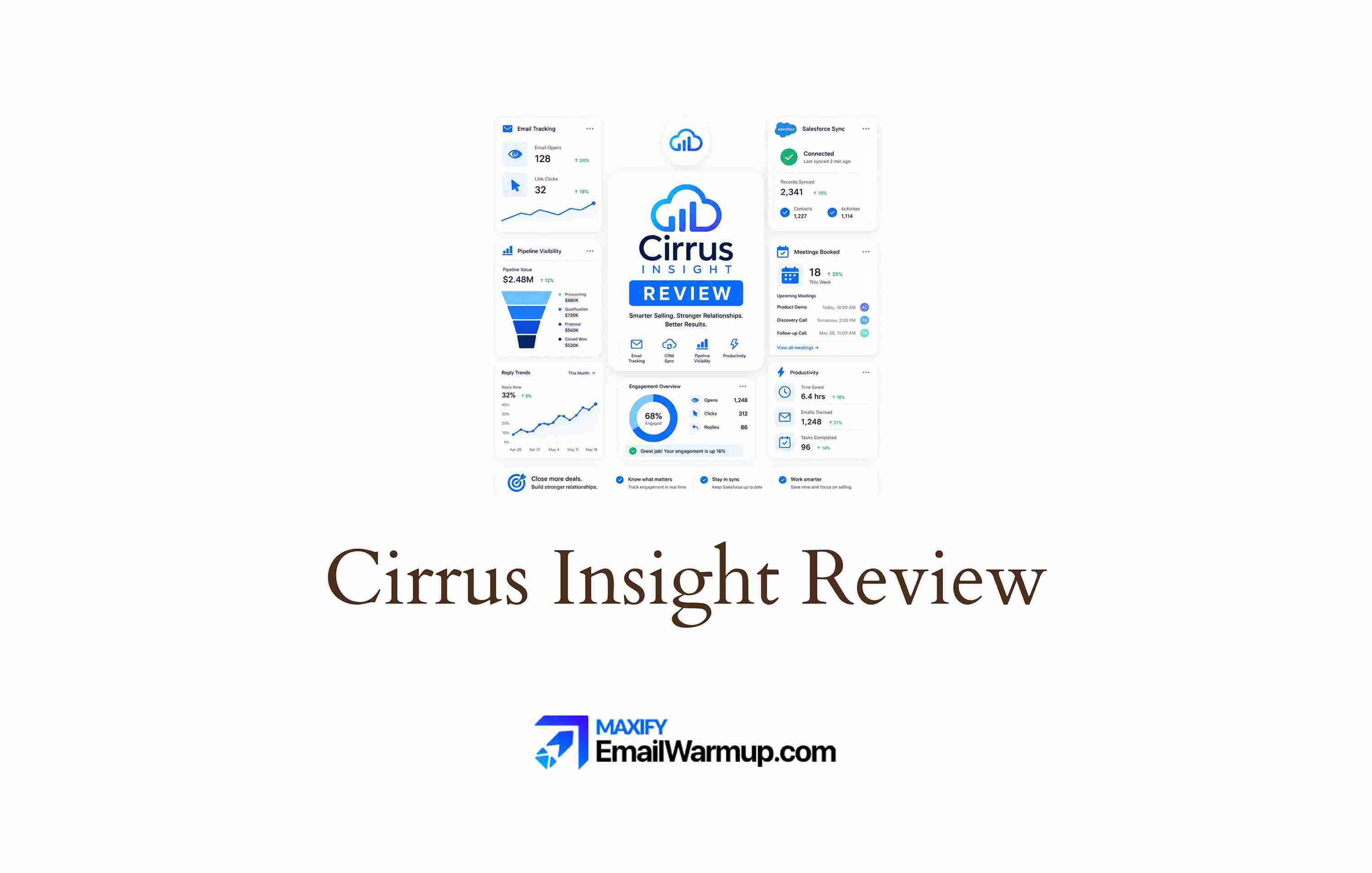
Cirrus Insight has been connecting Gmail and Outlook to Salesforce for over a decade. The product sits in a specific lane — it’s not trying to be Outreach or Salesloft. It’s a Salesforce sidebar that auto-logs emails, syncs calendars, tracks opens and clicks, and gives reps a mini-CRM view inside their inbox without opening a separate tab.
For Salesforce teams that primarily need CRM hygiene and scheduling (not full engagement sequencing), Cirrus fills a real gap at an accessible price point ($14-$49/user/month).
The Smart Scheduler and lead routing features keep calendars full. The auto-capture ensures activities actually make it into Salesforce — solving the data completeness problem that plagues most CRM deployments.
But Cirrus isn’t a sales engagement platform in the way Outreach, Salesloft, or even Mixmax are. There’s no multi-channel sequencing engine. Cadence depth is limited. And multiple reviewers flag occasional sync disconnections that defeat the core purpose of the tool.
This review covers:
- Scheduling and lead routing quality
- CRM sync reliability and what it protects
- Who fits the product, and who needs more
- Pricing across Salesforce Sync, Pro, and Expert tiers
- Where the platform falls short on engagement and deliverability
TLDR: Cirrus Insight at a glance
A quick overview of Cirrus Insight:
| Category | Detail |
| What it is | Salesforce-focused inbox productivity tool for email logging, calendar sync, scheduling, and CRM sidebar |
| Best for | Salesforce teams that need CRM data completeness without manual logging |
| Deliverability tooling | None — basic open/click tracking only, no warmup or inbox management |
| Main limitation | Not a sales engagement platform — no cadences, no multi-channel outreach |
| Best-fit user | Sales ops admins, AEs, and CSMs on Salesforce who want CRM hygiene from their inbox |
How much does Cirrus Insight cost in 2026?
Cirrus Insight publishes transparent pricing — one of the more accessible tools in the Salesforce productivity space.
| Plan | Monthly per user | What it includes |
| Salesforce Sync | $14 | Email and calendar auto-logging to Salesforce, basic sidebar |
| Pro | $21 | Sync + email tracking (opens/clicks), templates, Send Later |
| Expert | $49 | Pro + Smart Scheduler, lead routing, agentic sales features, pre-meeting briefs |
For a 10-person sales team on Expert, expect $5,880/year — a fraction of what Outreach ($28K+), Salesloft ($42K+), or even Groove ($15K+) would cost. That pricing makes sense when the primary need is CRM sync and scheduling rather than full sales engagement.
The value breaks down if you need cadences, sequencing, or any multi-channel outreach. Cirrus doesn’t offer those — and at that point, you’re comparing it against tools in a different category.
What does Cirrus Insight reveal in day-to-day Salesforce workflows?
The platform’s value is focused tightly on two things: getting data into Salesforce automatically and keeping calendars full. Here’s how the core capabilities hold up.
CRM auto-logging
Cirrus automatically captures emails, calendar events, and meeting notes to the correct Salesforce records without manual input.
Multiple G2 reviewers describe going from unreliable CRM data to near-complete activity history.
One Software Advice reviewer called it “the best integration between Gmail and Salesforce that I have found.” The auto-logging works in both Gmail and Outlook, covering the two most common email environments.
Smart Scheduler and lead routing
The Expert tier includes scheduling that goes beyond basic calendar links. Round-robin routing distributes meetings across team members.
Lead assignment rules push inbound requests to the right rep automatically. Multiple reviewers praise the scheduling as the feature that “genuinely saves time” — particularly for teams that handle high volumes of meeting requests.
Sync reliability
The most consistent complaint across G2, Software Advice, and Capterra is occasional sync disconnections.
The sidebar sometimes vanishes, emails stop logging, and reps don’t realize it until they check Salesforce manually.
One reviewer described needing to “re-download to get it working again” multiple times per month. For a tool whose entire value proposition is automatic sync, intermittent failures undercut trust.
What Cirrus Insight users say
Verified reviews tend to describe Cirrus Insight as a strong Salesforce email integration tool, especially for Gmail and Outlook users who need easier CRM logging, scheduling, and inbox-side Salesforce context. The main complaints are less about its core CRM workflow and more about sync reliability, browser performance, and the lack of deeper sequencing features.
What are the pros and cons of Cirrus Insight?
Cirrus Insight delivers focused value at a low price point — CRM sync and scheduling done well.
The tradeoff is that it doesn’t attempt to be a sales engagement platform, and the sync reliability issues undercut the core promise for some users.
Who should and shouldn’t use Cirrus Insight?
Cirrus fits a narrow but important need — CRM data hygiene and scheduling for Salesforce teams. It doesn’t fit teams that need outbound engagement capabilities.
Who should use it
- AEs and CSMs who want a Salesforce sidebar inside Gmail or Outlook
- Organizations where scheduling and lead routing are the primary productivity gaps
- Teams looking for an affordable Salesforce productivity layer ($14-$49/user/month)
- Salesforce teams that need auto-logged emails and calendar events without manual CRM entry
Who shouldn’t use it
- Teams on any CRM other than Salesforce
- Buyers who need enterprise-grade engagement reporting and analytics
- SDR teams that need multi-step cadences, sequences, or multi-channel outreach
- Organizations that need deliverability management (warmup, inbox health, rotation)
How does Cirrus Insight compare to the alternatives?
Cirrus Insight competes with Salesforce’s native Einstein Activity Capture on the sync layer, and with Mixmax and Groove on the inbox productivity layer. It’s not in the same category as Outreach or Salesloft.
Cirrus Insight scorecard for Salesforce productivity
Here’s how Cirrus Insight rates across the categories that matter most for its target buyer — Salesforce teams focused on CRM hygiene and scheduling.
| Category | Rating | Notes |
| Sequencing depth | ★☆☆☆☆ | No cadences or multi-step sequences — not the product’s purpose |
| Deliverability management | ★☆☆☆☆ | No warmup, no inbox health — basic open/click tracking only |
| CRM integration | ★★★★☆ | Strong Salesforce auto-logging, but occasional sync disconnections |
| Reporting quality | ★★☆☆☆ | Basic email tracking stats — no pipeline or engagement analytics |
| Ease of use | ★★★★☆ | Intuitive sidebar and scheduling, but Chrome extension can slow inbox |
| Pricing fit | ★★★★★ | $14-$49/user/month is the most accessible in the category |
| EmailWarmup.com fit | ★★★★☆ | Moderate — teams using Cirrus for email outreach need deliverability |
How does Cirrus Insight fit into a Salesforce-first workflow?
Cirrus is designed to sit inside your inbox and connect to Salesforce — nothing more, nothing less. Here’s how the operational dimensions play out.
Setup and onboarding
Install the Chrome extension or Outlook add-in, connect your Salesforce account, and you’re logging emails within minutes. There’s no lengthy implementation or admin dependency.
The Expert tier’s Smart Scheduler requires some configuration (routing rules, calendar preferences), but most teams are operational within a day. Customer support and onboarding are consistently praised in reviews.
Integration depth
Salesforce is the only CRM integration. Gmail and Outlook are the supported email environments. The sidebar shows contact records, opportunity details, and activity history from Salesforce directly in the inbox.
Beyond Salesforce, integration options are extremely limited — only 4 verified integrations on G2 (Salesforce, Salesforce Sales Cloud, CustomerSure, Salesforce Agentforce). If you need connections to HubSpot, Slack, or other tools, Cirrus won’t help.
Sending limits and scaling
Cirrus doesn’t have its own sending infrastructure — it sends through your connected Gmail or Outlook account, inheriting those providers’ limits. There’s no warmup, no inbox rotation, and no mailbox health monitoring.
For teams using Cirrus primarily for CRM sync and scheduling (not high-volume outbound), this is a non-issue. For teams trying to run outbound at volume, Cirrus isn’t the right tool — and the absence of a deliverability layer makes the gap wider.
What happens after you stop using Cirrus Insight?
All data that was logged to Salesforce stays in Salesforce — contacts, activities, emails, calendar events. The Salesforce sidebar and scheduling features stop working. Email templates stored in Cirrus are lost. The transition is clean because Cirrus writes to Salesforce natively rather than maintaining a separate database.
The deliverability layer Cirrus Insight doesn’t address
Cirrus Insight tracks email opens and clicks, but it doesn’t manage whether emails actually reach the inbox.
There is no warmup, domain health monitoring, automated mailbox replacement, or detection when sending reputation degrades. For teams using Cirrus alongside higher-volume outbound (even via a separate tool), emails sent from the same mailboxes require infrastructure protection.
EmailWarmup.com fills that gap:
- Personalized warmup matched to each domain’s sending behavior
- Automatic detection and replacement of underperforming sending domains
- Soft bounce LinkedIn fallback — emails that fail silently trigger a LinkedIn message
- Continuous mailbox health monitoring across all connected accounts
- Free SPF, DKIM, DMARC, and domain reputation diagnostic tools
The consultation is free, no subscription required. If your team sends outbound from the same mailboxes, Cirrus logs to Salesforce, get a free deliverability audit to make sure CRM data accuracy isn’t masking an inbox placement problem.
Final verdict on Cirrus Insight
Cirrus Insight does one thing well — connecting your inbox to Salesforce so data gets logged without manual effort. The scheduling and lead routing features (Expert tier) add genuine value. And the pricing ($14-$49/user/month) makes it accessible to teams that don’t need full engagement platforms.
- Salesforce-only — no support for other CRMs
- No deliverability tooling — basic open/click tracking only
- No cadences, sequences, or multi-channel outreach at any tier
- Smart Scheduler with round-robin and lead routing saves real time
- CRM auto-logging for Gmail and Outlook ↔ Salesforce is the core strength
- Sync disconnections are the most consistent complaint — undercuts the core promise
If CRM data completeness and scheduling are your top priorities, Cirrus earns its place. If you need engagement, outreach, or deliverability, you need a different tool alongside it.
Frequently asked questions about Cirrus Insight
Here are the most common questions buyers ask before choosing Cirrus Insight.
Cirrus Insight’s pricing depends on the features a team selects. Public Salesforce AppExchange pricing lists Cirrus Insight starting at $14 per user per month for Sync, while Cirrus Insight’s current pricing page presents a modular setup with separate products such as Salesforce Sync, Salesforce Sidebar, Calendar Scheduling, Buyer Signals, and Smart Scheduler. In practice, the final cost can vary by seat count, selected modules, Salesforce requirements, and whether the team needs advanced scheduling, tracking, or sync features.
Cirrus Insight is mainly built around Salesforce workflows, especially Salesforce email sync, calendar sync, task sync, and inbox-side access to Salesforce records. Its public site also shows HubSpot among supported sales-stack tools, but Cirrus Insight should not be treated as a full HubSpot CRM sync product in the same way it supports Salesforce. Teams using HubSpot as their main CRM should confirm the exact workflow they need before choosing Cirrus Insight, especially for CRM record sync, activity logging, and reporting.
Cirrus Insight is not a direct replacement for Outreach or Salesloft. It is best understood as a Salesforce productivity, inbox, scheduling, tracking, and CRM sync tool. It helps reps log activity, manage Salesforce data from Gmail or Outlook, track engagement, and book meetings. Outreach and Salesloft are broader sales engagement platforms built around structured sequences, prospecting workflows, multichannel outreach, team governance, and large-scale outbound execution. Cirrus may support parts of the sales process, but it is not in the same category.
No. Cirrus Insight does not appear to offer native email warmup, inbox rotation, domain reputation monitoring, blacklist monitoring, inbox placement testing, or deliverability repair features. Its email-related features focus more on Salesforce email sync, email tracking, attachment tracking, templates, scheduling, and engagement visibility. That makes it useful for sales productivity inside Salesforce-connected inbox workflows, but teams running cold outbound or high-volume sending still need a separate deliverability platform for warmup, placement testing, authentication checks, and sender reputation monitoring.