



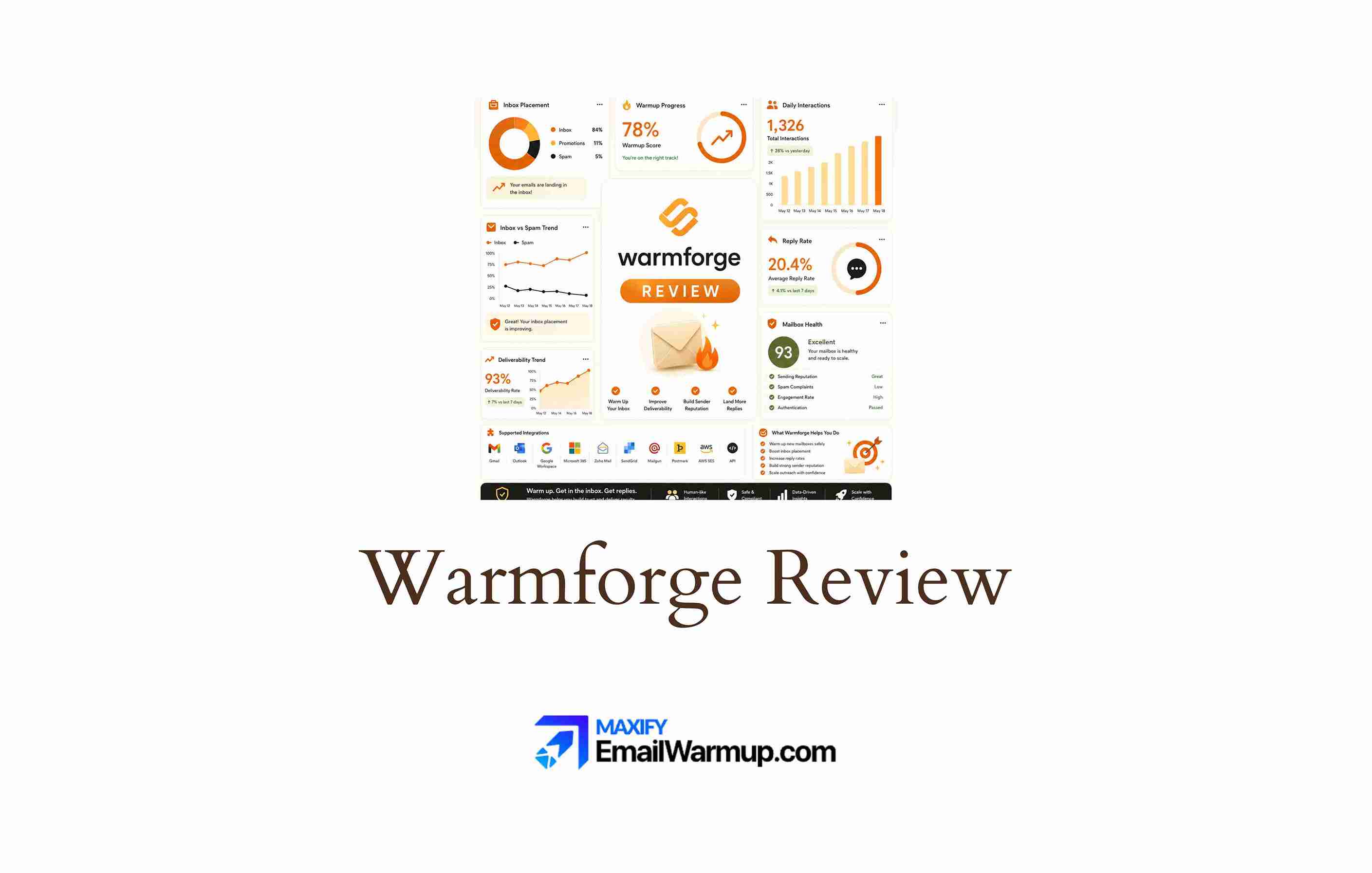
Warmforge is an email warmup and deliverability monitoring tool built for cold email senders. It sits inside the Salesforge product family — alongside Mailforge (infrastructure) and Salesforge (outreach) — and focuses on building sender reputation through automated inbox activity before you launch real campaigns.
From a deliverability consultant’s perspective, Warmforge covers the warmup fundamentals and adds lightweight monitoring features that most standalone warmup tools skip.
DNS checks, blacklist status, inbox placement testing, and a heat score that signals when an inbox is ready to send — these are useful additions. But they come with notable restrictions.
Warmforge natively supports only Google Workspace and Microsoft 365 inboxes. IMAP and SMTP connections require purchasing infrastructure through Mailforge or Primeforge. And the per-inbox pricing model makes costs add up once you move past a few accounts.
The result is a tool that works well inside its own product family but gets limiting when your stack, provider mix, or scale does not fit neatly into the Salesforge world.
In this review, we’ll be exploring:
- Provider limitations that affect real-world usability
- Pricing logic and where per-inbox costs break down
- Whether Warmforge delivers meaningful warmup and monitoring results
- Who benefits most, and who should look elsewhere
TLDR: Warmforge at a glance
Here is a quick overview of where Warmforge fits in the warmup and monitoring category.
| Category | Detail |
| Primary function | Email warmup + basic deliverability monitoring |
| Pricing model | Per inbox, per month |
| Starting price | $12/month per inbox |
| Free trial | None mentioned |
| Standout feature | Heat score with DNS and blacklist checks |
| Biggest weakness | Limited to Google Workspace and Microsoft 365 |
| Best alternative | EmailWarmup.com |
| Overall rating | 3.4 / 5 |
Is Warmforge worth the price?
Warmforge charges $12 per inbox per month. For 1-5 inboxes, the math is manageable — $60/month for five accounts with warmup and monitoring is competitive. Once you cross that threshold, the per-inbox model starts to hurt.
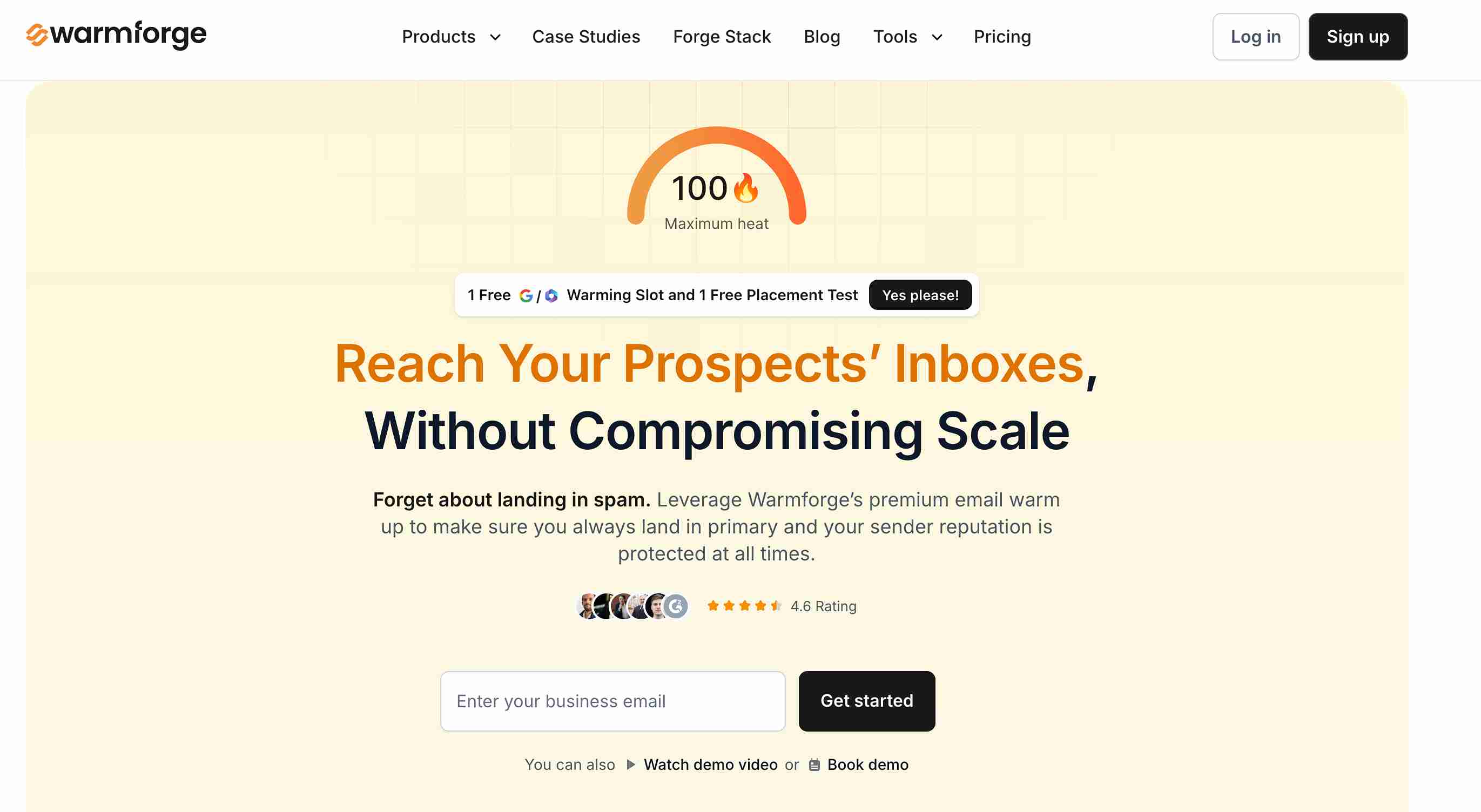
An agency managing 20 client inboxes pays $240/month for warmup alone. That is before you factor in the outreach tool, infrastructure, and any verification costs. And inbox placement testing (which sits outside the warmup plan) is priced separately, with only one free test per month included.
The pricing makes sense if:
- You manage fewer than 10 inboxes
- You are already using Salesforge and Mailforge
- Your inboxes are on Google Workspace or Microsoft 365
The pricing stops making sense when:
- Your inbox count pushes past 10-15 accounts
- You need deliverability support beyond what basic monitoring provides
- You need to warm inboxes on other providers (Zoho, custom SMTP, Amazon SES)
There is no published free trial, which means you commit to at least one month before seeing results. For a warmup tool that needs 2-4 weeks to show impact, that trial gap is frustrating.
What Warmforge’s user reviews reveal about performance
Warmforge has a limited but telling review profile — 4.5/5 on G2 (19 reviews) and 4.1/5 on Trustpilot (12 reviews). The sample is small, so individual experiences carry more weight than aggregate scores.
User satisfaction
Most positive reviews highlight the same things — easy setup, quiet background operation, and good integration with the Salesforge product family. Users describe the warmup as “hands-off” and appreciate the heat score for gauging inbox readiness.
Reported problems
The most concerning review (a 1-star on both G2 and Trustpilot from the same user) describes mailboxes disconnecting repeatedly, unreliable DNS record tracking, and recurring technical failures.
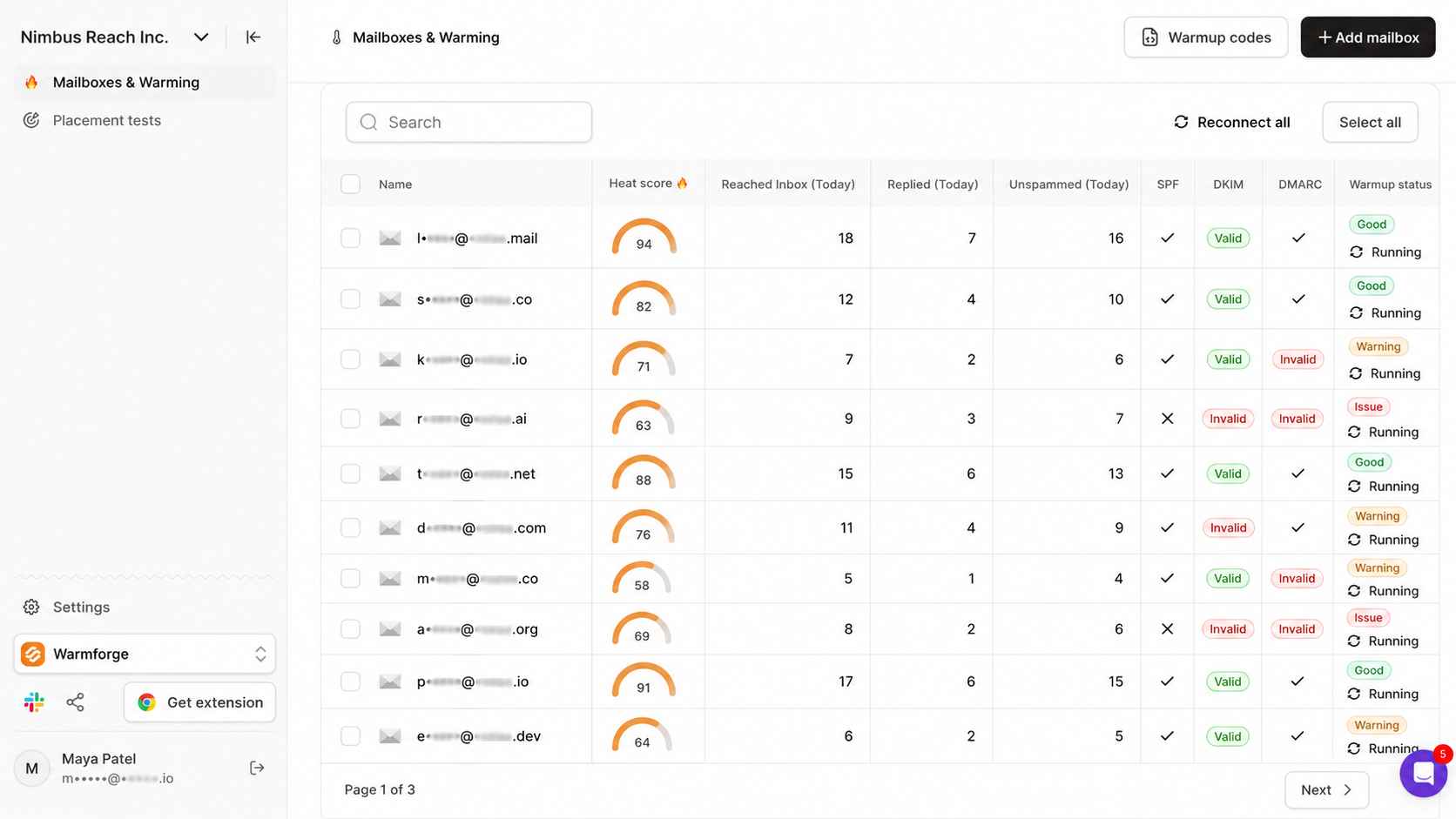
That pattern — mailbox disconnection during warmup — is a serious operational risk, because interrupted warmup can send inconsistent signals to providers and damage the reputation it was supposed to build.
Reporting gap
Several reviewers note that reporting and analytics are basic.
The heat score is helpful as a readiness indicator, but historical trend data, per-domain performance tracking, and provider-specific placement breakdowns are absent.
For teams that need to understand why deliverability is improving or declining, the dashboard falls short.
Pros and cons of Warmforge
Warmforge adds monitoring layers that most warmup-only tools skip (DNS checks, blacklist tracking, placement testing). But the provider lock-in, per-inbox pricing, and basic reporting limit who can get full value from it.
Who should and shouldn’t use Warmforge
Warmforge works best as a warmup-plus-monitoring layer inside the Salesforge stack. Outside that context, the provider limitations and per-inbox pricing narrow the fit considerably.
Who should use Warmforge
- Solo cold email operators with a simple, low-volume setup
- Small teams warming 1-5 Google Workspace or Microsoft 365 inboxes
- Salesforge users who need warmup integrated into their outreach stack
- Senders who want basic DNS and blacklist monitoring alongside warmup
Who shouldn’t use Warmforge
- Agencies managing inboxes across multiple providers and clients
- Senders needing deliverability consultation or audit-level diagnostics
- Anyone managing more than 10 inboxes who wants predictable monthly costs
- Teams using Zoho, Amazon SES, custom SMTP, or non-Google/Microsoft services
Warmforge scorecard for cold email teams
| Category | Score (out of 10) | Notes |
| Warmup quality | 7 | AI-driven engagement signals with heat score |
| Monitoring depth | 5 | DNS and blacklist checks present but shallow |
| Pricing value | 5 | $12/inbox — reasonable at small scale only |
| Provider compatibility | 3 | Google Workspace and Microsoft 365 only (natively) |
| Ease of setup | 8 | One-click connect, minimal configuration |
| Reporting | 4 | Basic dashboard, no trend analysis |
| Scalability | 3 | Cost and provider limits block larger operations |
| Salesforge integration | 9 | Strong ecosystem fit for existing users |
| Overall value | 5 | Good warmup tool trapped in a narrow ecosystem |
How Warmforge fits into a cold email operation
Warmforge covers the pre-send warmup stage and adds lightweight monitoring. It does not extend into list verification, authentication setup, content optimization, or post-send reputation management. Knowing where it fits (and where it ends) matters before you commit.
Inbox connection
Adding a Google Workspace or Microsoft 365 inbox takes seconds — enter credentials, and Warmforge connects. For IMAP or SMTP inboxes, you need to purchase them through Mailforge or Primeforge first, which limits flexibility for teams with existing infrastructure.
Warmup execution
Warmforge sends and receives AI-generated messages through its network, generating opens, replies, and positive engagement signals.
The automation runs quietly in the background, and the heat score tells you when the inbox is ready for real outbound. Most users report 2-4 weeks before reaching readiness.
Monitoring layer
DNS record validation, blacklist checks, and inbox placement testing run alongside warmup.
The placement test shows whether emails land in inbox, promotions, or spam — but only one free test per month limits how often you can check.
Missing infrastructure
There is no email list hygiene tool, no SPF or DKIM generator, no detailed sender reputation tracking, and no consultation support. The monitoring adds value over pure warmup tools, but it does not replace the diagnostic and remediation layer that teams need when deliverability breaks.
What happens after you stop using Warmforge?
When you cancel Warmforge, the warmup interactions stop. The reputation your inbox built during warmup persists only as long as your real sending behavior supports it.
- DNS and blacklist monitoring stops with your subscription
- No audit trails, exportable reports, or historical data carry over
- Engagement signals from the warmup network end immediately
- If your authentication or infrastructure was misconfigured during warmup, those problems resurface fast
The dependency risk with warmup-only tools is real — they build reputation through artificial engagement, and that reputation needs actual sending quality to sustain it. Warmforge’s monitoring features help during the warmup phase, but they do not give you an ongoing deliverability safety net after cancellation.
A better alternative to Warmforge | EmailWarmup.com
Warmforge adds monitoring to warmup, but it remains within the Salesforge orbit, leaving large gaps in diagnostics, provider support, and expert guidance. EmailWarmup.com approaches deliverability from the system level — audit first, fix second, monitor continuously.
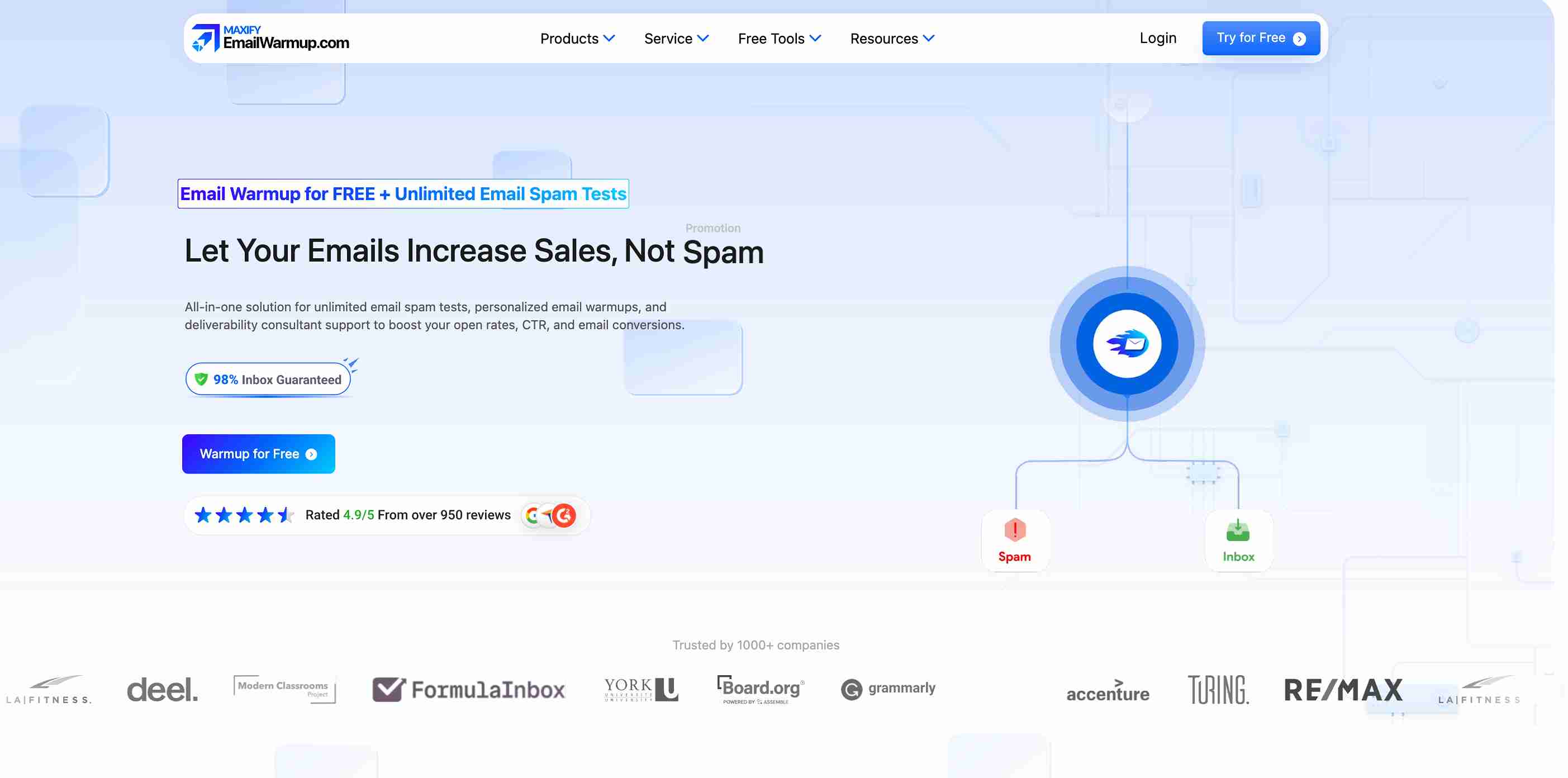
Where Warmforge limits you to two inbox providers and basic checks, EmailWarmup.com provides:
- Personalized warmup that mirrors your real campaign patterns (not generic AI templates)
- Automated email warmup supporting any provider that works with SMTP authentication
- Full authentication tooling — SPF generator, DKIM generator, DMARC generator
- Email deliverability testing across 50+ providers (unlimited, not one per month)
- Unlimited deliverability consultation with real experts who guide every fix
For teams that need a warmup and the diagnostic depth to understand what is helping or hurting their inbox placement, EmailWarmup.com removes the need to bolt together multiple tools.
One platform audits your entire sending infrastructure, identifies every issue, and provides the tools and expert support to fix them.
Final verdict on Warmforge
Warmforge is a competent warmup tool with useful monitoring extras — inside a narrow operating window. If your inboxes live on Google Workspace or Microsoft 365 and you already use Salesforge, it fits naturally, and the heat score adds genuine value.
- Works well for small-scale warmup on supported providers
- No deliverability consultation, audit support, or infrastructure remediation
- Provider lock-in eliminates users on Zoho, SES, custom SMTP, and others
- DNS and blacklist checks add monitoring that most warmup tools lack
- Per-inbox pricing becomes a problem past 5-10 accounts
For cold email teams with simple setups inside the Salesforge world, Warmforge earns its place. For everyone else — agencies, multi-provider operations, teams needing diagnostic depth — the fit breaks down quickly.
Frequently asked questions about Warmforge
Here are the questions senders ask most often before choosing Warmforge:
Not natively. IMAP and SMTP connections are only supported through Mailforge or Primeforge purchases. If your inboxes sit on Zoho, Amazon SES, or custom SMTP servers, you either buy into the Salesforge infrastructure or look elsewhere.
Most users report 2-4 weeks before the heat score signals readiness. New domains or damaged reputations may need longer. The timeline depends on your starting reputation and whether your DMARC, SPF, and DKIM records are configured correctly before warmup begins.
At $12 per inbox per month with no volume discounts, agencies managing 20+ client inboxes face steep monthly costs — and the provider limitations restrict which client accounts you can onboard. Most agencies need a platform with broader provider support and flat or tiered pricing.
Warmforge can rebuild engagement signals for inboxes with mild reputation damage. For heavily flagged or blacklisted domains, warmup alone is not enough. You need to fix the underlying authentication, infrastructure, and list hygiene problems first — something Warmforge does not offer.
The heat score is a readiness indicator that shows how warmed and healthy an inbox is. It combines warmup activity, DNS configuration status, and blacklist checks into a single number. It is helpful for deciding when to start sending — but it does not replace a full deliverability test or audit.



