



Infraforge sells what most warmup tools don’t — actual infrastructure.
While platforms like Mailreach or Warmy focus on engagement signals, Infraforge gives you dedicated IPs, private servers, and the technical backbone for cold outreach at scale.
The approach works for teams that send thousands of emails daily and need complete control over their sending environment.
The tradeoff is cost and complexity. At $3–$4 per mailbox (with domains at $13/year), Infraforge runs more expensive than shared alternatives.
And without a free trial, you’re committing before testing. For agencies and high-volume outbound teams, the investment makes sense. For smaller operations, the math gets harder to justify.
In this Infraforge review, we’ll be exploring:
- How Infraforge’s pricing compares at different scales
- Who benefits most from private infrastructure (and who should skip it)
- Whether a dedicated IP infrastructure delivers measurable deliverability gains
- What alternatives exist for teams wanting a simpler warmup without infrastructure overhead
TLDR — Infraforge at a glance
| Category | Verdict |
| Best for | Agencies and teams sending 10,000+ emails daily |
| Starting price | $3-$4/mailbox/month + $13/domain/year |
| Free trial | None (can explore the app without purchasing) |
| Standout feature | Dedicated IPs with automated DNS setup |
| Biggest weakness | No free trial; requires upfront commitment |
| Best alternative | EmailWarmup.com email warmup API |
| Overall rating | 4.0 / 5 |
How did we evaluate this tool?
Evaluation followed how a deliverability consultant assesses infrastructure platforms for agency clients. Key factors included:
- Setup speed and DNS automation quality
- Pricing economics at scale (20, 100, 500+ mailboxes)
- Compatibility with existing sending tools and workflows
- User feedback across G2 (4.8/5, 51 reviews) and Trustpilot (4.0/5, 6 reviews)
- Whether dedicated IPs translate to measurable placement gains vs. shared alternatives
Is Infraforge worth the price?
Infraforge uses a slot-based pricing model — you pay for capacity, not just active mailboxes. The structure makes sense for teams scaling up and down, but requires understanding the math.
| Component | Cost | Notes |
| Mailbox slots | $3-$4/month | Volume discounts at scale |
| Domains | $13/year | Purchased through the platform |
| Minimum purchase | 10 slots | Entry point ~$170/year |
| Dedicated IPs | Add-on | Additional cost for multi-IP |
| SSL & domain masking | $2-$6/domain | Optional privacy feature |
Volume pricing tiers (per mailbox/month):
- 10-50 mailboxes: ~$4.00
- 100+ mailboxes: ~$3.50
- 500+ mailboxes: ~$3.00
- 1,000+ mailboxes: ~$2.50
The economics favor scale. At 100 mailboxes, you’re paying roughly $350-$400/month for infrastructure — significantly less than Google Workspace ($7/user) or Microsoft 365 ($6/user) at equivalent volume. But for teams managing 10-20 mailboxes, the minimum commitment and lack of a free trial create friction.
One comparison worth noting is that at 1,000 inboxes, Infraforge runs approximately $4,000/month while shared alternatives like Mailforge cost around $3,000/month. The premium buys dedicated IPs and reputation isolation.
What do deliverability results show?
Infraforge’s core value proposition is infrastructure isolation — your sender reputation stays separate from other users. When someone else on a shared IP triggers spam complaints, your domains aren’t affected.
The platform includes several deliverability-focused features:
- Real-time deliverability monitoring and alerts
- Built-in sender rotation and smart sending limits
- Automated SPF, DKIM, and DMARC configuration
- Multi-IP provisioning for additional reputation protection
- Pre-warmed domains and mailboxes (ready for immediate sending)
G2 reviews praise ease of use and setup speed consistently. Users report domains and mailboxes ready within 5 minutes, with DNS handled automatically. The 4.8/5 rating across 51 reviews reflects genuine satisfaction — particularly from agencies managing multiple client accounts.
Trustpilot feedback (4.0/5, 6 reviews) is more limited but similarly positive. One reviewer called it “the best mail infrastructure tool I have used,” while another praised “robust and well-designed infrastructure that just works.”
A single negative review (1-star) mentioned SMTP compatibility issues with certain sending platforms — something to verify for your specific stack.
What are the pros and cons?
Every infrastructure platform has tradeoffs. Here’s what matters for Infraforge based on user feedback and practical evaluation.
Who should and shouldn’t use Infraforge?
The platform’s infrastructure focus shapes who benefits most. Here’s how to determine if Infraforge aligns with your needs and scale.
Recommended if
- You manage 50+ mailboxes across multiple domains
- You send 10,000+ emails daily and need reputation isolation
- You’re an agency managing client infrastructure
- You want pre-warmed mailboxes ready for immediate sending
- You need API access for programmatic scaling
Not recommended if
- You manage fewer than 20 mailboxes
- You need to test before committing the budget
- Your primary need is warmup, not a full infrastructure
- You’re new to cold email and email infrastructure concepts
- Budget constraints prevent a minimum purchase commitment
Category scorecard
| Category | Score | Notes |
| Pricing | 3.5 | Good at scale; expensive for small teams |
| Ease of setup | 4.5 | 5-minute setup; automated DNS |
| Core functionality | 4.5 | Dedicated IPs, warmup, rotation |
| Deliverability impact | 4.0 | Isolation protects reputation |
| Diagnostics depth | 3.5 | Monitoring included; could be deeper |
| Reporting | 3.5 | Real-time alerts; basic dashboards |
| Support | 4.0 | Responsive; praised in reviews |
| Scalability | 4.5 | Built for high-volume operations |
| Provider compatibility | 4.0 | Works with most sending tools |
| Overall value | 4.0 | Excellent for the target audience |
How does Infraforge actually perform in practice?
Setup is genuinely fast — the 5-minute claim holds up. Add a domain, and Infraforge automatically configures:
- DKIM signing
- DMARC records
- SPF authentication
- Custom domain tracking
Mailboxes can be created in bulk, and the platform handles DNS propagation without manual intervention. For agencies accustomed to spending hours on domain setup, the automation is a significant time-saver.
The workflow integrates with sending tools through SMTP credentials. Infraforge works with Salesforge (same parent company), Smartlead, Reply.io, and other cold email platforms. One reviewer noted compatibility issues with certain setups, so verifying your specific stack before purchasing is worth the effort.
Workspaces allow you to organize domains and mailboxes by client or project — useful for agencies managing multiple accounts. Domains can be transferred between workspaces as needed, and bulk DNS updates simplify simultaneous changes across many domains.
What happens after you stop using Infraforge?
Unlike engagement-based warmup tools, Infraforge provides actual infrastructure — domains and mailboxes you control. If you stop using the platform:
- No data export for mailbox history
- Mailboxes stop functioning when the subscription ends
- Domains remain yours (registered through the platform)
- Domain reputation persists, but requires continued sending
The infrastructure model means you’re building assets (domains, reputation) rather than renting engagement. But mailbox access requires an active subscription — there’s no “pausing” while retaining functionality.
A better alternative to Infraforge | EmailWarmup.com
For teams seeking deliverability improvements without managing the full infrastructure, EmailWarmup.com offers a more accessible path.
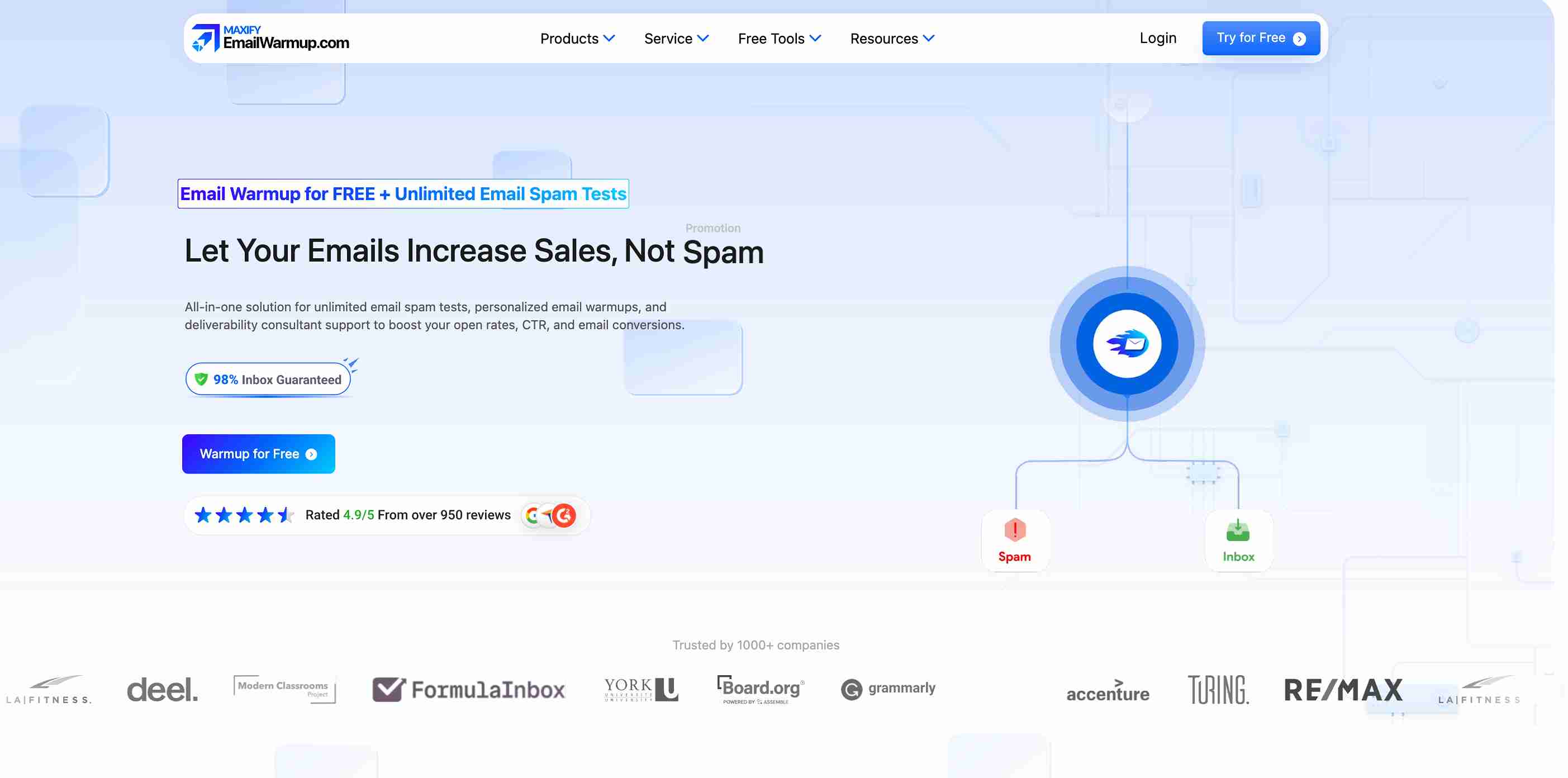
The platform runs a 360° deliverability audit that surfaces every issue hurting inbox placement — then provides tools and unlimited expert consultation to fix them.
Key advantages over Infraforge:
- Personalized warmup that mirrors your actual sending patterns
- Works with your existing infrastructure (no migration required)
- API access for programmatic integration (email warmup API)
- Unlimited deliverability consultation included
- Free deliverability testing to start
Schedule a free deliverability consultation
Final verdict
Infraforge delivers exactly what high-volume senders need — dedicated infrastructure that protects your reputation from other users’ mistakes. Setup is fast, DNS automation works smoothly, and the G2 rating (4.8/5) reflects genuine satisfaction from agencies and outbound teams.
The limitation is accessibility. No free trial, minimum purchase requirements, and per-mailbox costs that favor scale over small operations. For teams managing 50+ mailboxes who understand IP reputation and deliverability fundamentals, Infraforge is an excellent infrastructure.
For smaller teams or those new to cold email, simpler warmup tools deliver comparable results without the infrastructure commitment.
Frequently asked questions
Here are some commonly asked questions about Infraforge:
For agencies and teams sending 10,000+ emails daily across 50+ mailboxes, yes — dedicated IPs and automated DNS provide genuine value. For smaller operations (under 20 mailboxes), shared alternatives like Mailforge or engagement-based warmup tools may offer better cost efficiency.
Mailbox slots run $3-$4/month depending on volume, with discounts at scale (as low as $2.50/mailbox for 1,000+). Domains cost $13/year. Minimum purchase is 10 slots. Add-ons include dedicated IPs, SSL, and domain masking ($2-$ 6 per domain).
No — Infraforge requires purchasing domains and mailboxes to use. You can explore the app interface after signing up, but the actual infrastructure requires payment. The lack of a free trial is a common criticism in user feedback.
Both are part of the Salesforge ecosystem, but serve different needs. Infraforge provides dedicated IPs and private servers for reputation isolation. Mailforge uses shared IP infrastructure at a lower cost. If you follow deliverability best practices strictly, Infraforge offers more control. If spam complaints are likely, Mailforge’s distributed approach may be safer.
Infraforge provides SMTP credentials that work with most cold email platforms, including Salesforge, Smartlead, Reply.io, and others. Verify compatibility with your specific stack before purchasing, as one user reported issues with certain integrations.



