



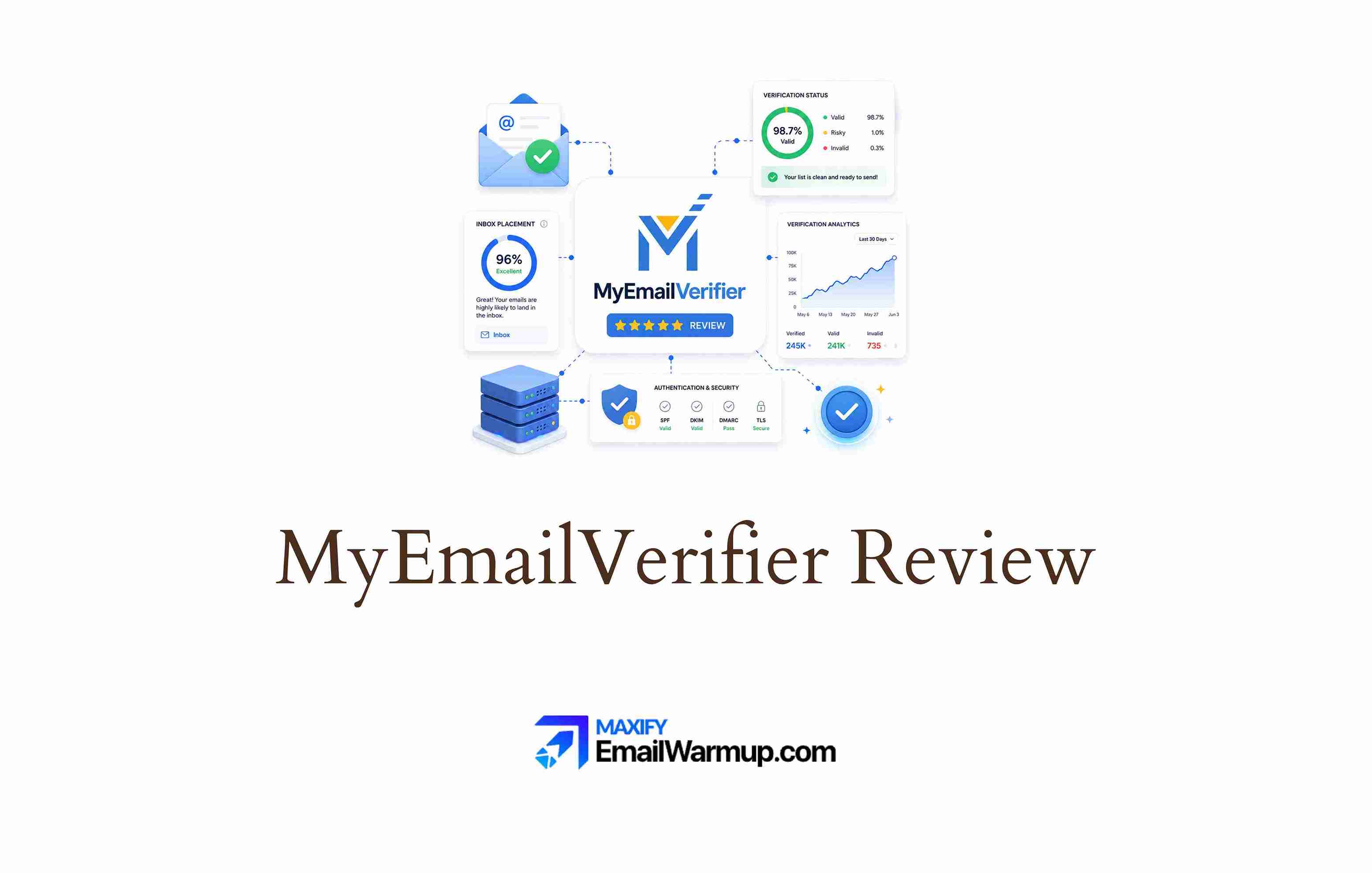
MyEmailVerifier sits at the budget end of email verification. Pricing starts at $5/month, pay-per-use credits are available without a subscription, and the platform claims 98% accuracy. For cost-conscious teams running email campaigns, the value proposition is obvious — clean your lists without bleeding money on verification.
The question is whether cheap verification actually protects deliverability. A low bounce rate means nothing if the tool misses spam traps, lets disposable addresses through, or marks valid contacts as invalid.
MyEmailVerifier scores well on G2 (4.7/5 across 121 reviews) and Trustpilot (4.3/5 across 130 reviews), with most users praising ease of use and accuracy. But at least one Trustpilot reviewer reported high bounces from “verified” lists — a warning that budget tools carry budget-level risk.
This review evaluates:
- MyEmailVerifier’s accuracy against user feedback
- How the platform compares to deeper verification tools
- Pricing structure and where the cost-to-value ratio shifts
- Whether list cleaning alone moves the needle on inbox placement
TLDR: MyEmailVerifier at a glance
Here is a quick summary of what MyEmailVerifier offers and where it fits.
| Category | Detail |
| What it is | Budget email list cleaning and verification service |
| Best for | Small teams needing affordable bulk verification before campaigns |
| Deliverability impact | Indirect — reduces bounces but offers no authentication, reputation, or placement tools |
| Main limitation | No CRM integrations, basic UI, and occasional accuracy inconsistencies |
| Best-fit user | Solo marketers, small agencies, and teams with tight verification budgets |
| Best alternative | Email validation API for real-time verification with deliverability consultation |
Is MyEmailVerifier’s budget pricing worth the tradeoff?
MyEmailVerifier is one of the cheapest verification tools available. The platform offers 100 free credits daily (a welcome bonus for testing), with monthly subscriptions starting at $5/month. Pay-per-use credits are available without locking into a subscription — a flexibility that most competitors do not offer.
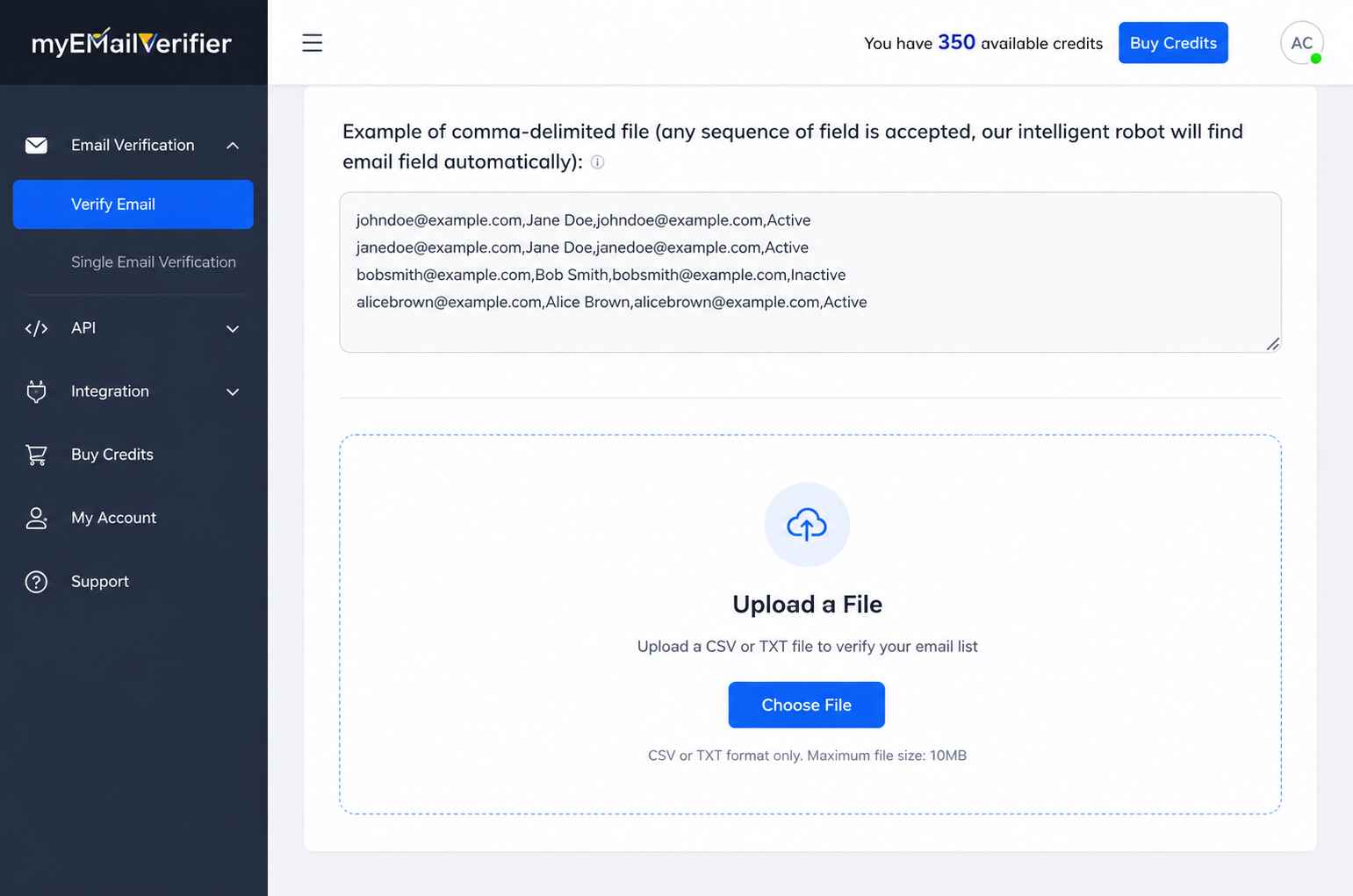
The pricing model works well for small and mid-volume senders. A team cleaning 10,000 contacts before a quarterly campaign can handle the job for under $20. Compare that to ZeroBounce or NeverBounce, where equivalent volumes cost significantly more.
The tradeoff is depth. MyEmailVerifier returns four status classifications (valid, invalid, catch-all, unknown) — compared to EmailListVerify’s 18 classifications, which include connection errors, dead servers, spam traps, and disposable addresses. Fewer classifications mean less granularity for teams that need to make nuanced decisions about borderline contacts.
For basic list cleaning, the pricing is hard to beat. For teams where a single spam trap or misclassified address can damage sender reputation, the savings may come at a cost.
What MyEmailVerifier’s reviews reveal about real-world accuracy
User feedback paints a largely positive picture, with a few cracks that deserve attention.
Accuracy
Most reviewers across G2, Capterra, and Trustpilot praise MyEmailVerifier’s accuracy. Multiple users report significant drops in bounce rates after cleaning their lists. One Capterra reviewer noted a 150% improvement in deliverability rate after two months of use. Several G2 reviewers highlight the platform’s effectiveness at catching invalid and disposable addresses.
Accuracy gaps
One Trustpilot reviewer gave a 1-star rating, reporting that a list of 10,000 emails returned only 5,000 as verified — with the verified batch still producing high bounces. The same reviewer ran the 4,000 “unknown” addresses through another tool and recovered 3,500 valid leads. The experience suggests MyEmailVerifier’s unknown classification may be overly cautious (or unreliable) for certain domain types.
API and integration limits
G2 and Capterra reviewers note that the API works well for developers, but the lack of native CRM integrations is a recurring complaint. Connecting MyEmailVerifier to HubSpot, Salesforce, or Pipedrive requires third-party tools like Zapier or Make — an extra step that adds friction and cost for non-technical teams.
Pros and cons of MyEmailVerifier
MyEmailVerifier offers genuine value at its price point, but the platform is best understood as a basic verification tool — not a deliverability solution.
- Among the cheapest verification tools on the market
- Pay-per-use credits with no subscription required
- 100 free daily credits for ongoing small-batch testing
- Straightforward bulk upload and download workflow
- Generally strong accuracy for standard domains
- Only 4 status classifications — less granular than competitors
- No native CRM integrations (requires Zapier or Make)
- UI described as clunky and unintuitive by multiple reviewers
- At least one user reported high bounces from “verified” results
- No deliverability tools beyond basic verification
Who should and shouldn’t use MyEmailVerifier
MyEmailVerifier fits a specific profile — budget-conscious teams that need basic list cleaning and can accept the limitations that come with lowest-tier pricing.
Who should use MyEmailVerifier
- Developers who want a simple REST API for form-level verification
- Solo marketers and freelancers cleaning lists before small campaigns
- Small agencies that need affordable verification across multiple client accounts
- Teams running periodic (quarterly or monthly) list hygiene with moderate volumes
Who shouldn’t use MyEmailVerifier
- Teams requiring native CRM integrations without third-party middleware
- Outbound operations where catch-all and unknown handling is critical
- High-volume senders who need granular status classifications for risk management
- Anyone who needs verification connected to inbox placement testing, authentication, or reputation monitoring
MyEmailVerifier scorecard for email verification buyers
Here is how MyEmailVerifier rates across the categories that matter for verification-focused teams.
| Category | Rating | Notes |
| Verification accuracy | ★★★½☆ | Generally reliable; inconsistencies reported for catch-all domains |
| Classification depth | ★★☆☆☆ | Only 4 categories vs. 18 from more detailed competitors |
| Pricing value | ★★★★★ | Best-in-class pricing with flexible pay-per-use option |
| API quality | ★★★☆☆ | Functional but documentation could use improvement |
| Ease of use | ★★★☆☆ | Simple workflow; UI design is dated |
| Deliverability impact | ★★☆☆☆ | Reduces bounces but no tools for root-cause deliverability issues |
How MyEmailVerifier fits into an email campaign workflow
MyEmailVerifier works as a pre-campaign cleaning step. The platform is straightforward — upload a list, wait for results, and download the cleaned output.
Upload and cleaning
Bulk uploads support CSV and text formats. Processing speed varies by list size, with most reviewers reporting quick turnaround for lists under 10,000. Larger lists may take longer, and at least one reviewer noted delays for uncommon domains.
Results and segmentation
Results are split into valid, invalid, catch-all, and unknown categories. The platform lets you download each category separately — a useful feature for teams that want to handle catch-all addresses differently from clearly valid ones.
Campaign integration
Without native CRM connectors, moving cleaned lists into your sending platform requires manual CSV import or a Zapier/Make workflow. The extra step is manageable for periodic cleaning but creates friction for teams running continuous outbound operations.
Risk after cleaning
Verified status decays. Email addresses change, employees leave companies, and domains reconfigure. A list cleaned today will degrade over the weeks. Teams running monthly or quarterly campaigns should re-verify before each send. MyEmailVerifier does not offer ongoing monitoring or list hygiene automation — it is a point-in-time tool.
What happens after you stop using MyEmailVerifier?
Exported CSV files remain usable after cancellation. Since there is no subscription lock-in (pay-per-use credits are available), stopping is painless.
The verified results degrade rapidly, however. Email addresses marked valid today may bounce within weeks — especially in industries with high employee turnover.
MyEmailVerifier provides no alerting, no list health monitoring, and no mechanism to catch degradation before it damages your domain reputation.
For teams that treat verification as a one-time cleanup, the exported data has a short shelf life.
A better alternative to MyEmailVerifier | EmailWarmup.com
MyEmailVerifier handles basic list cleaning. EmailWarmup.com handles list cleaning within a system that actually protects inbox placement — the outcome verification is meant to serve that purpose.
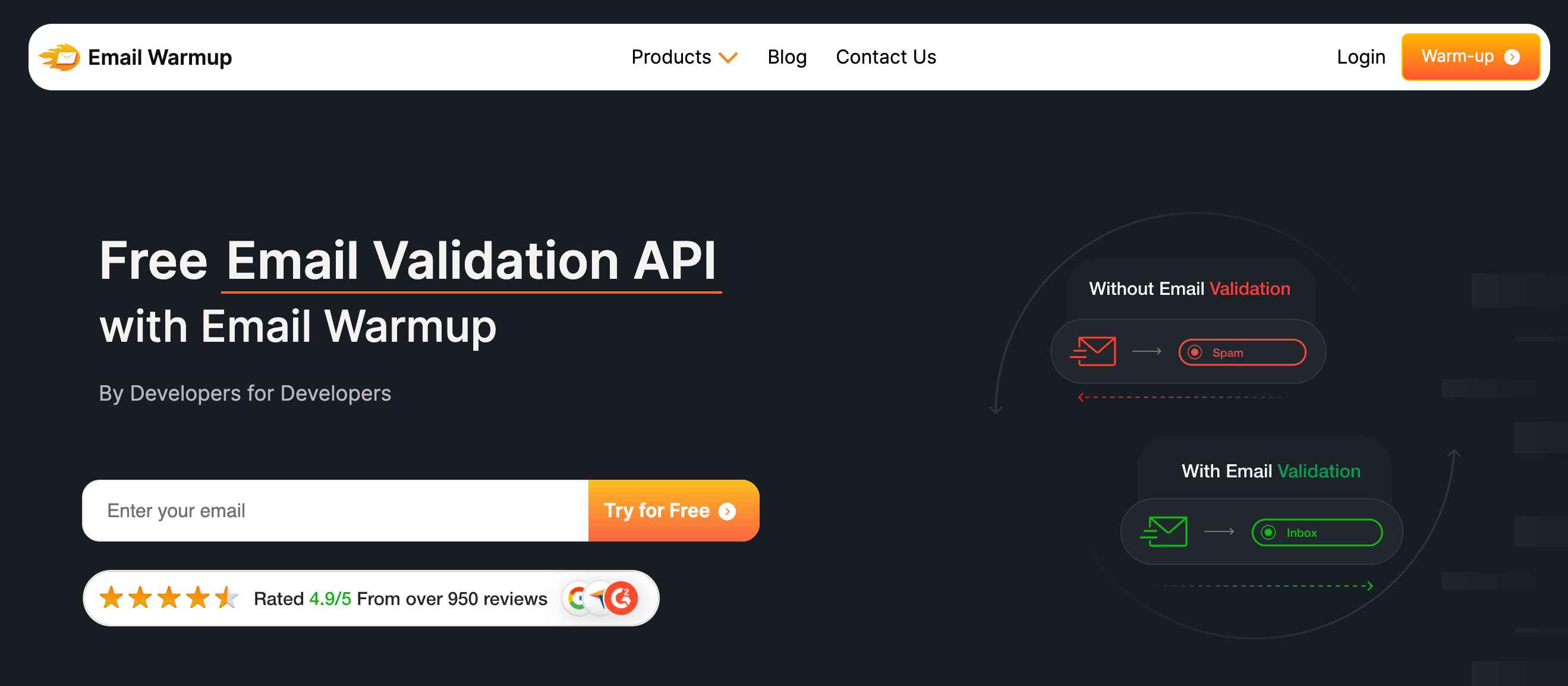
EmailWarmup.com’s email validation API verifies addresses in real time, checking format, domain, mailbox existence, and risk signals. Beyond verification, the platform also:
- Connects validation to a 360° deliverability audit that surfaces every issue hurting placement
- Blocks disposable addresses, spam traps, and typos before they enter your CRM
- Provides unlimited deliverability consultation to turn validation findings into fixes
- Supports SPF, DKIM, and DMARC setup as part of the same engagement
For teams where bounces are a symptom of deeper deliverability problems, verification alone is not enough. EmailWarmup.com treats verification as one layer in a complete system.
Final verdict on MyEmailVerifier
MyEmailVerifier earns its reputation as a budget-friendly verification tool. The pricing is genuinely accessible, the pay-per-use model is flexible, and the accuracy is acceptable for most basic use cases.
The limitations to keep in mind:
- Only 4 status classifications limit risk management granularity
- No native CRM integrations add friction for non-technical teams
- Verification alone does not fix authentication, reputation, or infrastructure problems
- Occasional accuracy inconsistencies reported for catch-all and uncommon domains
For small teams with tight budgets and simple verification needs, MyEmailVerifier is a reasonable choice. For teams where deliverability directly impacts revenue, the cheapest verification tool is rarely the right one.
Frequently asked questions about MyEmailVerifier
Here are the most common questions buyers ask before choosing MyEmailVerifier.
Most users report strong accuracy for standard email domains. G2, Capterra, and Trustpilot reviews consistently cite reduced bounce rates after using the platform. At least one reviewer reported unreliable results with high bounces from a cleaned list, suggesting accuracy may vary by domain type and list composition.
Yes. MyEmailVerifier identifies catch-all addresses as a separate category. However, the platform does not verify whether individual mailboxes within catch-all domains actually exist — a limitation shared with most SMTP-based verifiers. Teams that need deeper catch-all verification will need a second-pass tool.
Yes. The pay-per-use credit model lets you purchase verification credits without committing to a monthly plan. The platform also offers 100 free credits daily, which is enough for small-batch testing or ongoing spot-checks.
Indirectly. Cleaning invalid addresses from your list reduces bounces, which protects sender’s reputation. But MyEmailVerifier does not address SPF, DKIM, or DMARC configuration, content issues, engagement signals, or any other factor that affects inbox placement. Deliverability is a system-level challenge, and verification is one input — not a solution by itself.



