



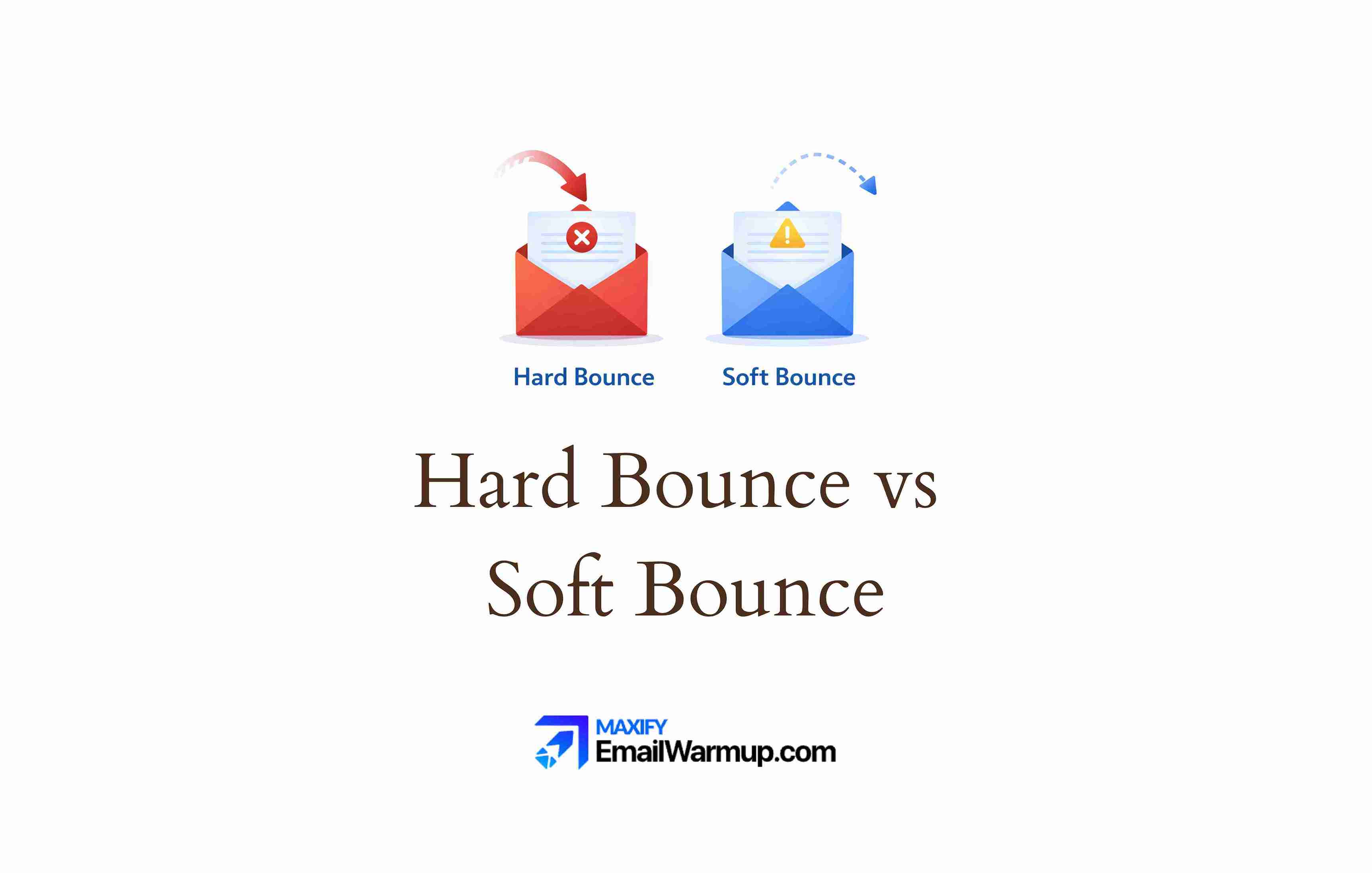
When an email fails to reach someone’s inbox, it bounces. The failure comes in two forms — and the distinction determines everything about how you respond.
- Hard bounces are permanent (the address is invalid or blocked forever)
- Soft bounces are temporary (the server couldn’t accept the message right now)
One hard bounce signals to mailbox providers that you’re sending to addresses you shouldn’t have. Repeated soft bounces indicate infrastructure or list-quality issues. Both damage sender reputation — but in different ways, with different fixes.
Getting this wrong costs real money as research shows that roughly 17% of emails fail to reach inboxes — some are blocked, some are bounced, some vanish entirely.
Understanding which type of failure you’re dealing with determines whether you remove an address immediately or wait for the problem to resolve itself.
What is a hard bounce?
A hard bounce means the email cannot be delivered now or ever. The receiving server returns a 5xx SMTP error code, signaling that no retry will succeed.
Permanent failure
The address goes on your suppression list immediately. Most ESPs handle this automatically — they stop all future sends to that address without manual intervention. Attempting to resend wastes resources and actively damages your reputation.
Common causes
Hard bounces happen when:
- The domain has expired or never existed
- Authentication failures trigger outright rejection
- The mailbox was valid once, but the user left the company
- The recipient server permanently blocks your domain or IP
- The email address doesn’t exist (typo, fake, or deleted account)
That last one catches many senders off guard. An address that worked six months ago can hard bounce today if the person changed jobs. B2B lists decay faster than most marketers realize — roughly 2-3% monthly for corporate addresses.
What is a soft bounce?
A soft bounce means the email couldn’t be delivered right now, but the address remains valid. The receiving server returns a 4xx SMTP error code, indicating a temporary problem.
Temporary failure
Your ESP will typically retry delivery for 24-72 hours before giving up. If the issue resolves (the recipient clears their inbox, the server comes back online), the email will eventually be delivered without any intervention required.
Common causes
Soft bounces happen when:
- The recipient’s mailbox is full
- Your message exceeds size limits
- Greylisting delays new senders temporarily
- The receiving server is temporarily down or overloaded
- The server rate-limits your sending volume
- DNS resolution fails momentarily
Unlike hard bounces, soft bounces often fix themselves. A full mailbox gets cleaned out. A crashed server restarts. The problem is that persistent soft bounces eventually convert to hard bounces — and that’s where the trouble begins.
How do you identify which bounce type you received?
The bounce message includes an SMTP code that identifies the failure type.
Understanding these codes helps you diagnose problems faster (and know when something’s actually wrong versus temporarily broken).
| Code | Type | Meaning |
| 550 | Hard | User not found / mailbox unavailable |
| 551 | Hard | User not local — no forwarding address |
| 552 | Hard | Storage allocation exceeded (permanent) |
| 553 | Hard | Mailbox name invalid |
| 554 | Hard | Transaction failed / permanent error |
| 421 | Soft | Service temporarily unavailable |
| 450 | Soft | Mailbox unavailable (temporary) |
| 451 | Soft | Local error in processing |
| 452 | Soft | Insufficient storage (temporary) |
The pattern is simple — 5xx codes signal permanent failures, 4xx codes signal temporary ones. Most ESPs categorize bounces automatically in their dashboards, but knowing the underlying codes helps when you need to dig deeper.
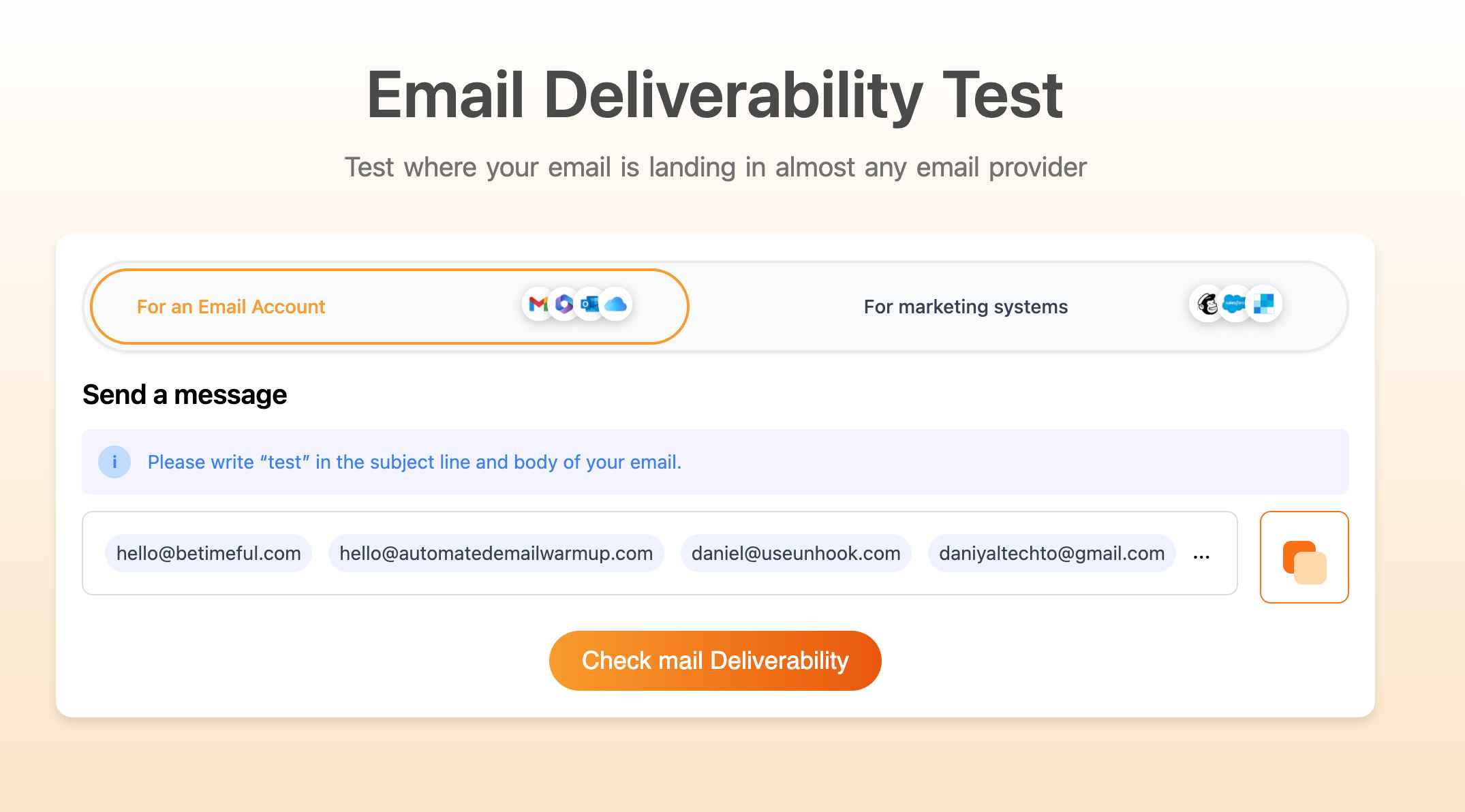
Run an email deliverability test to check the authentication status that might contribute to rejections. Sometimes what looks like a bounce problem is actually an authentication problem — your SPF, DKIM, or DMARC configuration is failing silently.
How does each bounce type affect the sender’s reputation?
Mailbox providers closely track your bounce rates. High rates signal poor list hygiene — and that affects whether all your emails reach inboxes, not just the ones to problematic addresses.
Hard bounce damage
Each hard bounce tells Gmail, Microsoft, and Yahoo that you’re sending to invalid addresses. The implication is unflattering:
- You’re not cleaning your list regularly
- You may be purchasing or scraping lists
- You’re not validating addresses at signup
High hard bounce rates (above 2%) trigger reputation penalties that affect every email you send — even messages to valid, engaged subscribers. One bad batch can poison your entire sending domain.
Soft bounce tolerance
Occasional soft bounces don’t significantly harm reputation.
Mailbox providers understand that temporary issues happen (servers crash, mailboxes fill up, the internet does internet things).
However, persistent soft bounces to the same addresses suggest you’re ignoring signals. If an address soft-bounces repeatedly across multiple campaigns, most ESPs will eventually treat it as a hard bounce and automatically suppress it.
For context on acceptable thresholds, see our email bounce rate benchmarks. Generally, you want hard bounces under 2% and soft bounces under 5% — though lower is always better.
What action should you take for each type?
The responses differ dramatically. Treating them the same wastes either opportunities (by removing addresses that would have recovered) or reputation (by continuing to send to invalid addresses).
Hard bounce response
Remove immediately. No exceptions.
- Never attempt to re-add or re-send
- Add the address to your suppression list
- Investigate the source (how did this address enter your list?)
If you’re seeing many hard bounces from a particular source — a signup form, an import file, a purchased list — fix the source, not just the symptoms. The address that bounced today represents dozens of similar addresses that haven’t bounced yet.
Use email validation to catch invalid addresses before they ever receive a send. Real-time validation at signup costs pennies per check. Hard bounces cost reputation.
Soft bounce response
Wait and retry (your ESP handles this automatically). Then evaluate:
- If the address recovers within 72 hours, no action is needed
- If soft bounces persist across 2-3 campaigns, consider removal
- If the same addresses soft bounce repeatedly, treat them as hard bounces
The judgment call happens after the retry window closes. An address that soft bounced once during a server outage is fine. An address that soft bounces every campaign for three months is effectively dead — remove it.
When do soft bounces become hard bounces?
ESPs don’t retry forever. After a certain point, persistent soft bounces convert to hard bounces automatically. The thresholds vary by platform.
| Condition | Typical threshold | Platform example |
| Consecutive soft bounces | 7 bounces (inactive subscriber) | Mailchimp |
| Extended time in soft bounce state | 72 hours | HubSpot, SendGrid |
| Repeated bounces over time | 15 bounces (active subscriber) | Mailchimp |
| Mailbox over quota extended period | Varies | Most platforms |
The “over quota” exception deserves attention. A mailbox that’s been full for weeks or months isn’t truly temporary.
It indicates an abandoned or inactive account — someone who stopped checking email entirely. Most platforms eventually reclassify these as hard bounces, treating the address as effectively invalid.
How do you prevent both types of bounces?
Prevention beats treatment. The cost of removing a hard-bounced address is nothing compared to the reputation damage it causes before you catch it.
Preventing hard bounces
- Check for spam traps in your list
- Never purchase or scrape email lists
- Use real-time email validation on forms
- Implement double opt-in to verify addresses at signup
- Clean your list regularly (remove inactive subscribers before they become bounces)
Double opt-in alone eliminates most hard-bounce issues. If someone can’t click a confirmation link, you never add them to your list. Simple. Effective. Underused.
Preventing soft bounces
- Keep message sizes under 500KB (including images and attachments)
- Configure SPF, DKIM, and DMARC to avoid authentication-related blocks
- Avoid sudden volume spikes that trigger temporary blocks
- Maintain consistent sending patterns to avoid greylisting
- Respect the recipient server rate limits
For a complete prevention framework, see email deliverability best practices. Prevention is ongoing work — not a one-time configuration.
What about other bounce types?
Beyond hard and soft, you’ll encounter specialized classifications in some platforms.
| Type | Definition | Treatment |
| Pending bounce | Delivery still being attempted (first 72 hours) | Wait for the resolution |
| Global bounce | Hard bounce occurring across multiple accounts | Address suppressed network-wide |
| Block/Deferral | Temporary rejection by the security filter | Moved to deferral list, not suppression |
Global bounces deserve mention because they protect entire ESP networks.
When an address hard bounces across three or more independent accounts, platforms like HubSpot suppress it for everyone — preventing the same bad address from damaging multiple senders.
Bounce management protects deliverability
Hard bounces require immediate removal. Soft bounces require monitoring. Both types reveal list quality issues that affect whether your emails reach the inbox at all.
Use an email validation API to catch problems before they bounce.
Run regular list hygiene to remove addresses before they decay.
And if bounce rates are climbing despite your best efforts, an email deliverability consultant can diagnose what’s going wrong and how to fix it.
Frequently asked questions
Here are some commonly asked questions about hard bounce vs soft bounce:
Generally no. Even if you believe the address is valid, the hard bounce indicates the receiving server rejected it permanently. Re-adding circumvents your suppression list and risks reputation damage. If you’re certain of an error, contact your ESP’s support — don’t simply re-add the address yourself.
Yes, but ESPs often calculate hard and soft rates separately. A 2% total bounce rate threshold typically focuses on hard bounces. Soft bounces are expected in small numbers and don’t trigger the same alarms — unless they’re persistent or unusually high.
Don’t remove after one soft bounce — the issue may resolve. Monitor addresses that soft bounce across 2-3 consecutive campaigns. If they continue bouncing after 72 hours or multiple sends, treat them as hard bounces and remove them.
Hard bounces cause more immediate damage per incident. One hard bounce signals definitively that you sent to an invalid address. Soft bounces accumulate more slowly, but persistent soft bounces to the same addresses eventually hurt just as much — they signal you’re ignoring list quality problems.



