




Mailivery markets itself as a warmup and deliverability tool for outbound email senders. It combines automated email warmup with monitoring features designed to build sender reputation, improve inbox placement, and track mailbox health — all from a single dashboard.
From a deliverability consultant’s perspective, Mailivery sits in a crowded warmup category where differentiation is thin.
Most warmup tools automate the same core loop (send, open, reply, move from spam to inbox), and the value differences come down to how much monitoring depth is layered on top, how pricing scales, and whether the tool connects to the broader deliverability stack.
Mailivery adds monitoring touches (placement visibility, reputation tracking) that pure warmup-only tools skip. But it still operates within the warmup silo — no authentication tooling, no list verification, no consultation support.
The question is whether the monitoring extras justify the pricing relative to competitors that offer similar warmup mechanics. So in this review, we’ll be exploring:
- Warmup quality and monitoring depth in practice
- Pricing structure and where costs stop making sense
- How Mailivery compares to a system-level deliverability approach
- Who benefits most, and who needs more
TLDR: Mailivery at a glance
Here is a quick summary of where Mailivery fits in the warmup and monitoring category.
| Category | Detail |
| Primary function | Email warmup + deliverability monitoring |
| Pricing model | Per inbox or tiered plans |
| Standout feature | Placement monitoring alongside automated warmup |
| Biggest weakness | No authentication, verification, or consultation tools |
| Best alternative | EmailWarmup.com |
| Overall rating | 3.2 / 5 |
Is Mailivery worth the cost?
Mailivery’s value proposition rests on adding monitoring visibility to the warmup process.
That is a legitimate upgrade over tools that automate sends and replies without showing you where emails land. The question is how much that visibility is worth relative to what Mailivery cannot do.
For 1-5 inboxes, the cost is manageable — warmup runs in the background, and the monitoring dashboard provides enough signal to confirm progress.
The math shifts as you scale. Per-inbox pricing models (common in this category) compound quickly for agencies or multi-domain outbound teams, and the monitoring features do not deepen enough at higher tiers to offset the cost increase.
Where the value breaks down:
- No SPF, DKIM, or DMARC tools to fix authentication gaps
- No email list hygiene or verification for the contacts you are about to email
- No consultation support when monitoring surfaces problems you cannot diagnose alone
Warmup with monitoring is better than warmup alone. But a tool that watches your deliverability without helping you fix it is only half the answer.
What Mailivery’s approach reveals about warmup outcomes
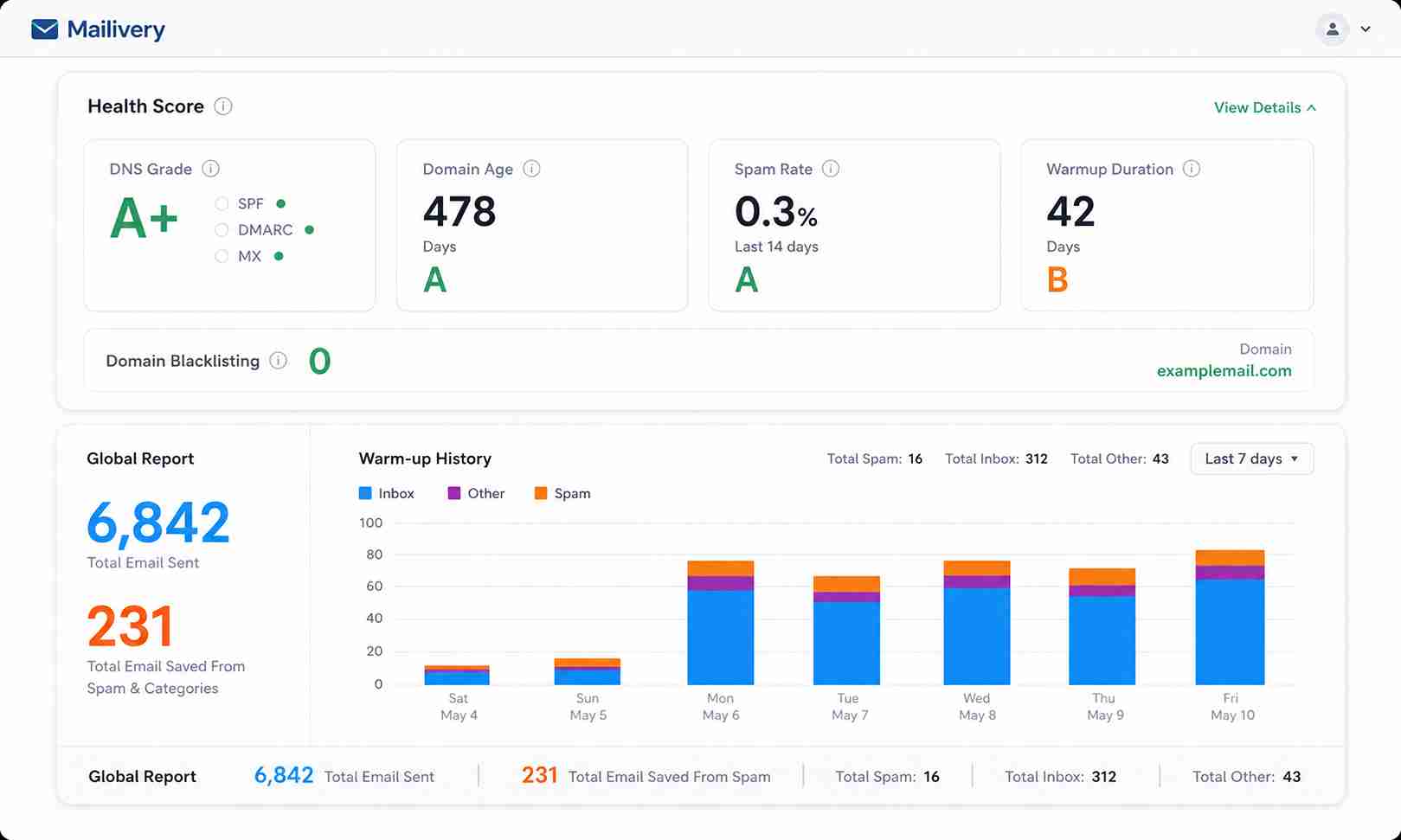
Mailivery follows the standard warmup pattern — automated sends, opens, replies, and spam-to-inbox moves through a network of inboxes. The addition of monitoring features gives it a modest diagnostic edge.
Warmup mechanics
The platform gradually increases sending volume and generates positive engagement signals (opens, replies, inbox moves) to build trust with mailbox providers. The automation is hands-off, and the warmup ramp follows the 2-4 week timeline standard in the category.
Placement visibility
Mailivery’s monitoring layer shows where warmup emails land — inbox, promotions, or spam. For teams that want confirmation their warmup is progressing (rather than trusting it blindly), this visibility is genuinely useful.
Monitoring limits
The monitoring covers warmup activity, but does not extend to real campaign sends, post-send reputation tracking, or provider-specific behavior analysis. You see whether warmup emails are landing correctly — you do not see whether your actual emails will perform the same way once you start sending at volume.
Pros and cons of Mailivery
Mailivery adds useful monitoring to the standard warmup workflow. The tradeoff is that the platform stays within the warmup boundary — no diagnostics, no remediation tools, no expert support.
Who should and shouldn’t use Mailivery
Mailivery works for outbound teams that want warmup with some visibility into what is happening. It falls short when those teams need the diagnostic and remediation depth that real deliverability problems demand.
Who should use Mailivery
- Cold email teams warming a small number of inboxes before outbound
- Senders who want placement confirmation during the warmup phase
- Outbound operators familiar with warmup who prefer visual monitoring
Who shouldn’t use Mailivery
- Agencies managing 10+ inboxes across multiple client accounts
- Teams without SPF, DKIM, and DMARC already configured
- Senders needing deliverability testing beyond warmup activity
- Anyone expecting warmup alone to fix inbox placement problems
Mailivery scorecard for outbound email teams
| Category | Score (out of 10) | Notes |
| Warmup quality | 6 | Standard automation with placement visibility |
| Monitoring depth | 5 | Covers warmup placement, not real sends |
| Authentication support | 1 | Not included |
| Pricing value | 5 | Competitive at small scale, compounds at larger |
| Ease of setup | 7 | Quick connect and automated process |
| Reporting | 5 | Dashboard confirms progress but lacks depth |
| Scalability | 4 | Per-inbox cost limits growth |
| Overall value | 4.5 | Useful warmup+monitoring, incomplete as deliverability |
How Mailivery fits into an outbound email workflow
Mailivery covers the pre-send warmup phase with added monitoring. It does not extend into list cleaning, authentication management, content testing, or post-campaign analysis.
Inbox connection
Connect your email accounts, and Mailivery begins the warmup process. The setup is typically quick and requires minimal configuration.
Warmup phase
Automated sends, opens, replies, and spam-to-inbox movements build positive engagement signals over 2-4 weeks. The monitoring dashboard tracks placement during this period.
Monitoring layer
The platform reports where warmup emails land. For teams that previously ran warmup blind (with no confirmation of progress), this is a genuine improvement.
Where it stops
No email verification, no authentication tooling, no blacklist monitoring, no consultation. When monitoring surfaces a problem — say, warmup emails consistently hitting spam — Mailivery does not help you diagnose or fix the root cause.
What happens after you stop using Mailivery?
The warmup benefits are temporary. Stop Mailivery, and the artificial engagement signals stop too.
- Monitoring visibility ends with your subscription
- No exportable reports or historical data carries over in most warmup tools
- Reputation built during warmup depends on your actual sending to sustain it
- Authentication or infrastructure issues masked by warmup resurface immediately
Warmup is a launchpad, not a long-term solution. The reputation gains only hold if your post-warmup sending practices (list quality, authentication, content, volume management) maintain what the warmup built.
A better alternative to Mailivery | EmailWarmup.com
Mailivery adds monitoring to warmup, which is better than warmup alone. EmailWarmup.com goes further — starting with a 360° audit of your full sending infrastructure, then providing tools and unlimited expert consultation to fix every issue identified.
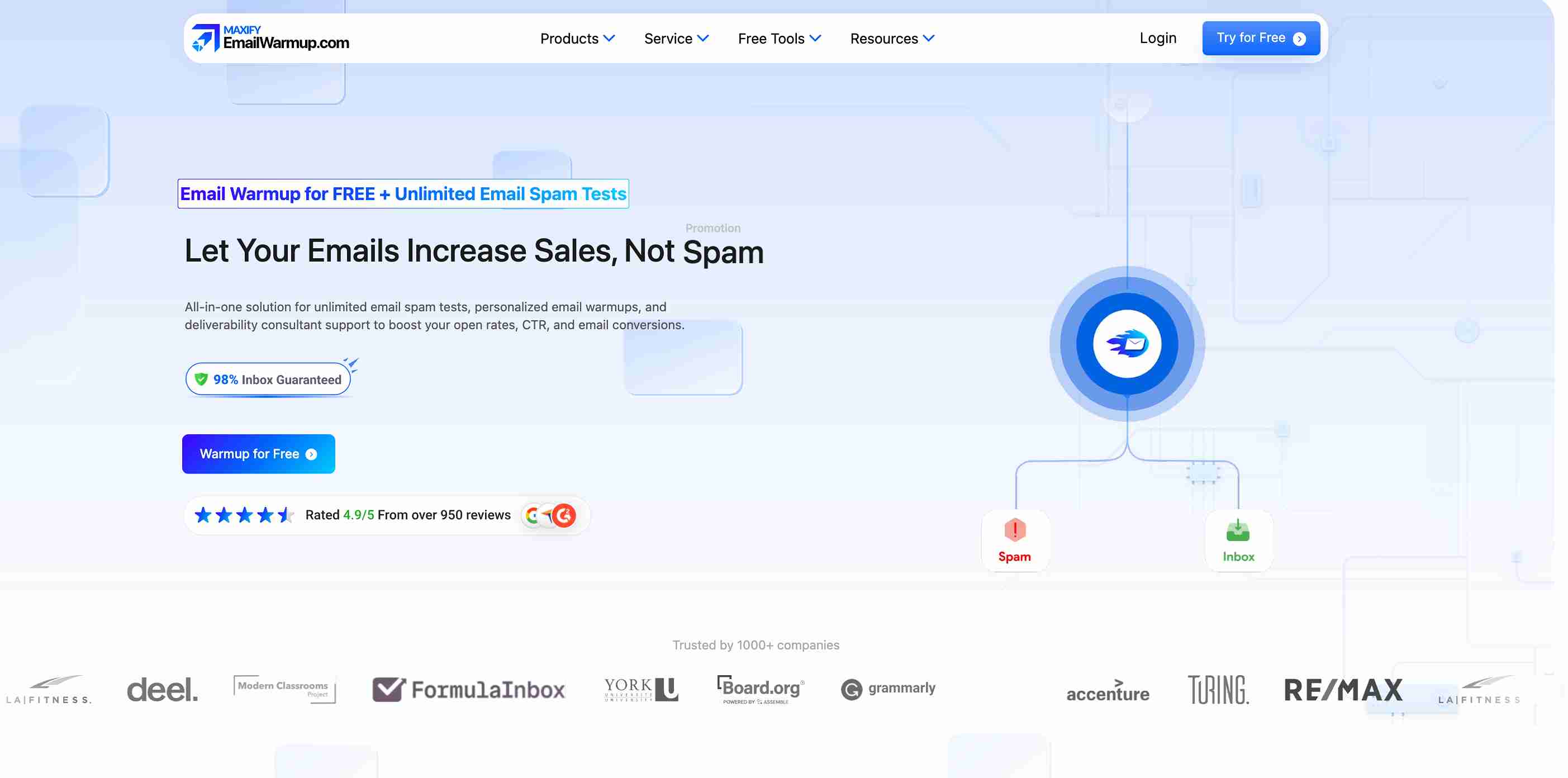
Where Mailivery monitors warmup activity, EmailWarmup.com provides:
- Unlimited deliverability testing across 50+ providers
- Personalized warmup that mirrors your real campaign patterns
- Unlimited consultation with deliverability experts who guide every fix
- Automated email warmup supporting any provider with SMTP authentication
- Full authentication tooling — SPF generator, DKIM generator, DMARC generator
For teams that need warmup and the system-level support to diagnose, fix, and monitor everything that affects email deliverability, EmailWarmup.com closes the gap between watching metrics and improving them.
Final verdict on Mailivery
Mailivery offers a worthwhile upgrade over pure warmup tools by adding placement monitoring to the warmup phase. For small outbound teams that want confirmation that their warmup is working, visibility is a genuine benefit.
- Per-inbox pricing limits scalability for larger operations
- Monitoring covers warmup activity but not real campaign sends
- Useful for confirming warmup progress before launching campaigns
- Hands-off warmup automation with placement reporting
- No authentication, verification, or consultation support
If warmup with monitoring is the gap in your existing stack, Mailivery fills it. If you need a platform that audits, fixes, and monitors deliverability as a connected system, it leaves too many problems untouched.
Frequently asked questions about Mailivery
Here are the questions senders commonly ask before choosing Mailivery.
Mailivery builds engagement signals that can improve sender reputation over time. The placement monitoring confirms whether warmup emails are landing correctly. But warmup alone does not fix authentication issues, list quality problems, or content-related spam triggers.
Standard warmup timelines in the category run 2-4 weeks for established domains and potentially longer for new domains. The monitoring dashboard helps you track when placement signals stabilize enough to begin real outbound.
Warmup addresses sender reputation — one factor in a system that includes authentication, list quality, content, sending patterns, and domain reputation. If the rest of your infrastructure is configured correctly, Mailivery helps with the warmup phase. If it is not, warmup alone will not fix the underlying issues.
No. Warmup builds reputation through artificial engagement. Deliverability testing measures where your real emails land. The two serve different functions, and both are needed for teams serious about inbox placement.



